
In this update1
Full notes
Full Hellbreach: Vegas update
Read the full published notes in a cleaner layout. The original post stays linked below.
What changed
- Server
- Fixes
- Maps
- Gameplay
- Performance
Hellbreach: Vegas changes
Dear survivors,
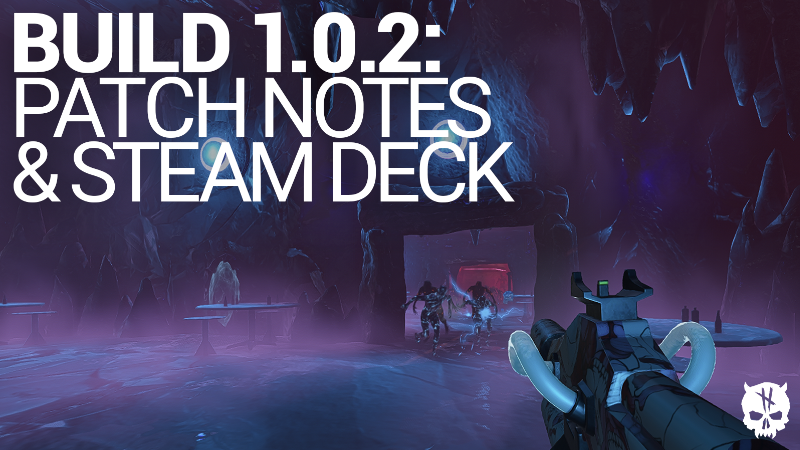
Time for another batch of patch notes for Hellbreach: Vegas! We’ve been reading your feedback on Steam & Discord and steadily working on improving the game. A long with a few fixes, we’ve worked up a few suggested settings for Steam Deck users!
Patch Notes:
Fixed an issue where round based achievement progress was not logged in multiplayer games
Fixed anti-aliasing issue for some users
Fixed Depth of Field (D.O.F.) setting
Fixed Nightmare mode color filter on Hellfest map
Improved server reliability
Added barricades to career stats
We also have good news for those who have been itching to send the demons back to hell on their work commute. Alongside the optimization update, we’ve written up a bunch of settings that’ll make Hellbreach run smoothly on the Steam Deck!
Steam Deck Settings:
Steam Deck Scaling Filter: FSR
Graphics:
Resolution quality: 85% (slightly below 100%)
Shadow Quality: Medium
Anti-Aliasing: High
Visual Effects: Low
Ambient Occlusion: 100%
Reflection Quality: 10%
Motion Blur: Off
Depth of Field: Off
Bloom: Off
NIS: None
Display:
Fullscreen: Off
Brightness: 40%
Max Frame Rate: Unlimited
Vsync: On
FOV: 95
Resolution: 1152x720
Feel free to try out these settings and let us know in the comments or on Discord if you still run into performance issues.
----------------------------------------------------------------
Join your fellow survivors below⬇️:
Source
Changelog.gg summarizes and formats this update. How we read updates.