
In this update3
Full notes
Full 叛逆神魂GODSOUL🔥 update
Read the full published notes in a cleaner layout. The original post stays linked below.
What changed
- UI and audio
- Workshop
- Security
- Store
叛逆神魂GODSOUL🔥 changes
Good evening, rebellious souls! A brand-new Phantom UI update is here — cleaner, smoother, and easier to use.
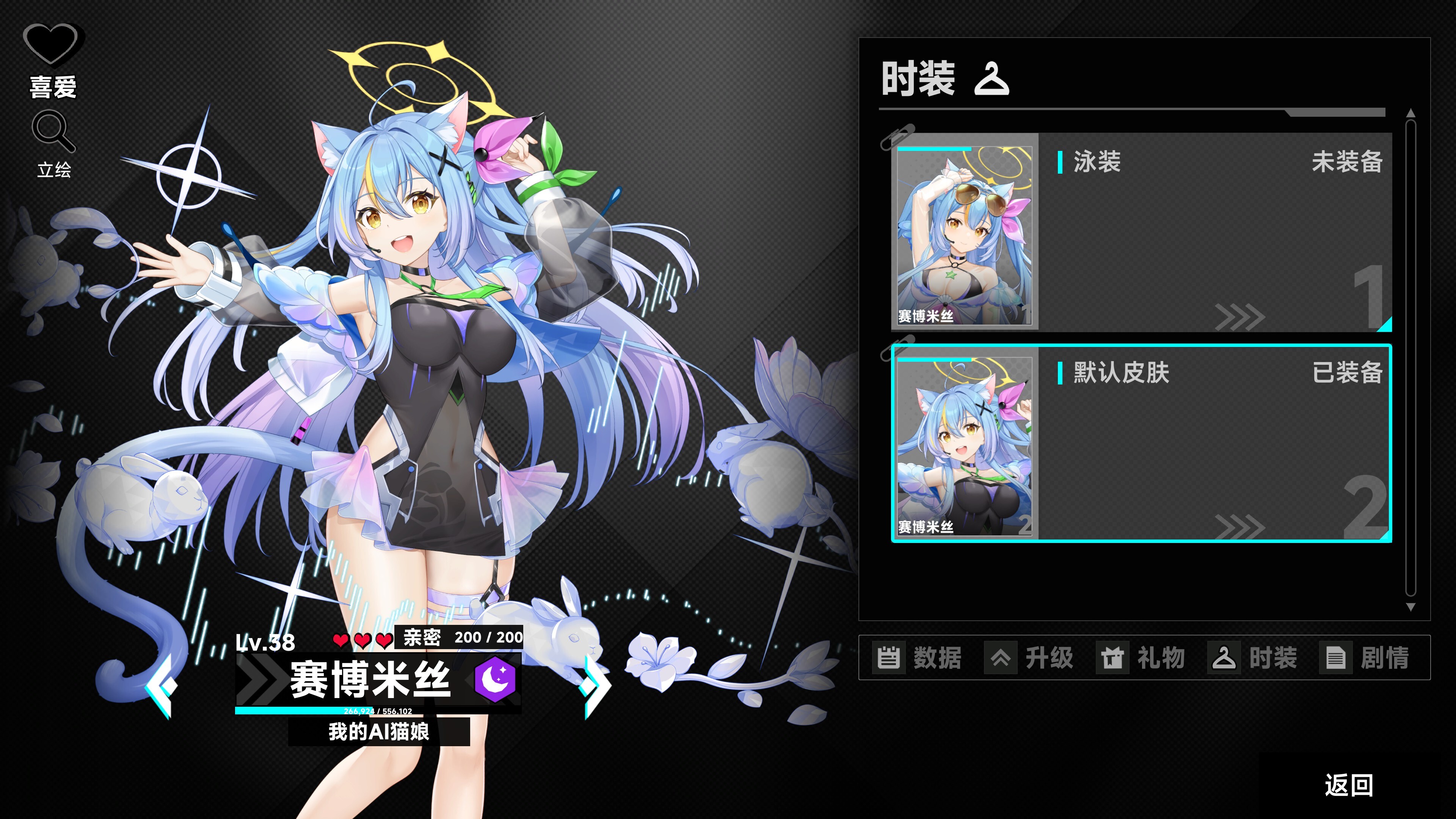
Steam post image This is the EA 1.73 update. (We attempted to push version 1.72 last night, but an unexpected issue occurred. After extensive investigation, version 1.73 has now been released.)
The Phantom interface has been upgraded to a brand-new UI
Fixed live-mode illustration issues for Phantoms [Lulum], [Horus], and [Gaia], as well as the black screen issue in Lulum’s CG gallery
Added localization for some story texts (a small portion will be completed later)
Fixed several Workshop Editor bugs
Fixed Hades’ affection storyline
Fixed an issue in version 1.72 where certain healing cards could not be used
As compensation for the 1.72 build issue, we wish you a warm winter and have added the [Xingmeng Idol] wallpaper to the free Wallpaper DLC
[dynamiclink href="https://store.steampowered.com/app/3573850/_/"]
Regarding manual save issues reported by some players: Folder permission (Read-only)
Please check your save file directory: C:\\Users\\GodOfChaos\\AppData\\Local\\GodSoul\\Saved\\SaveGames
Or directly enter the following in the address bar: %LOCALAPPDATA%\\GodSoul\\Saved\\SaveGames
If the folder does not appear, try entering %LOCALAPPDATA%\\ directly
Right-click the folder → Properties → Security, and make sure it has read & write permissions
“GODOFCHAOS” is an example username only
If you encounter “Unable to save” or “Manual save not working”
The most likely cause is that the SaveGames folder is set to read-only, often modified by security software.
Please navigate to:
C:\\Users\\YourUsername\\AppData\\Local\\GodSoul\\Saved\\SaveGames
Right-click the folder → Properties → Security → Set all permissions to Read & Write
The example username shown is GODOFCHAOS. Please replace it with your own system username.
Thank you for your support of Rebellion GODSOUL.
If you enjoy the game, we would greatly appreciate it if you recommend it to your friends!
https://store.steampowered.com/points/shop/app/1213300
Source
Changelog.gg summarizes and formats this update. How we read updates.