
In this update6
Full notes
Full 叛逆神魂GODSOUL🔥 update
Read the full published notes in a cleaner layout. The original post stays linked below.
What changed
- Workshop
- Gameplay
- Fixes
- Store
- Security
叛逆神魂GODSOUL🔥 changes
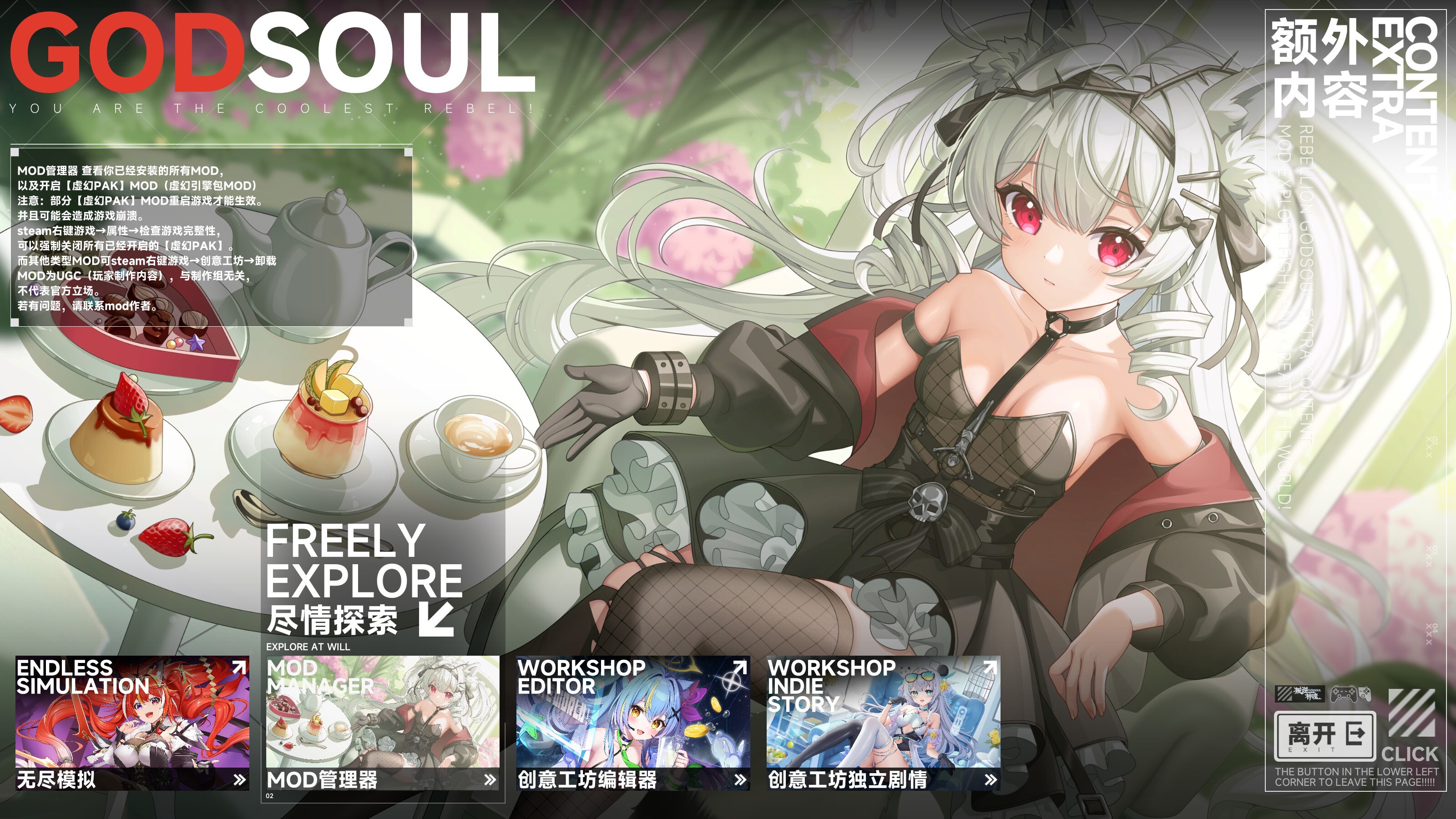
Handsome rebel! Version 1.71 introduces the new MOD Manager, and the Workshop Editor now supports uploading powerful Unreal PAK–type MODs!
You can now view all installed MODs directly in-game. Path: Main Menu → Extra Content → MOD Manager
Support for “Unreal PAK” MODs is now enabled.
What is an “Unreal PAK” MOD?
Unreal PAK is a special type of resource package with a higher priority than the base game’s PAK files. It allows creators to modify the game more deeply and freely.
With Unreal PAK you can:
Replace textures
Replace models
Replace voices
…and add or modify almost any type of in-game resource
Many Unreal Engine games (e.g., Black Myth: Wukong, etc.) use this method for high-powered MOD creation.
⚠️ Creating Unreal PAK MODs requires technical knowledge. This update does not include authoring tools. Creators will need to explore the workflow themselves.
GodSoul currently runs on Unreal Engine 4.27, and dynamic character illustrations use Spine 4.2.
We will gradually release Unreal MOD Creation Guides to help more creators get started.
The Steam Workshop now supports uploading Unreal PAK MODs. Simply choose “Unreal PAK” as the MOD type. Each Unreal PAK MOD is essentially one .pak file, so the story editor is not required.
The current MOD Manager is an early test version. Feedback and suggestions are welcome.
Important Notes
Using MODs may cause instability. The development team only provides the official editor and does not take responsibility for MOD content. Please use at your own discretion.
You can uninstall all loaded PAK MODs by right-clicking the game in Steam → Properties → Verify Integrity of Game Files.
You may also manually delete specific MODs from the folder: YourDrive:\\Steam\\steamapps\\common\\GODSOUL\\GodSoul\\Content\\Paks\\~mods
Some Unreal PAK MODs require restarting the game to take effect.
EA 1.71 Additional Updates
Fixed execution CG offset for Flower Girl
Fixed Shogami swimsuit skin offset in RPG mode
Fixed NPC “Sheep Trust” occasionally losing mouth animation
Fixed description error in the card “Circuit”
Fixed Cyber-Miss storyline CG texture issues
Fixed Faith swimsuit avatar icon error
The editor-related systems have only just entered public testing, so the translations are slightly delayed. Thank you for your patience. (Estimated to be implemented by the end of the year or early next year.)
Regarding reports of manual saves not working
The issue may be caused by the SaveGames folder being set to read-only.
Please go to: C:\\Users\\YourUserName\\AppData\\Local\\GodSoul\\Saved\\SaveGames
Right-click → Properties → Security → Allow full read/write permissions.
Replace “YourUserName” with your actual Windows username.
Thank you for supporting GODSOUL! If you enjoy the game, please consider recommending it to your friends. We greatly appreciate it!
Source
Changelog.gg summarizes and formats this update. How we read updates.