
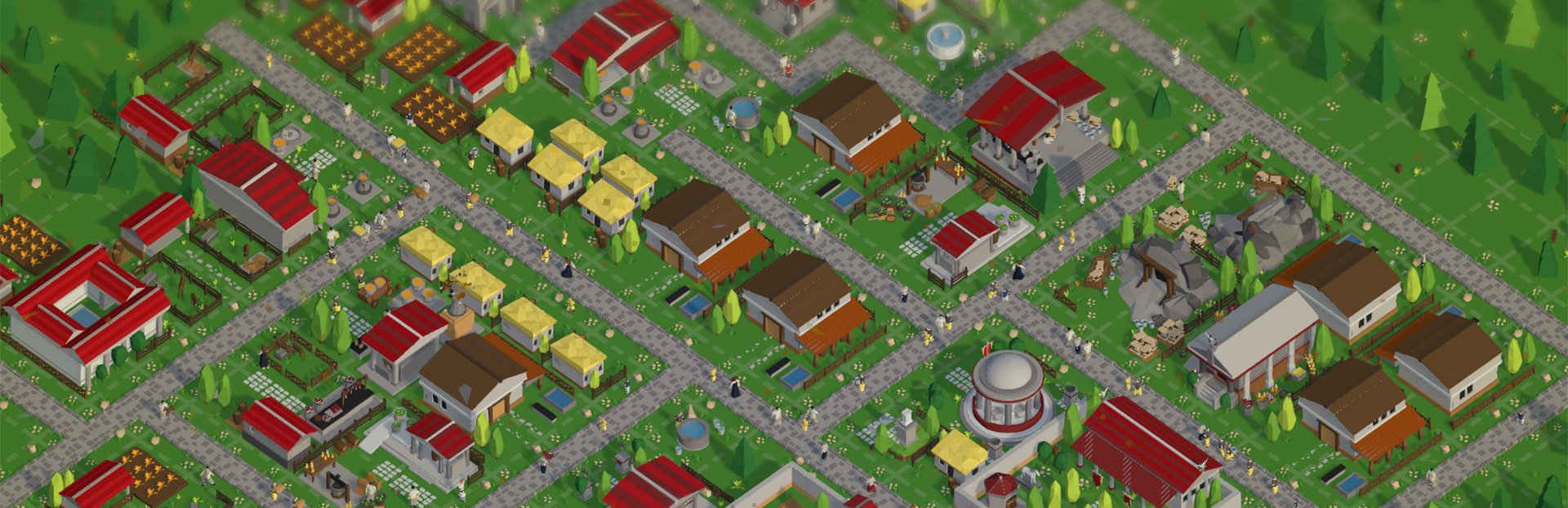
In this update5
Full notes
Full Glory of Rome update
Read the full published notes in a cleaner layout. The original post stays linked below.
What changed
- UI and audio
- Gameplay
- Performance
Glory of Rome changes
A Glorious Update
I've been busy working on a heap of changes to the game and today It's finally ready.
With this new update I'm calling the Glory Edition, I've gone through the game from top to bottom and improved almost every UI, interaction and system in the game. These quality of life improvements I feel have added another level of polish to the game and overall improve the gameplay experience.
Tweaked all UI elements to improve their design, animation, sound, interactivity and usefulness
Added new data-rich UI's to give you more insight into your settlement (resource generation, population breakdown, financial information)
Revised gameplay mechanics, giving you more control over how your dwellings collect resources and upgrade
Improved settings, giving you more control over how the game performs
Updated sound design, with more intuitive feedback when using the UI / interacting with the game
A heap of bug fixes, including some visual ones, performance ones, sound ones and a few sneaky rare ones that used to cause crashes
Dwelling Upgrade Mechanic changes
Previously when a dwelling had all of it's resource it would automatically upgrade. While this worked fine, it also meant you had no control over when that upgrade happened. With this patch you'll now have to press the update button manually, letting you control when your building upgrades.
This is a major change to the flow of the game, but one that brings the game more in-line with other survival games such as Anno.
New Building Interactions
I've added a few new ways in which you can interact with your buildings, including a Multi-Building Action UI and a new Right Click Context Menu
New Multi-Building Actions UI
This new UI sits at the bottom of the screen. This lets you enable Move Mode, Delete Mode or Upgrade Mode
Move Mode
Enables selecting an existing building and moving it elsewhere, left click to select the building you want to move and left click again on an open spot to confirm (or escape / right click to cancel)
If you try and drop your building on an existing space you'll get a message letting you know it's gonna work and to choose somewhere else.
Delete Mode
Enables bulk delete mode, click on buildings one after the other to delete them. This is perfect for mass removing roads (or dwellings if you're feeling vindictive)
Upgrade Mode
Upgrade Mode, click on multiple dwellings back to back to upgrade them to the next level. You can click on any dwelling, but only if it has the resources required will it upgrade.
These new actions should help you easily upgrade dwellings, delete a section of road or move buildings around. All of these actions generally can be done by selecting a building (or right clicking it) and choosing the same actions.
After playing other games like Anno, I really appreciate having a move and delete tool, so I'm hoping my take on it improves your enjoyment.
Right Click Context Menu
New context menu shown when you right click on a building. This menu gives you quick access to select the building, upgrade it, delete it or move it. A simple UI to speed up your gameplay
Right click on a building and when you're done either right click again, press the close button or select something else to dismiss it
New Building Icon System
Source
Changelog.gg summarizes and formats this update. How we read updates.