
In this update1
Full notes
Full Gloria Victis: Medieval MMORPG update
Read the full published notes in a cleaner layout. The original post stays linked below.
Repeated intro
Greetings, Warriors!
What changed
- Performance
- Events
- Server
- UI and audio
Gloria Victis: Medieval MMORPG changes
We have great news for you today: We are happy to present refreshed visuals of the ingame HUD and further improvements and changes regarding interface overhaul, as well as, significant optimization changes, which should make the interface much more responsive and faster.
This is one of the biggest changes of the recent weeks and may require a few polishing touches here and there, so we are counting on your feedback. Let us know what you think!
Also, we would like to thank you for participating in the PVP event last weekend. It was great fun, we had hundreds of players on the tribunes, and 18 teams participating! The rewards will be delivered to the winners in the upcoming 24 hours. We are in the middle of the Glory Season, so we would like to encourage you to take part in global conquest and climb the ladders to receive great rewards at the season's end!
Last but not least, we are answering players' feedback regarding the balance mechanisms working between servers with different populations, and fixing some bugs, reported by our community.
Let’s check today's update details!
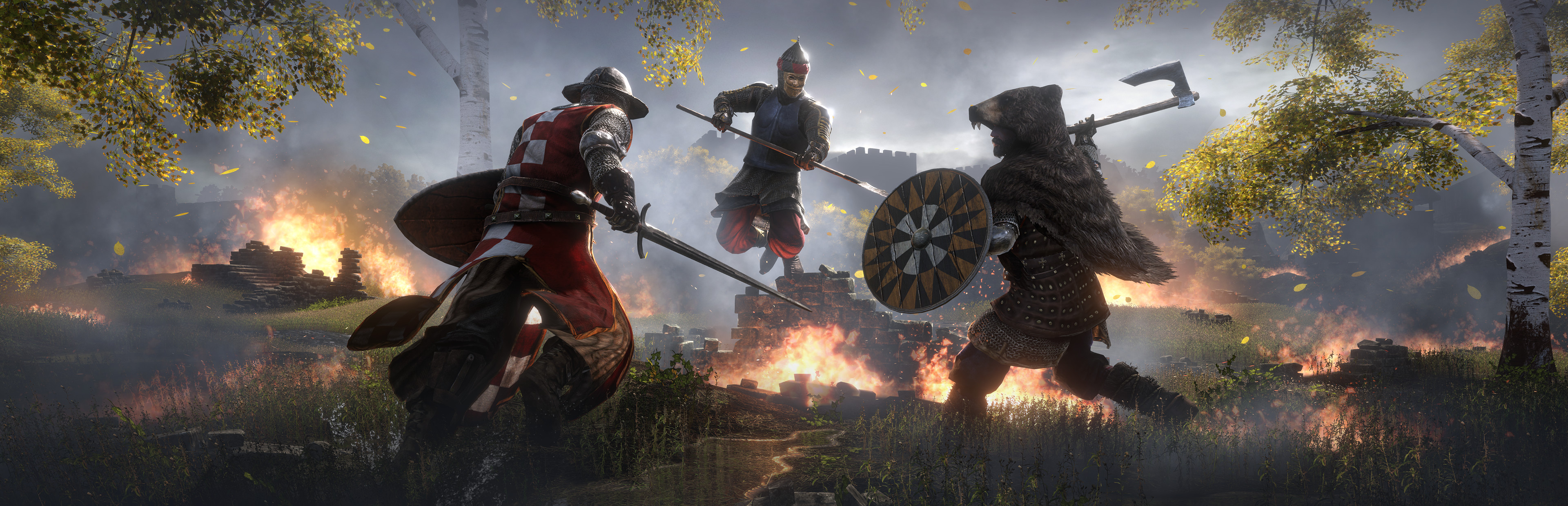
The screenshot’s authors have been awarded. Chris, NooB Hunter [Sams], and Neqster – check your Ambers!
Changelog v.0.9.9.1.7 Beta
User interface overhaul
Backend
First and foremost, as the visuals of the interface was changing for a few months already, we are introducing the rework divided into iterations, as it is the most convenient and reliable way to change such complex and vast systems of the game. The new windows’ visuals are warmly welcomed by our players, and thanks to your feedback, we were able to adjust our course to deliver what our community desires: Immersion, intuitiveness, and esthetic.
But despite the visuals changing upfront, the whole system was running on old backend machinery which also needed upgrading, to ensure the best performance of the new UI. Today is the day where our coders and testers were able to finish one of the most complicated tasks we had on our to-do list recently – full rework of the interface backend.
You should be able to feel significant improvement in the speed of loading interface parts, thanks to preloading them in the background, better impact on the game performance overall, and of course more responsive interaction with the game.
Minimap and quick access HUD
The ingame minimap was fully reworked and received so many fancy improvements. First, it was slimmed down, to be less heavy on the screen, and match the new interface visuals. The icon of the top right corner of the screen will show the zone status, so you will know if it is a safe zone or PVP zone. The events and quest markers are improved, and the closest event and quest will have a 30% bigger icon, to guide you even better. On the right side of the minimap, next to the zoom in and out buttons, you can find a new ping indicator and FPS counter below it, if you toggle showing FPS in the game options. The ingame time is shown on the top of the map. During the Deadly Harvest event, the time counter will be conveniently shown on the bottom of it.
On the top left side of the minimap, you will find a two squares icon, which is a new quick access list and will expand to the left when clicked. There, you will find all possible quick access windows and could see the keybinds that lead to
Source
Changelog.gg summarizes and formats this update. How we read updates.