Repeated intro
What changed
0 fixes1 addition4 changes0 removals
- Server
- Performance
- Gameplay
- UI and audio
- Compatibility
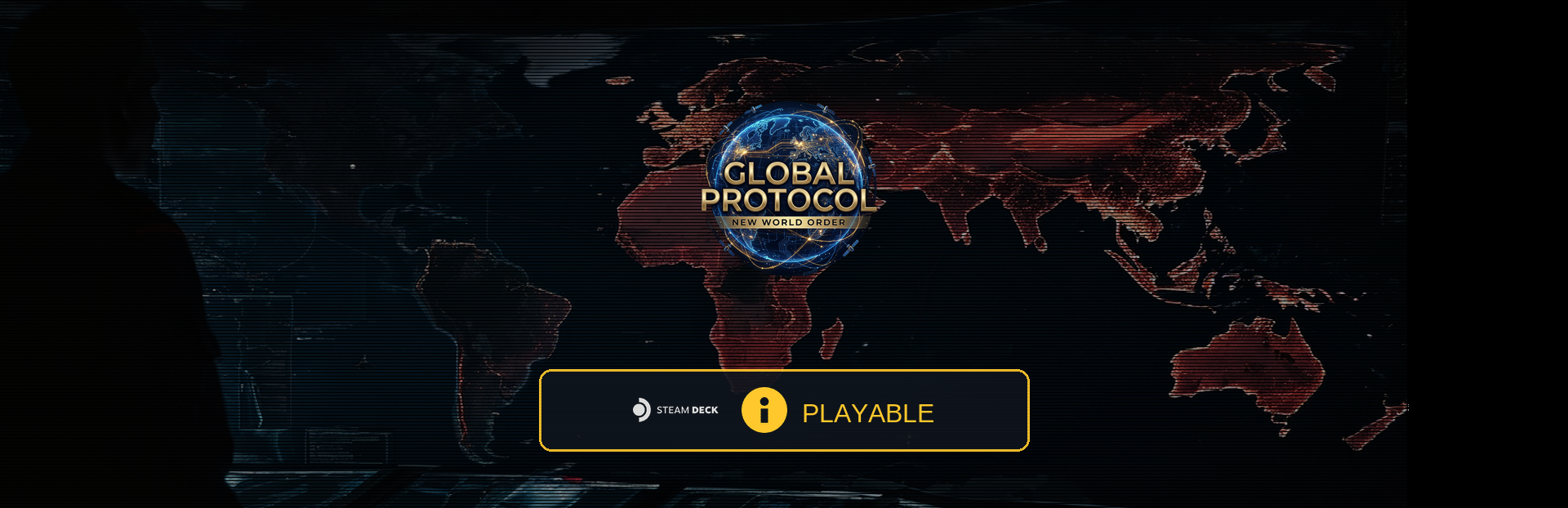
addedWe have some exciting news straight from Valve: Global Protocol: New World Order has officially been reviewed and granted "Playable" status for the Steam Deck!
changedFor a deep, complex grand strategy game managing a massive global simulation, passing Valve's performance checks is a huge milestone. The official report states: "This game's default graphics configuration performs well on Steam Deck."
changedThis is an incredible validation of our core engine architecture. If the simulation runs cleanly and efficiently on a compact handheld processor, you can rest assured the game’s foundation is optimized and rock-solid for any desktop or laptop device you choose to play on.
changed🎮 Playing on the Go: What to Expect Because of the game's deep interface, Valve flagged a couple of minor layout friction points on the 7-inch screen to keep in mind:
changedText & UI: Valve noted some text can feel small on a handheld display. Don't worry—our built-in text scaling support is already live to make reading map data and tooltips much more comfortable on the go! Keyboard & Prompts: You'll occasionally see standard mouse/keyboard prompt icons while using trackpad emulation. When naming a save file, just press Steam + X to manually bring up the virtual keyboard. We are officially ready for handheld and Linux/Proton players. Thank you all for the incredible support—the global order is officially going mobile! 🌍🎒
Global Protocol: New World Order changes
addedWe have some exciting news straight from Valve: Global Protocol: New World Order has officially been reviewed and granted "Playable" status for the Steam Deck!
changedFor a deep, complex grand strategy game managing a massive global simulation, passing Valve's performance checks is a huge milestone. The official report states: "This game's default graphics configuration performs well on Steam Deck."
changedThis is an incredible validation of our core engine architecture. If the simulation runs cleanly and efficiently on a compact handheld processor, you can rest assured the game’s foundation is optimized and rock-solid for any desktop or laptop device you choose to play on.
changed🎮 Playing on the Go: What to Expect Because of the game's deep interface, Valve flagged a couple of minor layout friction points on the 7-inch screen to keep in mind:
changedText & UI: Valve noted some text can feel small on a handheld display. Don't worry—our built-in text scaling support is already live to make reading map data and tooltips much more comfortable on the go! Keyboard & Prompts: You'll occasionally see standard mouse/keyboard prompt icons while using trackpad emulation. When naming a save file, just press Steam + X to manually bring up the virtual keyboard. We are officially ready for handheld and Linux/Proton players. Thank you all for the incredible support—the global order is officially going mobile! 🌍🎒
We have some exciting news straight from Valve: Global Protocol: New World Order has officially been reviewed and granted "Playable" status for the Steam Deck!
For a deep, complex grand strategy game managing a massive global simulation, passing Valve's performance checks is a huge milestone. The official report states: "This game's default graphics configuration performs well on Steam Deck."
This is an incredible validation of our core engine architecture. If the simulation runs cleanly and efficiently on a compact handheld processor, you can rest assured the game’s foundation is optimized and rock-solid for any desktop or laptop device you choose to play on.
🎮 Playing on the Go: What to Expect Because of the game's deep interface, Valve flagged a couple of minor layout friction points on the 7-inch screen to keep in mind:
Text & UI
Valve noted some text can feel small on a handheld display. Don't worry—our built-in text scaling support is already live to make reading map data and tooltips much more comfortable on the go!
Keyboard & Prompts
You'll occasionally see standard mouse/keyboard prompt icons while using trackpad emulation. When naming a save file, just press Steam + X to manually bring up the virtual keyboard. We are officially ready for handheld and Linux/Proton players. Thank you all for the incredible support—the global order is officially going mobile! 🌍🎒
— Dorlion Interactive