
In this update1
Full notes
Full Gilded Destiny update
Read the full published notes in a cleaner layout. The original post stays linked below.
What changed
- UI and audio
- Maps
- Balance
- Gameplay
Gilded Destiny changes
Salutations, Industrialists!
Today’s dev diary is going to be focused on the navies of Gilded Destiny. We’ll take a look at how they’re built, how you can customize and give orders to fleets, and why they’re crucial in your quest to conquer the world.
We also have a video version of this Dev Diary, which walks you through how the navy works here:
If you haven’t already, please wishlist Gilded Destiny on Steam and subscribe on YouTube. You can additionally join our Discord or Reddit community to stay up to date.
Before we go on, regulars will notice that the voice of today’s dev diary isn’t Marc. Today’s dev diary is voiced by Ronan, part of the Gilded Destiny Publishing team; don’t fret though, Marc will be returning soon!
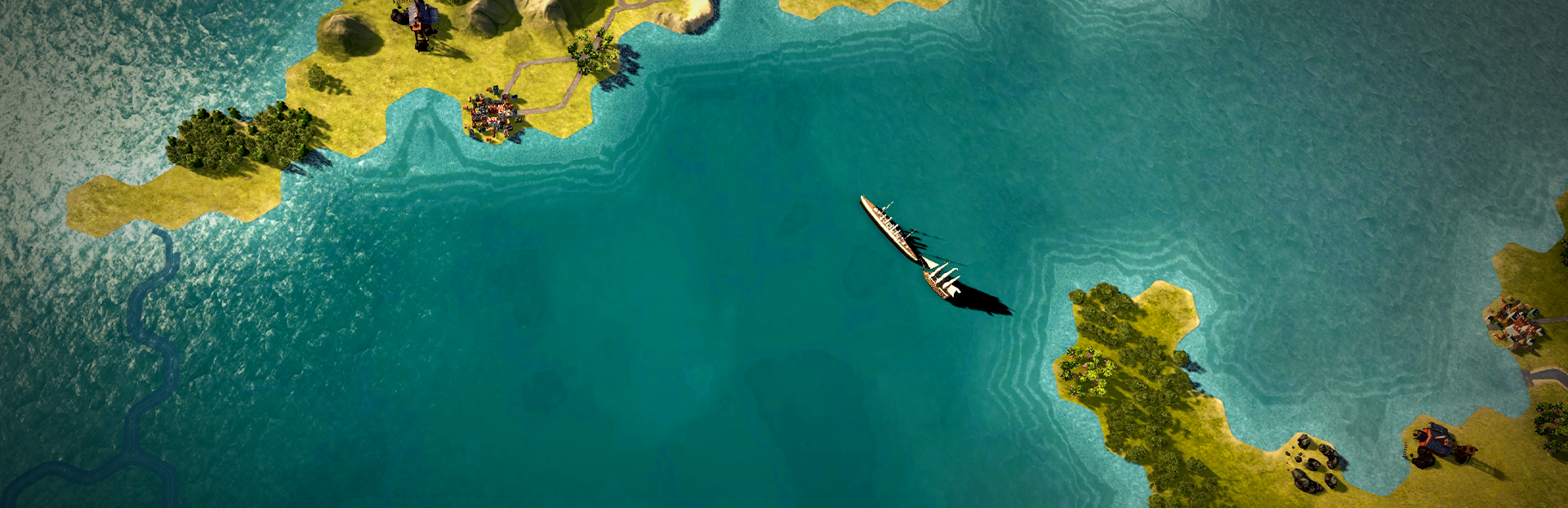
Firstly, as we go through today’s topic, you may notice that some things look a little bit different. We’ve been carefully reworking Gilded Destiny’s map, the result of which you can see in this dev diary. We’ll be looking a bit closer at the work that’s gone into it soon, but before we go any further, we thought it worth mentioning to you.
Building Your Navy
Before you take command of the high seas, you need to first build your ships. In Gilded Destiny, these are created in Military Ports. Military Ports are built in cities and can only be built in coastal areas.
Like other buildings, Military Ports can be upgraded, but they can only be upgraded or built by the government, regardless of policy. Upgrading improves tonnage capacity and the speed of building ships.
Once built, you can then choose what ships you want to build. There are five classes of ships available, with different types and upgraded versions within each class depending on the time period and nation's stage. These classes are: Heavy Ships, Medium Ships, Light Ships, Submarines, and Transport Ships.
Each ship has its own set of stats. These include the more self-explanatory ones like tonnage, attack, defense, range, and HP, to morale, organisation, speed, repair rate, recovery rate, spotting, and blockade power. We’ll look at spotting and blockades in a bit more detail later.
Summary
Ships can be built in military ports
There are five classes of ship: Heavy Ships, Medium Ships, Light Ships, Submarines, and Transport Ships.
Each ship has its own set of stats: tonnage, attack, defense, range, and HP, to morale, organisation, speed, repair rate, recovery rate, spotting, and blockade power
Commanding Your Fleet
Once you have built a ship, you can either use that to create a fleet of one, or build more ships and combine them together. Your fleet will have a home port, which represents where they are built. There isn’t a limit on the number of fleets that can be assigned to a port, but as we mentioned earlier, each port does have a tonnage limit, which will limit the total number of ships that can be assigned to it.
Fleets can be customised and renamed, and, like armies, an admiral can be recruited to lead the fleet.
A fleet's movement is based on sea provinces and ports, rather than on tiles. This means that your fleets are in either a port or a sea province, and when a fleet is in a sea province, it's considered to be throughout the whole province, rather than just occupying certain tiles.
In Gilded Destiny, you can manually manage your fleets if you wish to, but you can also give them tasks, so you can limit your need to control their every move. Here you can see the tasks you can give your fleets:
Free Orders – this is where your fleet has no specific task.
Patrol – this is where the fleet attempts to secure its assigned sea provinces by moving through each of the provinces selected.
Blockade – this blockades enemy ports in all provinces assigned, making it harder for them to trade.
Training Voyage – this task rapidly increases the experience of ships in the fleet, but also rapidly increases the consumption of supplies
Summary
Fleets can be created regardless of whether you have one ship, or multiple ships
Each fleet has its own home port, and whilst there isn’t a limit on fleets assigned to a home port, there is a tonnage limit.
Fleets can be customised and renamed, and an admiral recruited to lead them.
A fleet’s movement is based on sea provinces and ports; when a fleet is in a sea province, it's considered to be throughout the whole province, rather than just occupying certain tiles
There are four different tasks you can give your fleet: Free Orders, Patrol, Blockade and Training Voyage.
Spotting & The Fog of War
Not only does each ship have a spotting statistic, but each fleet also has a detection value determining how close the enemy is to detecting it. This is a feature we’re very excited about showing you in Gilded Destiny!
The key with detection values is that you will not know the detection scores for your own fleets, just enemy ones.
How it works is this: when the detection value of an enemy fleet is less than 50, you won’t be able to know where it is, or how many ships are in it. Any value 50 or above means you’ll be able to both see the fleet’s location, and you'll know how many ships are in it. When the detection value goes to 100, you can start a battle against the fleet.
The reason this is exciting is because, alongside the fog of war, this means enemy fleets are hidden from you until detected.
Summary
You don’t know the detection value for your own fleets, just enemy ones
When the detection value of an enemy fleet reaches 50 or above, you’ll be able to both see the fleet’s location, and you'll know how many ships are in it
When the detection value goes to 100, you’ll be able to start a battle.
Enemy fleets are hidden from you until detected.
Naval Warfare
Once a fleet, whether one of yours or the enemy's, has reached the key 100 detection value and there's a fleet in the same province, the battle will automatically begin.
When you start a battle, you’ll have two sections of ships: a battlefield section, and a reserve section. The battlefield section is for those ships engaged in battle, and the reserve represents units that can’t fight, like, for example, they recently arrived at the battle, or there isn’t enough space in the battlefield section.
Naval battles in Gilded Destiny have two phases, which may be switched between depending on what conditions are met:
Manoeuvre phase – here both sides compete to raise their manoeuvre stats. Achieving a higher manoeuvre stat compared to your enemy means you’ll be able to unlock more powerful actions.
Firefight phase – this is where you’ll be able to directly attack your enemy, whether that’s trying to destroy them, or forcing them to retreat by lowering their morale.
Battles start in the Manoeuvre phase, and once conditions are met – the manoeuvre stat being greater than 1000 and more than three in-game days have passed – moves into the firefight phase. The Firefight phase, and with it your battle, finishes when you’ve either destroyed all enemy ships, your enemy has retreated due to low morale etc., or they’ve run out of reserves.
Summary
When you start a battle, there are two sections of ships: the battlefield section and the reserve section
Navy battles in Gilded Destiny have two phases: the Manoeuvre phase and the Firefight phase.
Battles start in the Manoeuvre phase and move to the Firefight phase once the right conditions are met
The Firefight phase finishes when you’ve either destroyed all enemy ships, your enemy has retreated due to low morale etc., or they’ve run out of reserves.
Blockading
Navies in Gilded Destiny aren’t there JUST to fight enemy fleets. They can also be used to blockade enemy ports. By doing this, you’ll reduce the transport capacity of those ports, making it more expensive for them to import goods from overseas. As you can imagine, this is very handy for starving your enemy of resources.
This isn’t something that automatically happens, though, as you’ll need to assign your fleet the ‘Blockade’ task.
To successfully blockade enemy ports, you’ll need blockade power. Your fleet’s blockade power is the sum of all blockade power of the ships in the fleet, and you’ll need 50 blockade power per level of port. So, in order to fully blockade a whole sea province, you’ll need a blockade power that’s the sum of the levels of each sea port bordering that province multiplied by 50.
Blockading is a great feature if you have a fleet capable and strong enough to slowly starve your enemy’s resources, but perhaps not so much if you’re on the other end of it. To break a blockade, all you need to do is destroy the enemy fleet blockading your ports, or otherwise convince it to leave.
Summary
Blockading reduces the transport capacity of enemy ports, making it more expensive for them to import goods from overseas.
Fleets will need to be assigned the ‘Blockade’ task to blockade enemy ports.
Blockade power is used to determine whether you can successfully blockade enemy ports.
You’ll need a blockade power that’s the sum of the levels of each sea port bordering that province multiplied by 50 to successfully blockade enemy ports.
To break a blockade, destroy the enemy fleet blockading your ports, or otherwise convince it to leave.
Transporting Armies
Unlike other ships mentioned previously, transport ships can't be built directly, but transporting armies will use schooners or steamship goods from the national stockpile.
To move your armies across seas, or directly onto sea provinces, just order the selected units to move to the directed point. When doing this, the army begins moving towards the friendly coastal tile on the same landmass that has the shortest sea route to the destination, at which point the army stops at the tile and requests the necessary transports as part of its supply. Once the army has sufficient transports delivered to it, it will then begin moving over the sea to its destination.
Summary
Transport ships cannot be built directly.
Transporting armies uses schooners or steamship goods from the national stockpile.
Order armies to a particular point and it will request the necessary transport and move accordingly.
Postamble
That’s probably a good place to end for today. We hope that this dev diary has given you an in-depth look into everything navy-related in Gilded Destiny.
As always, if you have any questions or comments, let us know. You can find us on Discord, YouTube, X, Facebook, and Reddit for discussions, updates, and feedback.
Until our paths converge once more, we bid thee farewell!
May your destiny be a gilded one.
Source
Changelog.gg summarizes and formats this update. How we read updates.