
In this update6
Full notes
Full Furniture Assembler Simulator update
Read the full published notes in a cleaner layout. The original post stays linked below.
What changed
- Fixes
- Gameplay
- Store
- Server
Furniture Assembler Simulator changes
Furniture Assembler Simulator Demo update v0.4.0
It has already been a month since the demo release. You've left a lot of valuable feedback, and I've immediately fixed some of the most annoying issues that didn't require much work, like the lack of a click-and-hold tool action.
I also went through all the reviews and watched all the demo videos I could find, carefully taking notes. The biggest issue was clear: the demo felt too tedious and monotonous, especially as an introduction to the game.
So v0.4.0 focuses on breaking the full kitchen set into smaller tasks and introducing simpler orders before players get to the kitchen set itself.
The Stickers
This update completely changes how progression works in the demo.
The phone can ring at any time now, even while you are busy assembling something. You can ignore it or disable it completely if it is too disturbing. When you answer a call, a new sticker appears with a random task on it.
You can accept or discard the sticker right away, or you can discard it after accepting it. They are automatically placed on the whiteboard when accepted. You can pick them up, move them around, and activate them.
The yellow ones are furniture assembly orders, and you earn money completing them. The blue stickers are kitchen set modules, which you can purchase using the money you earn.
These stickers effectively split the single kitchen set assembly task into multiple random tasks and some side tasks to earn money for the main ones.
Simple furniture at the start
The kitchen set is supposed to be one of the most complicated assembly jobs in the full game. No surprise that many players found the task to be too tedious.
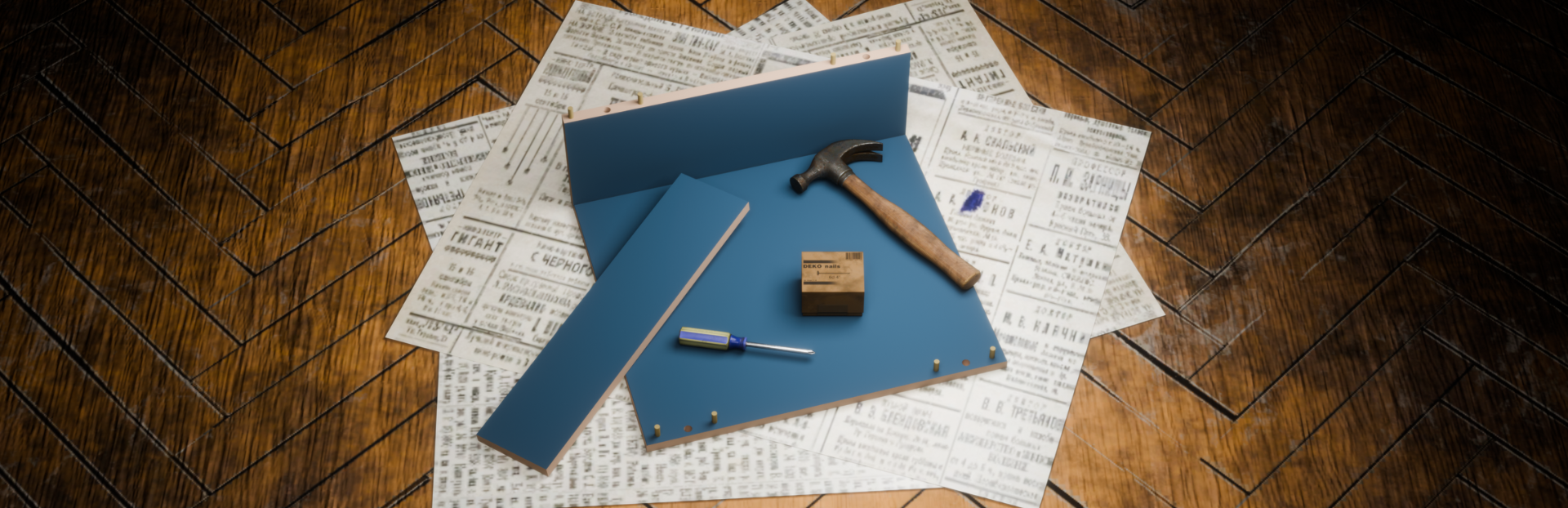
In this update, I decided to add some simpler furniture for you to start with, only simple shelves for now. I am considering adding some more furniture later, but I don't want to put too much content in the demo. Need to keep some for the full game.
Input hints
Another thing people seem to miss is action hints. It was not so critical while there was only clicking required, but the sticker update added new actions. So input hints become quite important now.
With this update, you will see available actions when focusing on or holding any interactive object. Available actions change depending on the context.
Also, the assembly camera mode gets its own hints for camera control, zoom, and exit.
The only thing that does not have action hints in this update is a furniture part placement in assembly mode. The reason is that in the future update, the whole part placement will be reworked from scratch, as players do not seem to enjoy the current approach.
V-Sync and Window mode
I was not expecting people to start recording videos for the demo right away. So I postponed adding some display settings to prioritize more important features. The moment I found the first video on YouTube, I put V-Sync and Window mode settings implementation tasks into the upcoming update features list.
From now on, you can choose between windowed/fullscreen/borderless window modes and disabled/enabled/adaptive/mailbox V-Sync modes.
What next?
Well, prioritizing features for the next update is a task in itself. I hope I will get enough feedback on the latest update before I start.
One thing is clear: the demo is not complete yet, so many updates are coming. And you can help shape it by providing feedback on the current version.
You can also let your favorite content creators know this demo exists and has been updated. Spreading the word about the game helps a lot!
Add the game to your wishlist for updates.
Furniture Assembler Simulator Demo Played the demo? Leave your feedback here, or join the Discord Server if you prefer more real-time discussion.
Source
Changelog.gg summarizes and formats this update. How we read updates.