
In this update7
Full notes
Full FROGGY HATES SNOW update
Read the full published notes in a cleaner layout. The original post stays linked below.
Repeated intro
Hey everyone!
What changed
- UI and audio
- Balance
- Events
FROGGY HATES SNOW changes
One piece of feedback I've seen from players is that the bright snow can sometimes be a bit overwhelming during longer play sessions.
If that's the case for you, don't forget that Froggy Hates Snow already includes several options to make the game much more comfortable to play. You can find them all in the game's Settings menu.
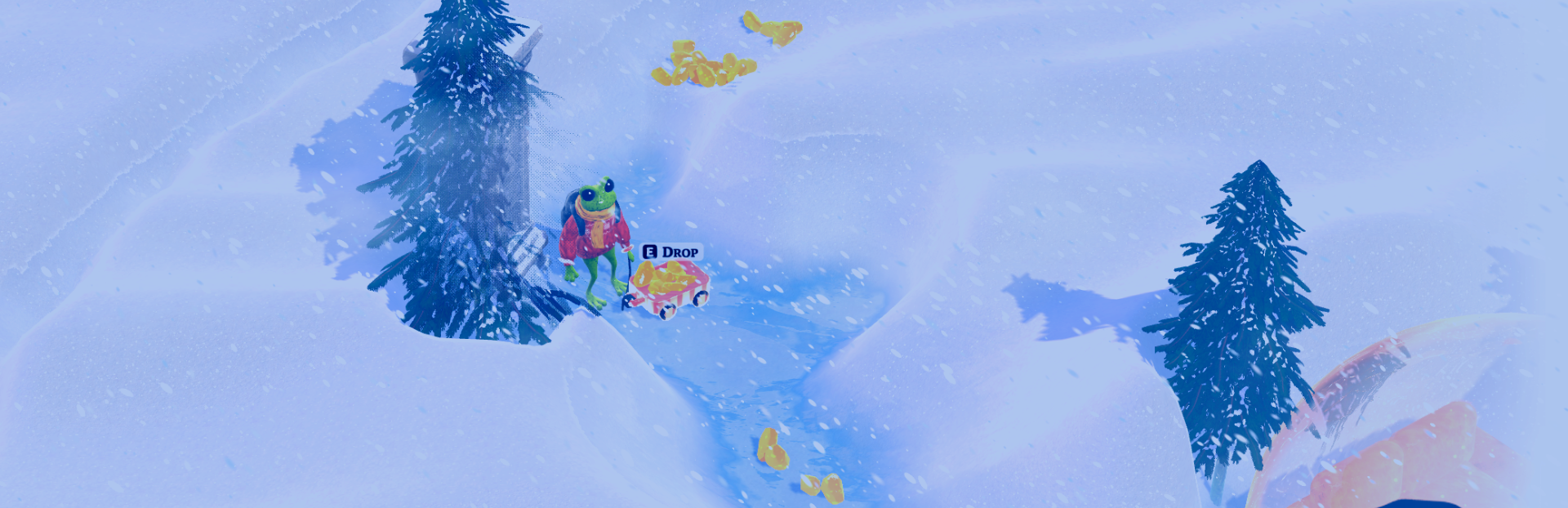
Night Mode
Steam post image
Night Mode isn't just a darker filter.
It applies a cooler blue tint and adjusts the game's contrast and overall color balance to reduce the harsh brightness of the snow while keeping the world clear and readable.
Whether you're playing at night or simply prefer a softer image, it's worth giving it a try.
Screen Brightness
If you simply want the game to be darker, you can also adjust the Screen Brightness slider.
Unlike Night Mode, this option only changes the overall image brightness (gamma), similar to the brightness setting found in most games.
UI Scaling
Steam post image
Playing on a TV? Steam Deck? High-resolution monitor? You can increase the UI size to make menus, health bars, and other interface elements much easier to read.
Glitch Effect
The Glitch Effect is used during various gameplay events as visual feedback to enhance the mood and atmosphere.
If you find it too distracting or simply prefer a cleaner image, you can adjust its intensity using the Glitch Effect Strength slider in the Settings menu.
Whether you want subtle distortion or the full effect, it's entirely up to you.
Danger Area Indicators
If you're having trouble spotting incoming explosions, try increasing Danger Area Indicators from Medium to Maximum.
This setting displays red warning circles showing where explosions are about to happen, making it much easier to react in time.
It works for both Bomb enemies and Hidden Bomb Traps found while exploring.
---
If you haven't checked the Settings menu in a while, it might be worth taking another look – there are quite a few options that can improve your experience.
Thanks for playing and for all the great feedback!
Serge
Source
Changelog.gg summarizes and formats this update. How we read updates.