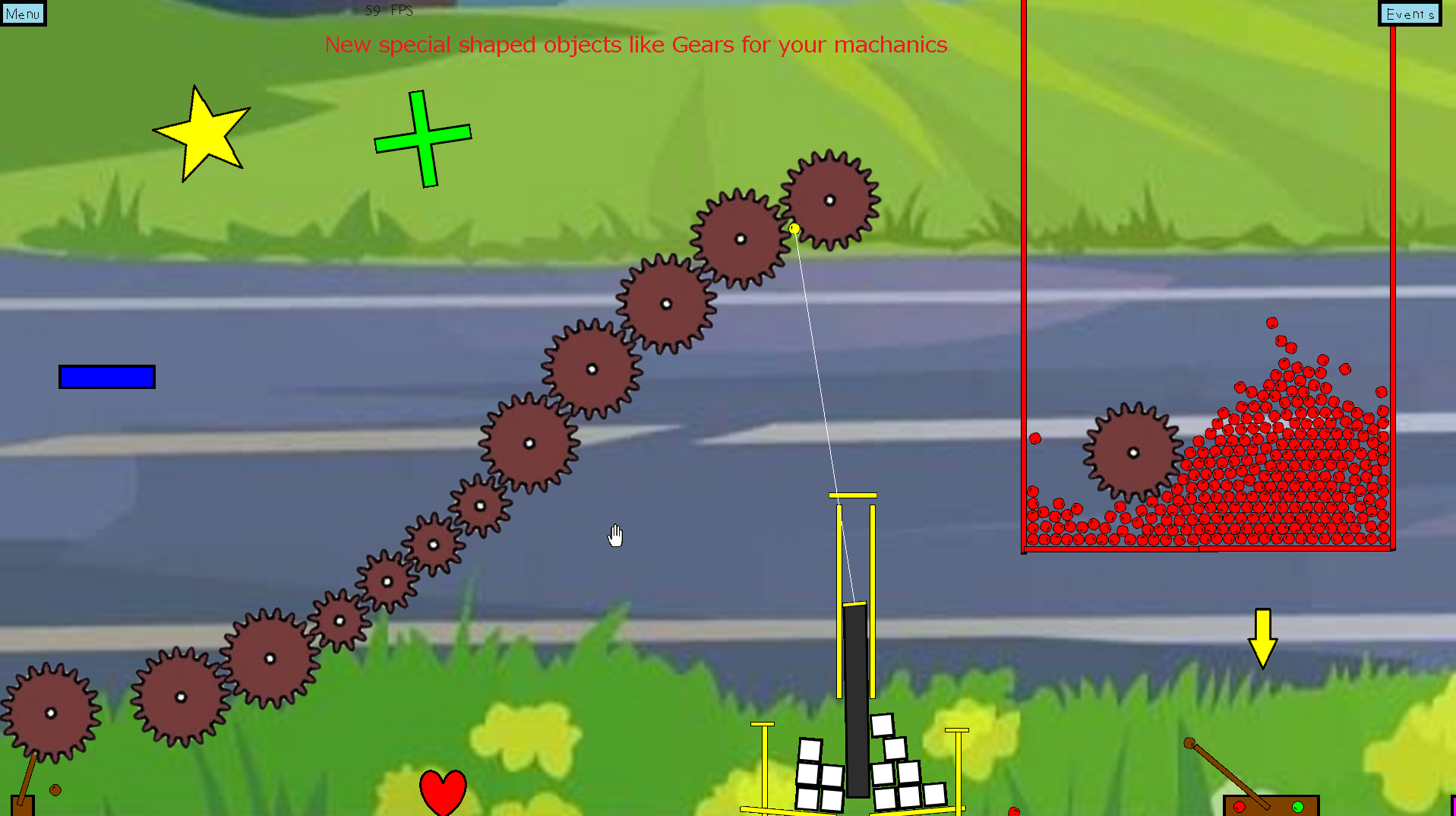
NEW STUFF: zoom in/out with mouse scroll or xbox controllers LR buttons adjust all objects size to any scale - obj special abilities scale with the size where applicable buttons with many choices now have multiple choic
Full notes
Full Freedom Physics update
Read the full published notes in a cleaner layout. The original post stays linked below.
What changed
1 fix2 additions1 change0 removals
Gameplay
UI and audio
Fixes
addedNEW STUFF: zoom in/out with mouse scroll or xbox controllers LR buttons adjust all objects size to any scale - obj special abilities scale with the size where applicable buttons with many choices now have multiple choice window explosions imrpoved - fireworks special shaped objects heart, cross, gear special object anvil is 5x denser in game menu for level options.txt (no need to edit that file anymore)
changedQOL: selected object flashes while editing visual indicators in level edit mode that an object your creating has attributes like sticky or non-normal placement types can tab(or shift tab) through selected objects
addedhelp/menu: help "?" buttons in all menus from esc/pause menu there is a button to open level directory buttons easier to press on touchscreens first time game level opened will display welcome message showing some basic info button to open event menu from hand tool mode added button to edit object once selected with hand tool
fixedminor bugs/fixes/improvements: fixed GUI issues on low resoluion like 1024x768 fixed some errors / more error handling esc to move back level or quit app
Freedom Physics changes
addedNEW STUFF: zoom in/out with mouse scroll or xbox controllers LR buttons adjust all objects size to any scale - obj special abilities scale with the size where applicable buttons with many choices now have multiple choice window explosions imrpoved - fireworks special shaped objects heart, cross, gear special object anvil is 5x denser in game menu for level options.txt (no need to edit that file anymore)
changedQOL: selected object flashes while editing visual indicators in level edit mode that an object your creating has attributes like sticky or non-normal placement types can tab(or shift tab) through selected objects
addedhelp/menu: help "?" buttons in all menus from esc/pause menu there is a button to open level directory buttons easier to press on touchscreens first time game level opened will display welcome message showing some basic info button to open event menu from hand tool mode added button to edit object once selected with hand tool
fixedminor bugs/fixes/improvements: fixed GUI issues on low resoluion like 1024x768 fixed some errors / more error handling esc to move back level or quit app
NEW STUFF: zoom in/out with mouse scroll or xbox controllers LR buttons adjust all objects size to any scale - obj special abilities scale with the size where applicable buttons with many choices now have multiple choice window explosions imrpoved - fireworks special shaped objects heart, cross, gear special object anvil is 5x denser in game menu for level options.txt (no need to edit that file anymore)
QOL: selected object flashes while editing visual indicators in level edit mode that an object your creating has attributes like sticky or non-normal placement types can tab(or shift tab) through selected objects
help/menu: help "?" buttons in all menus from esc/pause menu there is a button to open level directory buttons easier to press on touchscreens first time game level opened will display welcome message showing some basic info button to open event menu from hand tool mode added button to edit object once selected with hand tool
minor bugs/fixes/improvements: fixed GUI issues on low resoluion like 1024x768 fixed some errors / more error handling esc to move back level or quit app