
In this update4
Full notes
Full Fractal Foundry update
Read the full published notes in a cleaner layout. The original post stays linked below.
What changed
- UI and audio
Fractal Foundry changes
Hi everyone!
Last time, we explored multiple-level nested factories.
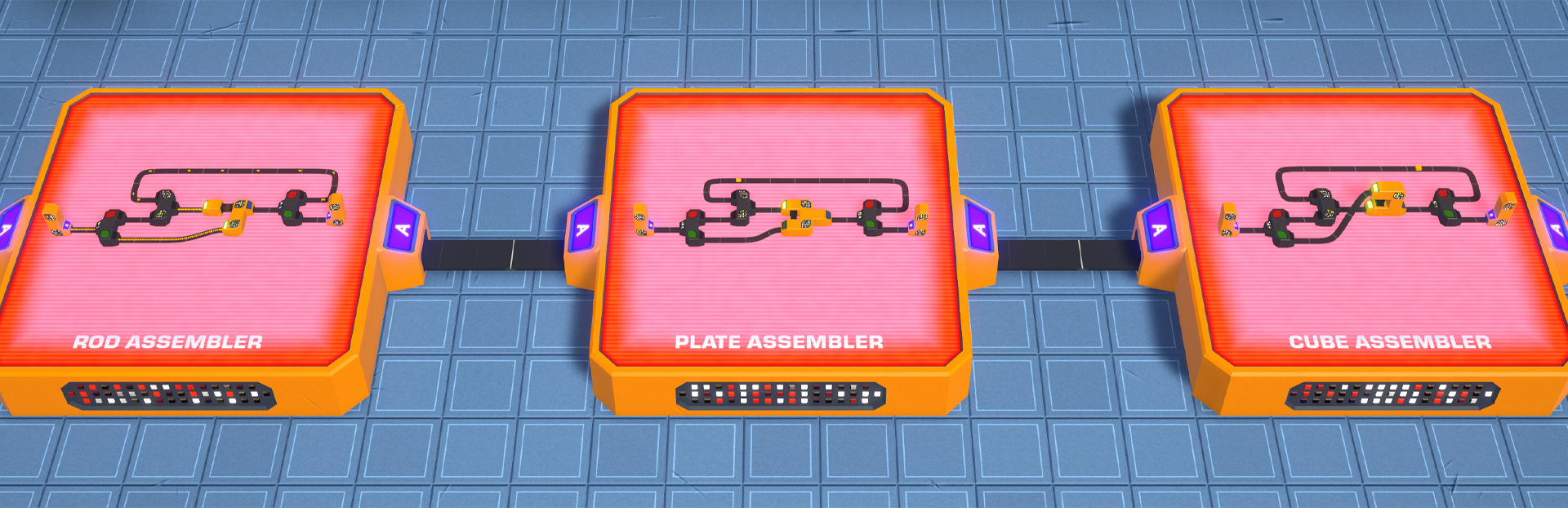
Today, let's take a look at how factory programming works and how the same factory design can be reused to produce cubes of different sizes.
One factory design, multiple outputs!
Programmable factories
In this example, the same factory can produce cubes of different sizes using parameters.
Here's the design of the Cube Factory:
Loops
For each dimension, a loop keeps expanding the shape until it reaches the target size, allowing the factory to scale automatically based on the parameter values.
Conditions
Here's how you can customize a condition to inspect the length of your shape. In this example, we're using a variable instead of a static value.
You can also use the Formula mode for even more control over the value:
Variables
To use variables, you first define them in your Nested Factory configuration panel.
These variables are then exposed as parameters in the Nested Factory configuration panel.
The screen on the Nested Factory displays the parameter values used for this specific instance:
Watch the full creation process here:
Closed playtests are coming soon!
The first closed playtest is currently planned for late summer.
To prepare for that, I've now enabled the Steam Playtest "Request Access" button. This doesn't mean the playtest is live yet, it simply lets everyone register in advance. I'll start with a small group of testers and gradually invite more people in waves as the game becomes more stable. As promised, I'll prioritize people from the mailing list for the first wave of invitations.
I can't wait to finally get Fractal Foundry into your hands!
Source
Changelog.gg summarizes and formats this update. How we read updates.