
In this update9
Full notes
Full Food Processing Simulator update
Read the full published notes in a cleaner layout. The original post stays linked below.
What changed
- Gameplay
- UI and audio
- Store
- Balance
- Fixes
- Performance
Food Processing Simulator changes
Hi everyone, 😄
Thank you very much for all the feedback, reports, and suggestions you have continued to share with us. We are still reviewing everything you send while also improving existing systems to make larger factories easier to manage and organize.
This update focuses on improving Machine Management, making Box organization cleaner in several areas, and fixing stock-counting issues related to Cold Storage and Supply Racks.
With that in mind, here is what is included in this update.
Main Updates
1. Machine Management Search and Quick Settings
The Machine Management panel has been updated with a search function to help players find machines more easily.
Players can now search machines by:
Original machine name
Custom machine alias
This should make it easier to manage large factories with many machines of the same type, especially when using aliases to organize different production lines.
If no matching machine is found, the panel will show that there are no machines matching the search.
Bulk actions such as Power All and Upgrade All will continue following the currently active machine category, allowing players to manage the selected group more efficiently.
Machine cards also now include a quick settings button. For machines that have settings available, players can open the machine settings directly from the Machine Management panel without walking to the machine manually.
This includes supported machine settings such as worker, commodity, and box-related settings.
Navigation inside the Machine Management panel has also been adjusted so the updated list and new quick settings controls are more comfortable to use.
2. Automatic Box Tidier
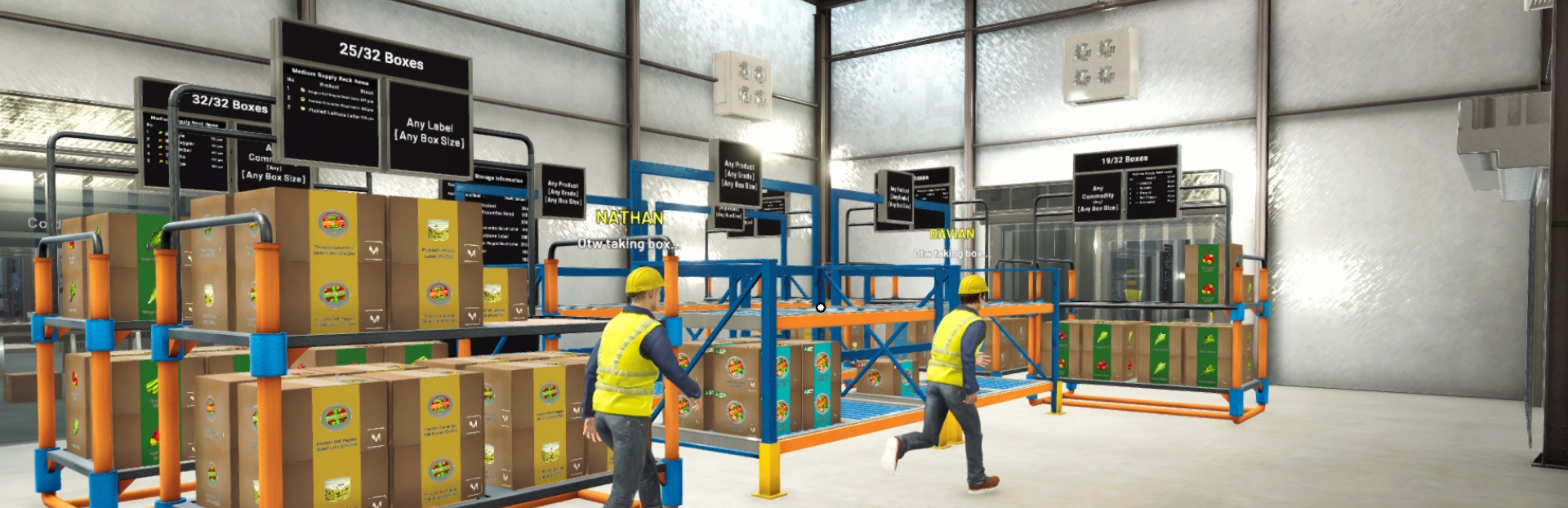
Boxes will now be arranged more neatly in several designated locations.
This quality-of-life improvement applies to:
Supply purchase drop areas
Box Packer Machines
When Boxes are placed or processed in these locations, they can now organize themselves into neater stacks instead of spreading out too randomly.
This applies to all Box types and Box sizes, and the system works automatically in supported locations.
The goal is to make storage and output areas easier to read while reducing messy Box piles in frequently used parts of the factory.
Improvements
1. Daily Supply Layout Polish
The Daily Supply screen layout has been adjusted.
Items are now positioned more neatly, and the list starts from the top to make the screen easier to read and navigate.
Bug Fixes
1. Cold Storage and Supply Rack Stock Accuracy Fixes
Fixed several issues where stock counts in Cold Storage and Supply Rack panels could become inaccurate.
The displayed stock information should now update more reliably when employees merge Boxes on racks.
Boxes that are currently being carried by the player or an employee will no longer be counted as stored stock. Once the Box is dropped into a valid storage area, it will be counted again.
Stock counts should also decrease correctly when Boxes are loaded into trucks or moved using a Forklift or Pallet.
This should make the displayed stock values more reliable when planning restocks, deliveries, and storage organization.
2. Safer Monitor Exit Interaction Fix
Fixed an issue where input from a machine monitor could still be triggered immediately after the player exited the monitor screen.
This could cause unintended actions after leaving a monitor interaction.
Machine monitors should now properly stop receiving input once the player exits the screen, helping prevent accidental actions when returning to normal movement.
This applies to monitors across all machines.
3. Box Stack Stability Fixes
Fixed several issues related to Box stacks in supported storage and output areas.
Box stacks should no longer collapse or slide as easily when the player is standing near them.
Boxes on top should also no longer remain floating when an employee takes a Box from below.
Box Packer Machines should no longer take Boxes that are currently being organized in the Supply Area.
Boxes that belong to racks should also remain in the correct position after the game is loaded again or after a rack is moved.
Thank you again for your continued support, reports, and feedback. We are still reviewing everything you share and will continue prioritizing improvements based on feasibility and impact.
Some suggestions may require additional planning, testing, or technical preparation before they can be implemented, but not seeing an idea in the current update does not mean it has been ignored.
If you encounter any issues or unexpected behavior, please report them through the in-game Bug Report Menu and/or the Steam Discussions so we can investigate further.
See you in the next update! 🥗🚚
Source
Changelog.gg summarizes and formats this update. How we read updates.