
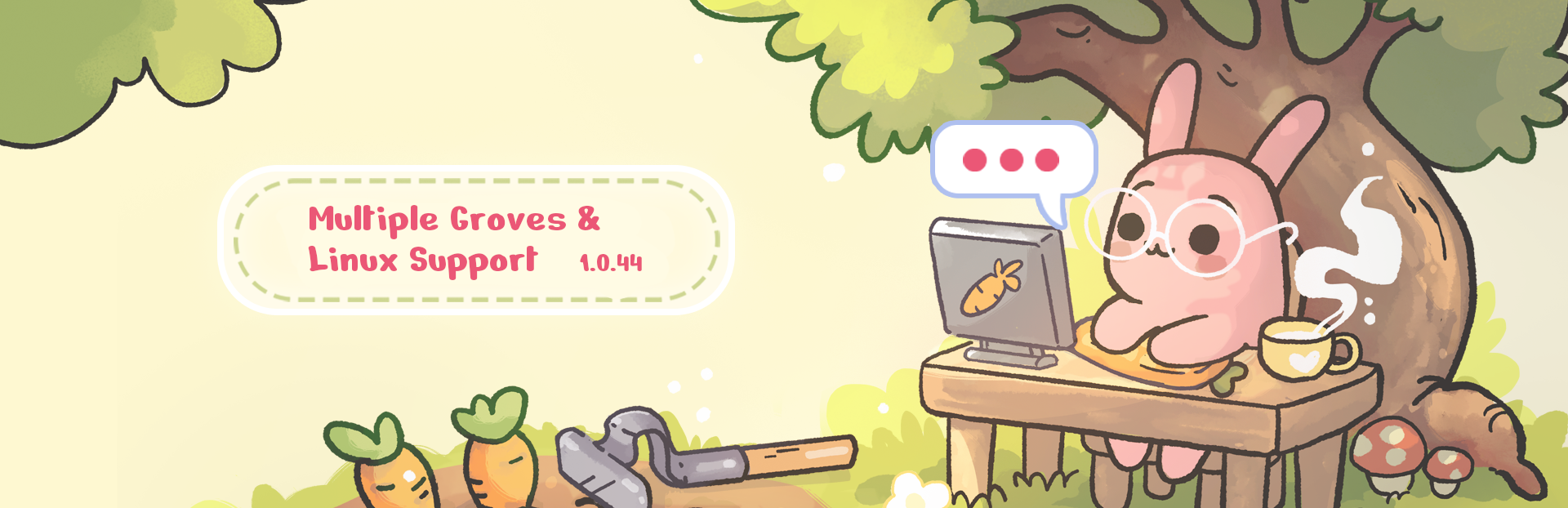
In this update1
Full notes
Full Focus Grove update
Read the full published notes in a cleaner layout. The original post stays linked below.
Repeated intro
Hey! You can now create and keep multiple groves without replacing your previous game.
What changed
- Gameplay
- Compatibility
Focus Grove changes
The new profile and save system lets you create up to 10 separate groves and switch between them from the new menu. Each grove keeps its own world and progression, so you can organize them however you like.
You could create:
a grove for work
a grove for studying
a grove for personal projects
an experimental grove where you try a completely different layout
Or simply start a fresh adventure without losing the grove you already have.
From the new menu, you can continue your current game, load another grove, or create a new one. Groves can also be given their own names, making it easier to keep track of them.
Linux and Steam Deck
Focus Grove now also has a native Linux build!
Because desktop transparency works differently on Linux, this version currently includes two fixed backgrounds that you can choose between instead of the transparent desktop mode.
The Linux version should also work on Steam Deck, although this is the first public version and may still need some adjustments. Please let us know how it works on your device and whether you encounter any Linux or Steam Deck-specific issues.
Steam post image We also fixed the water icon:)
Thank you for helping us grow Focus Grove!
Source
Changelog.gg summarizes and formats this update. How we read updates.