
Full notes
Full FlyInside Flight Simulator update
Read the full published notes in a cleaner layout. The original post stays linked below.
What changed
- Gameplay
- UI and audio
- Performance
- Maps
- Fixes
Adds "Intro to Flight" scenario
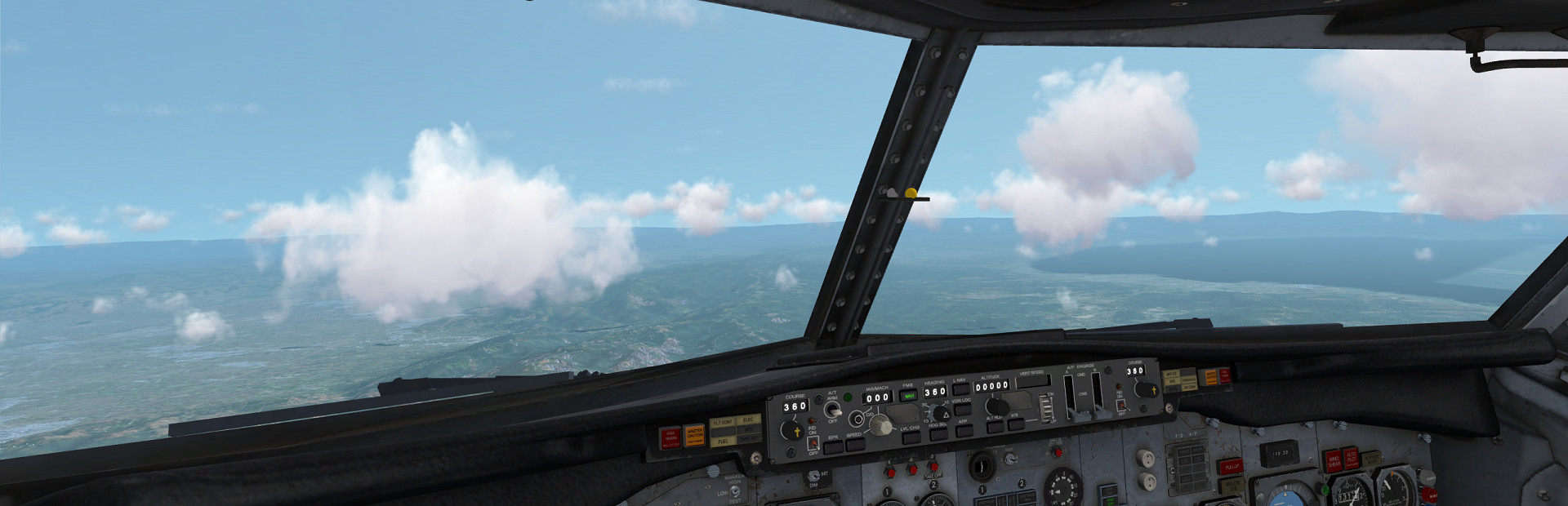
Adds 737 startup checklist. Look for white spinning arrows on the ceiling to find the first switch. White spinning arrows mean you need to set the switch (per the checklist), a green circle means the switch is already in the correct position
Adds internal cockpit night-lighting to all aircraft
Adds VR keyboard which appears when you tap into a textbox in VR
Greatly improves simulator startup speed
Video recording now records to MP4, and you can include audio or menus
Positional yoke now supports all settings/features that rotational yoke does (under Settings -> VR)
Some performance improvements
Some improvements to stutter during scenery loading
Fixes memory leak which occurs after opening moving map
Fixes CPU usage bug which occurred after opening and closing moving map
Fixes crashes caused by corrupt texture files
Fixes B55 Fuel Flow gauge
Adds SDK APIs to parse XML from strings, create strings from XML
Adds newer less obnoxious waypoint model
Adds wind sound, several sound fixes
Fixes several issues with loading stutter
Improves speed of terrain loading. Not done yet, but it's harder to outpace the terrain loader when flying fast
Fixed several aircraft systems bugs
Sim no longer hangs when audio devices are unplugged
Helicopters are now properly affected by wind/gusts
Several fixes to Steam installation process
Adds option so you can choose whether yoke is "hold to grab" or "tap to grab"
Adds UDP socket capabilities to scripting.
Yoke/collective are now grabbed via "tap on" / "tap off". Click the trigger once to grab it, then click the trigger again to let go. No need to hold it down constently.
You can now grab yoke using "grip" buttons on Vive/Touch controllers, which grabs from palm/fist rather than finger-tip
Adds setting to disable VR rudder control when grabbing yoke/collective
Adds setting to leave yoke where it is when you let go of it with VR controller
Adds sensitivity sliders for VR yoke/collective. I find that the helicopters are super flyable using only VR controllers if you turn down sensitivity a little
Tooltips/hands now appear at night, but not blindingly bright
Ground friction is now proportional to "weight on ground". You can get light on your skids in a helicopter and you won't be stuck in place
Propeller and mixture levers now function as multi-grab
Piston engine sounds now turn off when engine turns off
Fixes turn-coordinator ball bug
Improves 717 interaction
Adds heading to location dialog
Adds units/descriptions to helicopter flight dynamics tables
Source
Changelog.gg summarizes and formats this update. How we read updates.