
Full notes
Full EVERSPACE™ 2 update
Read the full published notes in a cleaner layout. The original post stays linked below.
What changed
- Events
- Gameplay
- Balance
- Performance
- UI and audio
- Store
EVERSPACE™ 2 changes
Greetings, Pilots!
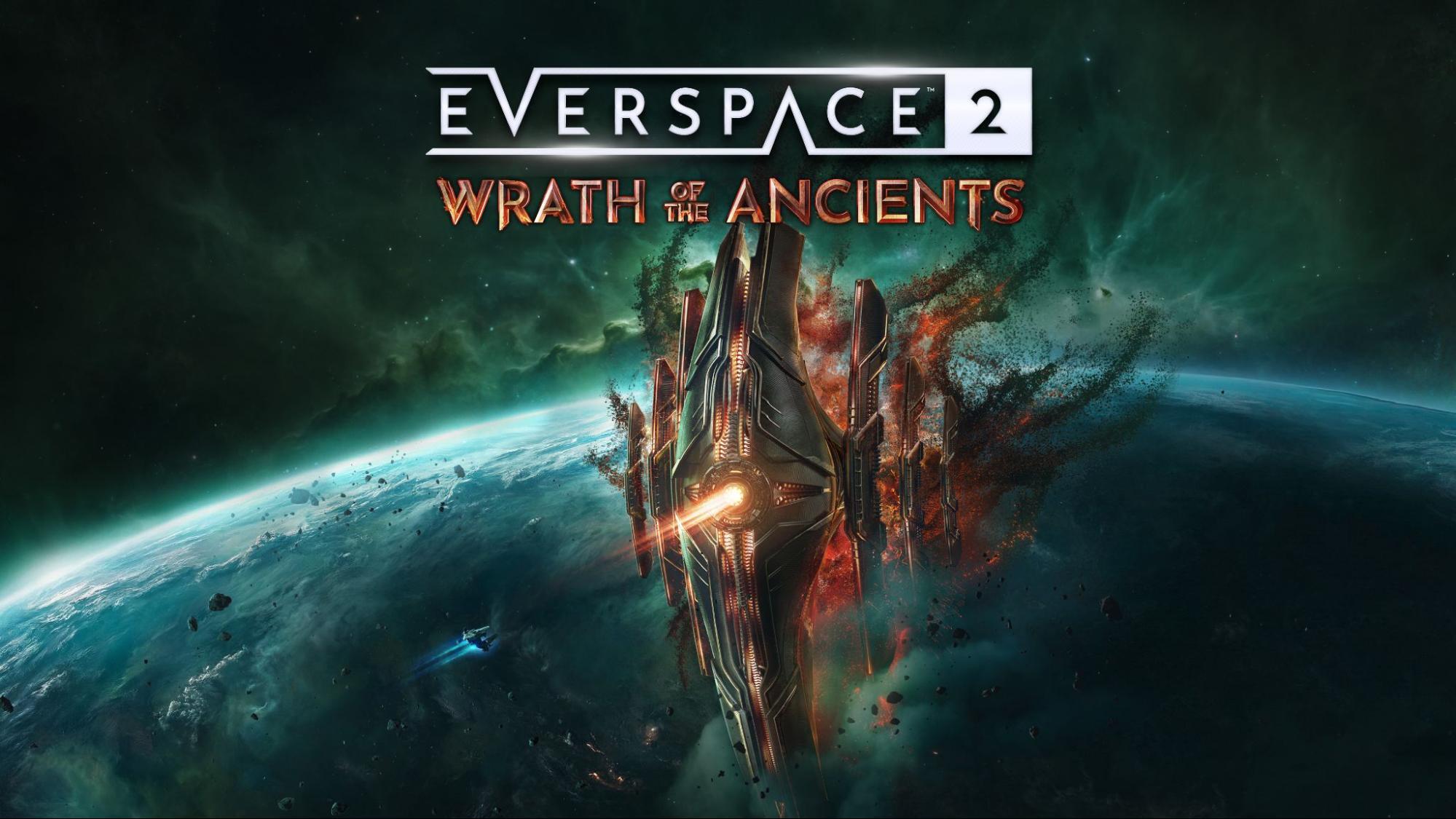
EVERSPACE 2: Wrath of the Ancients is now live on PC and consoles! It’s time to take flight through an all-new adventure set after the events of EVERSPACE 2, that leads pilots deep into star systems controlled by the Okkar. As Adam and his band of misfits seek the origins of mysterious Ancient ships attacking Human colonies, truths of the Okkar race come to light. Apart from that, you may also reunite with an old friend, leading into the Aethon System.
As part of the new storyline, players adventure through four new explorable star systems, each packed with multiple locations filled with new enemies, secrets, and new types of puzzles. New side quests expand on characters and stories introduced in EVERSPACE 2, adding greater depth to the universe. All-in-all, this new expansion adds more than ten hours of new post-game and side quest storylines to the base game.
Wrath of the Ancients adds a new playable Okkar spaceship, the Wraith, which enables new playstyle options through powerful ability combos, increased damage opportunities, and an ultimate skill that transforms the ships’ appearance and special abilities. Pilots will be able to further power up their ships to take on the Ancient threat with legendary weapons, a new gear rarity tier, craftable components, and more. Find out more in our Deep Dive blog.
All EVERSPACE 2 owners should see a new base game update available to download. This update fixes many community reported issues and adds optimizations that should improve experiences for many players, especially those on Xbox Series S. Most notably, update 1.4.47918 brings some very cool quality-of-life features that fans have been asking for:
Expanded ship hangar—one more ship slot
Ship-to-ship gear transfer at Homebase - Equipment compare and swapping across player ships - Fast one-click cargo transfer (PC-only)
Gear reroll stat / trait locking
We’ve removed the gear level up cap—now pilots can upgrade favorite weapons and gear up to the player’s current level, but each upgrade has an increased cost
Added mark-as-favorite action for all non-stackable items to protect favorites from (mass-) dismantling and selling operations
- Mark-all-items action and hotkey (Ctrl+A) / GamepadAction available on empty slots within Expand view
Dedicated sorting type for set-items
Direct ship selection with mouse (PC only)
World codex quick jump-to-category feature including dedicated category for ship classes
Added ship customization option to import styles from other ships
Ship customization action to manually toggle effects / night-mode in every submenu
These features come alongside dozens of changes and improvements. Skip to the bottom of this post for a full list of bug fixes, tweaks, and quality-of-life features introduced in this new update.
Sci-fi concept art fans, today is your lucky day! The Art of EVERSPACE 2 - Ancients & Titans is now available! This digital-only artbook contains 152 pages of concept art, sketches, character portraits, and developer stories created during the development of EVERSPACE 2: Titans and EVERSPACE 2: Wrath of the Ancients. Fair warning, this digital book is FULL of spoilers for anyone who hasn’t yet completed both expansions.
Today, we are also releasing a new soundtrack DLC! The EVERSPACE 2 Official Soundtrack - Expansion Tracks collects twenty-five new tracks from Titans and Wrath of the Ancients into a new collaboration album combining the talents of longtime EVERSPACE series Composer and Sound Director Gero Goerlich and Senior Sound Designer Lukas Deuschel! This album celebrates the best music created for EVERSPACE 2 DLCs and former free content updates.
With the addition of these three new DLCs, we’re changing up our bundles on Steam. A new Complete Edition allows new space fans to get everything EVERSPACE 2 in one. The Galactic Edition contains the base game and all gameplay DLC. Base game owners who haven’t purchased any DLC can buy a bundle to get all gameplay DLC in one package. Finally, we’ve put together a collect the set bundle for our artbooks and soundtracks. These content packages are replacing older bundles and offer better deals to players looking to get as much EVERSPACE 2 content as they can in one go.
Wrath of the Ancients is the last piece of gameplay DLC coming to EVERSPACE 2. The team has been working on this project for nearly eight years now and we’re excited to get a start on our next adventure. You all will likely see another update or two with bug fixes, tweaks, and minor quality-of-life features—please keep reporting bugs in our Discord and the EVERSPACE 2 Steam community hub! We can’t say anything about what we’re dreaming up right now, but there are cool things coming on the distant horizon. Stay tuned!
Read on for a complete list of everything in today’s update.
Changelog: 1.4.47918 Wrath of the Ancients DLC
Features
Wrath of the Ancients DLC card added to main menu
Added “Nightmare” Ancient Rift difficulty that scales up to Lunacy 4000 and unlocks after completing Lunacy 2000
Upgraded Unreal Engine version from 5.4.4 to 5.5.4
- UIAdded ship-to-ship item transfer interface at Homebase
Including equipment comparison and swapping across player ships
Fast one-click cargo transfer (PC-only)
- UIAdded mark-as-favorite action for all non-stackable items (community suggestion)
Use case: Protect favorites from (mass-) dismantling and selling operations
- UIAdded mark-all-items action and hotkey (Ctrl+A) (community suggestion)
- GamepadAction available on empty slots within “Expand View” (Mark mode)
- UIAdded attribute locking for item reroll modification (community suggestion)
- UIAdded dedicated sorting type for set-items (community suggestion)
- UIAdded direct ship selection with mouse (community suggestion)
- UIAdded world codex quick jump-to-category feature, including a dedicated category for ship classes
- UIAdded ship customization option to import styles from other ships
- UIAdded ship customization action to manually toggle effects/night-mode in every submenu
- UIAdded ship customization option to change livery color opacity (supporter pack feature)
[XSS] Xbox Series S is now using “Lockhart Advanced Memory Profile
Tweaks
Removed restriction that you can only level up an item two times. Now, the more often you increase an item's level, the more resources it will cost you.
Push Leviathan pearl loot items away from the geometry the pearl collides with to minimize chances that loot could get stuck in geometry
Judgment Day mines will no longer damage the player
Removed "auto-fire on primary critical" attribute from Cruise Missiles
Mounted turrets don’t auto-aim if player has locked their owner
Disabled critical hits for Combat Drones and Sticky Turrets, but increased their base damage accordingly
- Balancingreduced “Hollow” legendary plating hull damage reduction
- [WindowsSteam, GOG, Microsoft Store] Upscaling plugins: Updated DLSS to version 4.0.0, FSR to version 3.1.3 (FSR 4 available on supported GPUs through AMD Adrenaline), XeSS to version 1.3.1.
Added support for DLSS Ray Reconstruction & Multi Frame Generation
Added support for AMD Antilag2
Note: Unreal Engine FSR plugin no longer supports DX11
Reduced overall memory usage and usage spikes
Steam Deck now uses DX12 by default again
UI: Commodity item demand info is always shown in item icon now
- UIAdded grade-based sorting condition to rarity and item type filter
- UIAdded an option to restock secondaries in cargo even when there are no restockable secondaries equipped (community suggestion)
UI: Customization - Dedicated color indication badge for livery color (supporter pack feature)
UI: Customization - Color indication badges on category buttons
UI: Customization - Multiple root menu layout adjustments to improve readability and consistency
UI: Optimized size of item statcard when shown in space
- UIAdded amount and ammo info to item statcard in space
- UIImproved player feedback in many error cases
UI: Showing set item icon for items that have been modified to be part of a set by installing a catalyst
- UIIncreased statcard height of crafting and modify result and preview screen
- UIAdded basic intro fade-in animation for logbook widgets
UI: General memory and performance optimizations within the in-game menu
UI: Integrated community suggestions for translation improvements from Crowdin and our community tester
- UIFixed some grammatical flaws in the dynamic naming of equipment in French
Bugfixes
Fixed that Exorcist Missiles (mission item) could have an attribute that reduced the lock-on duration
Fixed that the last burst of “Ritual” (legendary item) fires only one missile
Fixed that it was possible to teleport through a closing Leviathan door
Fixed FPS degradation in supralight when having “Inferno” weapon installed
Fixed an edge case in which it was possible to jump into supralight while remote controlling a drone
Fixed that jumping away from Leviathan sighting locations could instantly kill the player (crash into planet), despite no "Planetary Obstruction" warning was shown
Fixed that Scrap Screen plating affected Vindicator drones when docking
Fixed that Redeemer Inquisitor was sometimes rotating weirdly (was colliding with its turrets)
Fixed that shield charge drones would not recharge their target’s shield if it was already depleted
Fixed that Vindicator drones could be created while using a remote drone
Fixed legendary weapons mixing up their attributes when two or more of the same weapon were installed
Fixed Nexus Heart drain effect still persists after unequipping
Fixed that repair bonuses (e.g. Dax/Ben perk) were ignored when calculating the total repair costs
Fixed that the buyback price of items in shop inventory was displayed wrong in certain cases
Fixed minor gamepad navigation problems within loot container screen
Fixed a rare crash that could occur when using “Take All” within loot container screen to collect an already unlocked blueprint
Fixed a bug in the calculation for crafting missing components
Fixed that missile silos were not firing their rockets straight up but to the side
- UIFixed a possible soft lock following a menu layering problem that could happen while creating an Ancient Rift at a spatial bypass
- UIFixed a rare soft lock that could happen after purchase of the Primesense STA item
- UIFixed potential negative ship cargo ratio after modifying an equipped cargo unit in rare cases
- UIFixed appearance of category filters within item selection of loot containers
- UIFixed that mission info panel might be outdated when entering for the first time in rare cases
- UIFixed that the item info within reliquary selection could not be scrolled via gamepad
- UIFixed layout of reliquary selection for widescreens
- UIFixed potential loss of focus in repair and restock screen which would break hotkey functionality
- UIFixed minor issues regarding world codex background fade-in logic
- UIFixed that the wanted bar was not correctly displayed after re-entering a location
- UIFixed that some equipment item indicators could show up on ship items within ship dealer
- UIFixed that shop tutorial boxes could get stuck and lead to input problems after closing
- UIFixed a bug where category icons of equipment slots could get stuck in highlighted state after certain drag and drop operations
- UIFixed that mouse-only buttons of player attributes could be displayed even though gamepad was used
- UIImproved layout of savegame info panel in some cases
- UIRemoved unnecessary shortening of resource requirement button labels within modify item panel in some cases
- UIFixed that button caption of certain toggle actions was not properly initialized
- UIFixed that expand cargo view animation could render a misleading slot highlight frame in some cases
- UIFixed a rare focus loss issue within Ancient Rift setup screen
- UIFixed that sorting button tooltip label alignment was a bit off
- UIFixed a rare bug where statcard scrollbars did not show scrolling progress properly
- UIFixed that signal decoder map icon animation could get stuck when closing menu before completion
- UICustomization - Added missing color badges for engine color selection screen
UI: Customization - Ordering of livery color properties now in line with other colors
UI: Customization - Gamepad navigation in livery panel was broken in some cases
- UIFixed that rarity navigation of catalyst crafting menu could be broken in rare cases
[PC] Fixed that Ctrl key could get stuck after using the Windows key
[PC] Fixed that entering photo mode via hotkey while holding an object and holding F key and then exiting photo mode led to object being grabbed with no option to let go
[XSX|S] Fixed Intelligent Chunk Install
[PS5] Fixed PlayGo Chunk Install
[XSX|S, PS5] UI: Gamepad settings menu page fade-in animation was wrong
Known Issues
[Mac] Visual glitches in large UI elements utilising background blur
[Mac] Steam Overlay is broken (can’t handle the surface format UE5.5 uses)
See you in the stars,
Lee and your ROCKFISH Games team
Source
Changelog.gg summarizes and formats this update. How we read updates.