
Full notes
Full EURGAVA™: Tomb of Senza update
Read the full published notes in a cleaner layout. The original post stays linked below.
What changed
0 fixes1 addition0 changes0 removals
- Gameplay
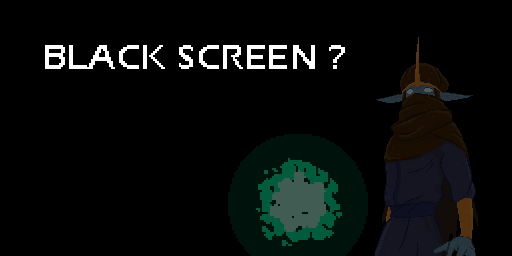
addedApril 9th 2019 If this happens, it means you probably have tried the previous version of the game sometime ago, and the save files from that version remained in your PC. You just need to clear those save files and start new. Go to C:\Users\*\AppData\Local and delete the game folder "EURGAVA-TombofSenza". Should the problem persists, write a comment below or post it in the Steam discussion. Apologies for the inconveniences, and have fun ending the Magic Miasma! - Baskara
EURGAVA™: Tomb of Senza changes
addedApril 9th 2019 If this happens, it means you probably have tried the previous version of the game sometime ago, and the save files from that version remained in your PC. You just need to clear those save files and start new. Go to C:\Users\*\AppData\Local and delete the game folder "EURGAVA-TombofSenza". Should the problem persists, write a comment below or post it in the Steam discussion. Apologies for the inconveniences, and have fun ending the Magic Miasma! - Baskara
April 9th 2019 If this happens, it means you probably have tried the previous version of the game sometime ago, and the save files from that version remained in your PC. You just need to clear those save files and start new. Go to C:\Users\*\AppData\Local and delete the game folder "EURGAVA-TombofSenza". Should the problem persists, write a comment below or post it in the Steam discussion. Apologies for the inconveniences, and have fun ending the Magic Miasma! - Baskara
Source
Changelog.gg summarizes and formats this update. How we read updates.