
Full notes
Full Endless ATC update
Read the full published notes in a cleaner layout. The original post stays linked below.
What changed
- Gameplay
- UI and audio
- Fixes
Endless ATC changes
Version 5.8 changelog:
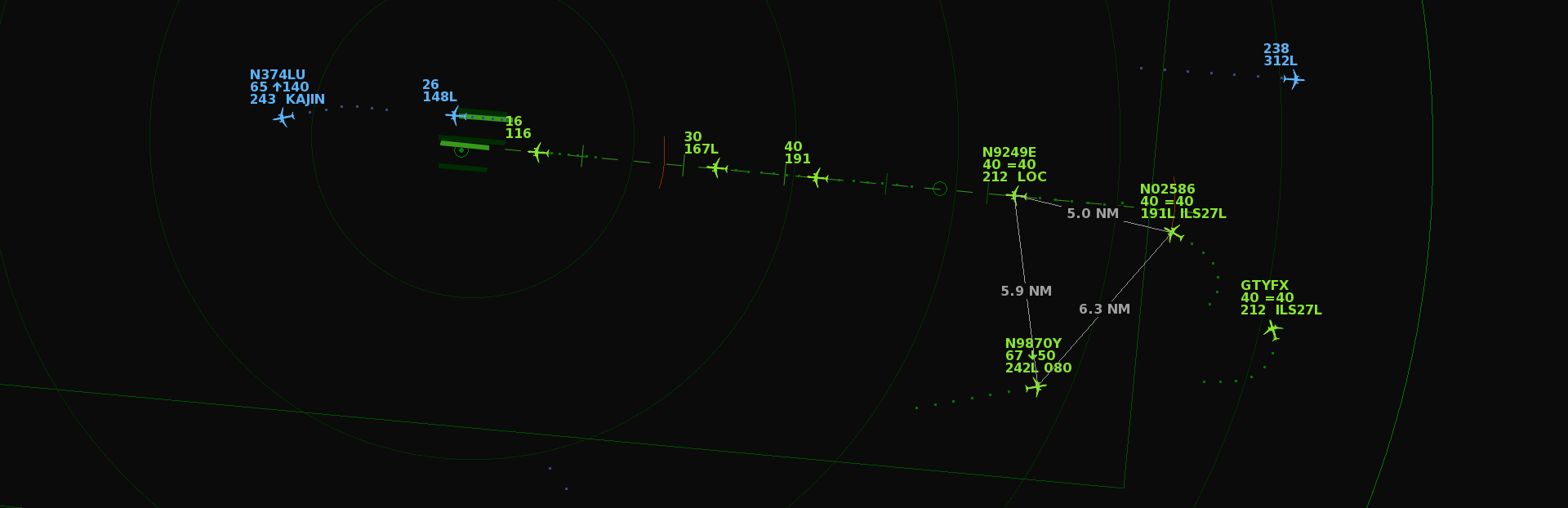
You can now draw multiple distance lines using right clicks or using the 'Distance tool' keybinding. Previously you could draw only one line at a time. To remove a distance line, right click on the distance text. And to remove all lines, right click anywhere on the menu bar.
You can now pan and zoom while the game is paused, and the game now starts paused until you click anywhere on the screen.
Added keybindings for less commonly used functions that were previously hidden behind longpresses on the digits on the menu bar. See the Controls screen (F7) to change the keybindings.
LLZ ('cleared for localizer only'). This can be used temporarily to avoid capture of the glide slope (for separation purposes), when ILS mode is enabled.
Resume Normal speed. This allows you to instruct a plane to resume to normal speed in case you had given the plane a speed instruction earlier. Normal speed behavior is similar to previous versions: departures automatically increase their speed. Arrivals reduce their speed to 250 knots when descending below FL100; and to 220 knots at 15 miles from the airport; and to 200 knots when intercepting the localizer. Note that Normal Speed is automatically resumed when intercepting the localizer, even when instructed a speed change earlier.
- Turn Direction (toggle between a left or a right turn). Notethese 3 features can also be enabled by longpressing digits on the option bar: Steam post image
Pause game. Tip: set it to the Alt key if you like the game to pause automatically when Alt-Tabbing. Esc key will always keep working as an alternative way to pause the game.
Improvements to the Help menu. The interface is also translated to Dutch: the language can be toggled in the About menu in case the OS language is set to NL.
Improvement to pilot readbacks: unnecessary 'double readbacks' are now avoided in case multiple instructions are given in quick succession to the same aircraft.
Arrivals now reduce their speed when flying within 15 miles from their destination. Previously all planes reduced within 15 miles from the center of the radar, which was a bit inconsistent. This change mainly affects arrivals to secondary airports that are far away from center of the radar, for example Newark.
Added 1 minute extra time to the Toronto traffic scenario.
Fixed the Lock View function in the Display menu, so it correctly keeps the current radar view fixed when resizing or reloading the game.
For custom airports:
Added the option to draw text to the [background].
The area label location is now centered at the middle of the label text.
Increased the airspace radius limit.
Source
Changelog.gg summarizes and formats this update. How we read updates.