
In this update3
Full notes
Full Endless ATC update
Read the full published notes in a cleaner layout. The original post stays linked below.
What changed
- Gameplay
- UI and audio
Endless ATC changes
New in this version:
✈ Display options
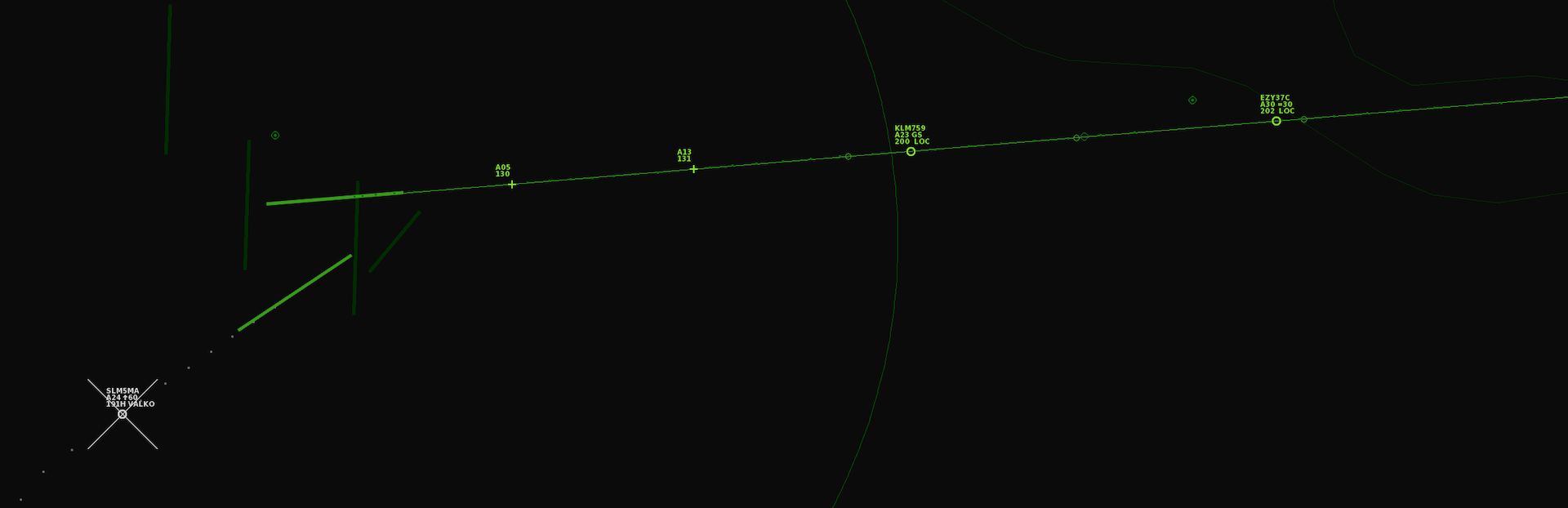
Ident button to toggle on/off the blinking of plane targets that made a call.
Radio button to enable 'Radio Direction Finding': this feature marks planes when they are using the radio, so you can see who is talking. This feature is not only helpful when controlling busy airspaces, it's actually realistic; systems like this are used in real life in some countries.
Captions button lets you hide the blue text at the bottom of the screen. It declutters the screen and adds realism as you have to listen to the pilots carefully (but of course it's only practical to use this feature when voices are enabled). And if you miss a call, just open the menu, because then the blue text will still be displayed.
Clock lets you display the local time. These four new options can be found via the new 'Extra' submenu in the Display menu.
Added XL font size option to the Text button, and adjusted the font size for high DPI displays.
✈ Sound options
- Added a Noise button to the Sound menuwhen enabled, you will hear a bit of background noise when pilots are talking over the radio, for some extra immersion.
Adjustments to text-to-speech calls and readbacks, for more variation and accuracy.
✈ Small adjustments
For custom airports, the altimeter unit can now be manually set to either inches or hectoPascals by using a new 'inches' property.
The control bar defaults to the bottom of the screen on ultrawide displays.
Source
Changelog.gg summarizes and formats this update. How we read updates.