
Full notes
Full Dungeon Maker update
Read the full published notes in a cleaner layout. The original post stays linked below.
What changed
- Server
- Gameplay
- Maps
- Performance
It has been a while since I posted an update, life got in the way of working on Dungeon maker for a bit, but I am back at it and trying to improve the software.
Bug Fixes
Fixed glitch where editing character in game could cause a disconnect due to syncing doors.
Tweaks and Changes
The first tweak to the program was to fix the size and speed of animated dice rolls at different zoom levels. When zoomed in the dice would appear too small and move too fast, while when zoomed out the dice were too big and slow. Now the dice appear roughly the same size and move at the same speed regardless of zoom level.
Another change was made to the battle tracker highlights. Before the game master would see the current units highlighted with a yellow square behind them, but I found this could be hard to see. Now the current character has their frame highlighted in bright yellow, making seeing whose turn it is on the map much easier.
The battle tracker also now closes automatically when the game master changes scenes, where before it would stay up unless the game master closed it manually. This should prevent issues of the battle tracker erroring out when it tries to track an enemy or NPC that no longer exists due to the scene change.
Another change is now clicking and moving the camera is disabled for the game master while either a note, or the briefing screen selector page is open. This way as the game master types into the text boxes the camera doesn't start moving on them.
Another change is on the backend for loading map data in multiplayer. Previously the game master would have not only the map data sync to players, but also the item data. This made sure that players using different versions of the game would see the correct item names that the game master set, but it unfortunately could cause disconnect issues when players attempt to join the game.
Now the map data is synced from the game host, but the players et their own item data. This means that if players are using a different version of the game the map loading might select the wrong items, but the change has stabilized many connection issues. With Steam being great about keeping the program up to date, players and the game host should be on the same version regardless, so the downsides shouldn't crop up.
New Features
A small new feature is confirmation windows when you try to exit a game session, or the NPC and enemy editor screens. This will make sure you don't accidentally exit these screens with an errant click.
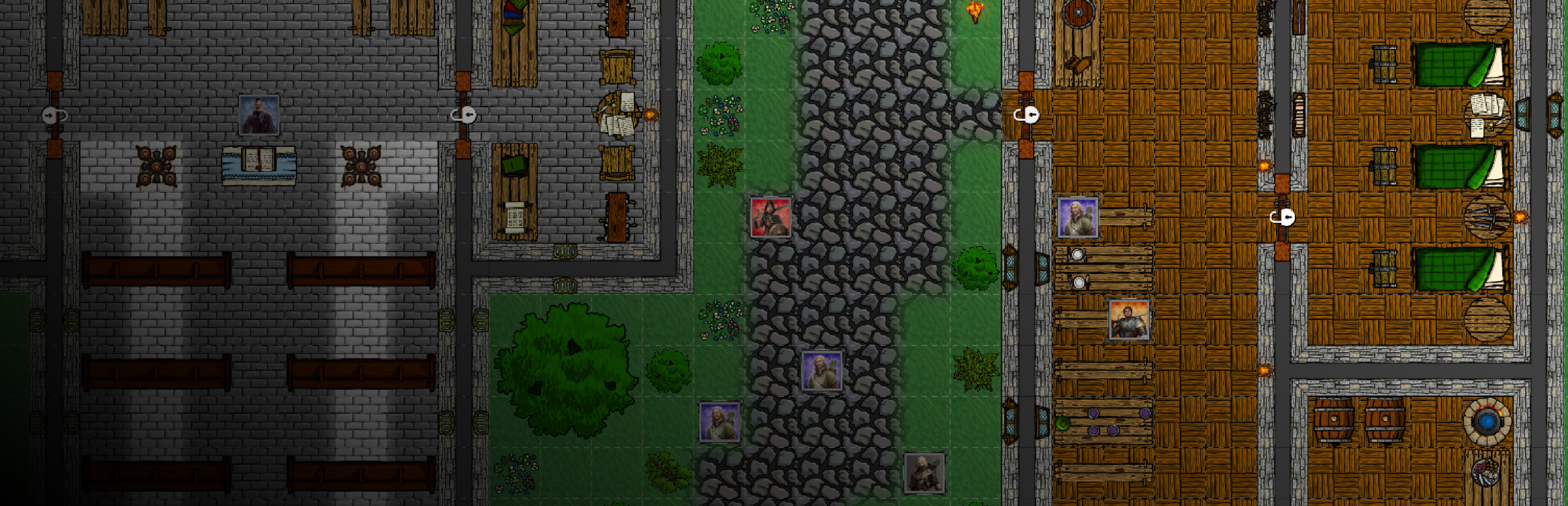
Another new feature is the ability for the game master to toggle light sources when editing maps. Any lights that are toggled off in the map maker will load to players in the off state. This can allow a the game master to set torches and other lights in caves and dungeons off, forcing players to light them themselves, or other game scenarios.
Hover icons have been added during multiplayer for lights and doors. When a light source or door is hovered over with the mouse, a small icon will appear to the upper right of it showing the object can be interacted with. For new players and masters this can help them to see which objects in the game can be interacted with.
And as with many updated new items have been added to the program for you to place:
Let me know of any other features, items, or changes you would like to see, and any new items you want me to add.
Cheers
Source
Changelog.gg summarizes and formats this update. How we read updates.