
Full notes
Full DomiCard update
Read the full published notes in a cleaner layout. The original post stays linked below.
What changed
0 fixes1 addition0 changes0 removals
- Gameplay
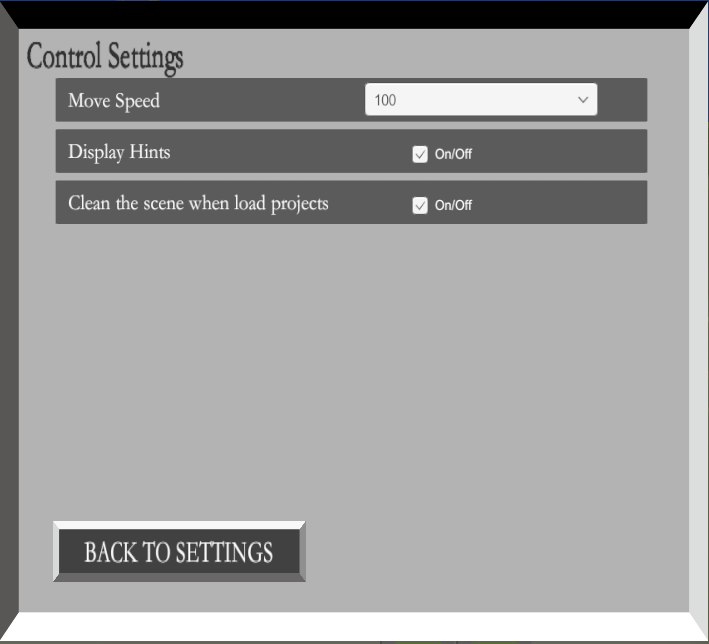
addedAdd a new toggle in the "Control Settings" - "Clean the scene when load projects". If the toggle is on, the whole scene will be cleaned when loading a project. Otherwise, game objects in this scene will not be affected.
DomiCard changes
addedAdd a new toggle in the "Control Settings" - "Clean the scene when load projects". If the toggle is on, the whole scene will be cleaned when loading a project. Otherwise, game objects in this scene will not be affected.
Add a new toggle in the "Control Settings" - "Clean the scene when load projects". If the toggle is on, the whole scene will be cleaned when loading a project. Otherwise, game objects in this scene will not be affected.
The default setting was clean the scene in Single-player mode, but opposite in LAN and online mode. The default setting, for now, is clean the scene in every game mode. Please be aware of this.
Source
Changelog.gg summarizes and formats this update. How we read updates.