
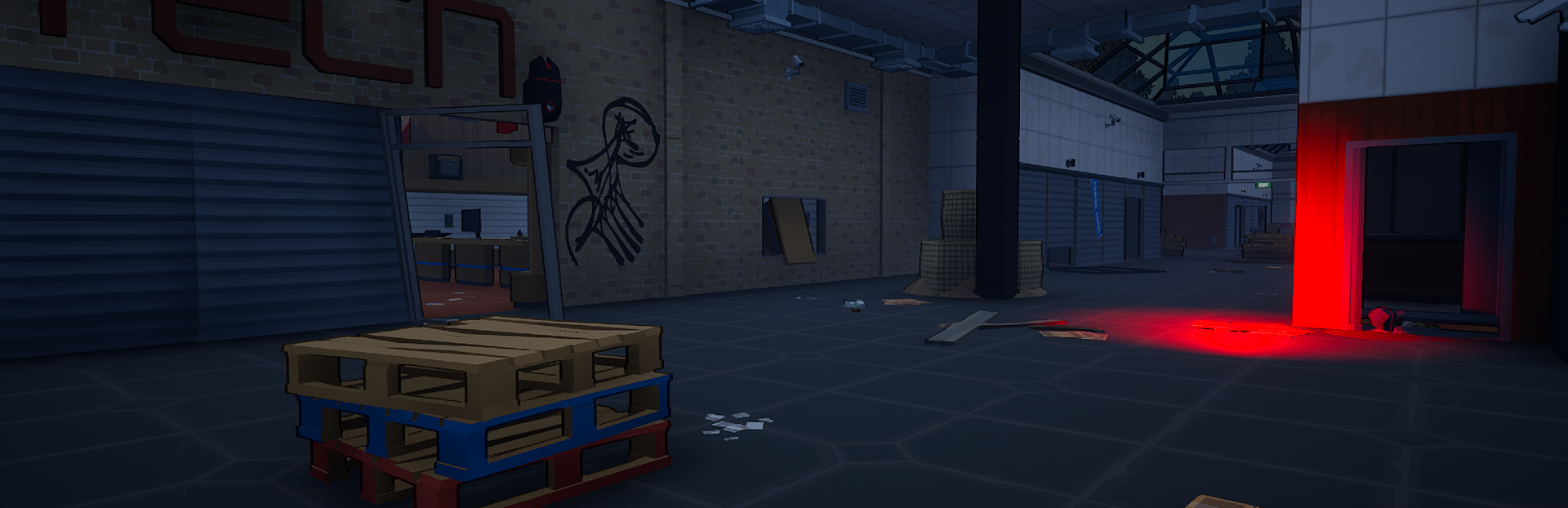
Full notes
Full Deadline Escape update
Read the full published notes in a cleaner layout. The original post stays linked below.
What changed
- Gameplay
- Maps
- UI and audio
- Performance
- Fixes
Deadline Escape changes
ADDED
6 Items: Warehouse Map, Crossroads Map, Mall Map, Deadrise Map, Compass, and a Tracker.
6 new equipment slots: 4 for Maps, 1 for a Compass, 1 for Tracker.
To use the Compass, it needs to be equipped on your character to be turned on and off.
To use the Tracker item, you need to equip it, and when you open a Map, your location will be displayed on it.
To use a Map, the map item must be equipped on your character, and the current map you are in must match the equipped map. Then press the Map button (default M) to open it.
Every extraction point will now be shown on the map menu, where a grey icon means the extraction has not spawned and a green icon means the extraction has spawned.
Exploring an area for the first time now grants XP, and discovered POIs will be displayed on the map menu. Related doors will also be discovered automatically.
Quests related to discovering locations, interacting with objects, or collecting special quest items will now show their locations on the map as well.
Map menus are divided into a maximum of 3 floors. The icons shown on the map will be related to the floor you are currently on. For example, if an extraction is located on floor -1 and you are currently on floor 0, it will not appear on the map. However, all extractions located on floor 0 will be shown normally.
NPCs in the Hideout now show their names above their heads.
The following items can now be bought from the Cipher vendor:
Tracker for 2x Tablets and 800 Money
Compass for 1x PSU and 1200 Money
Warehouse Map for 1x Blade Dogtag and 1500 Money
Crossroads Map for 1x Viper Dogtag and 2500 Money
Mall Map for 1x Shadow Dogtag and 3500 Money
Deadrise Map for 5000 Money
Show HUD option added to Video Settings.
Activate Compass on Game Start option added to Game Settings. (If enabled and you have a Compass equipped, it will automatically start enabled when loading the game.)
New POI notifications on the following maps:
Warehouse
Red Gate
Blue Gate
Green Gate
Orange Gate
Locker Room
Kitchen
Infirmary
Forklift Sector
Shipping Area
Crossroads
Passage
Mall
West Wing
Pharmacy
Best Deal
Guns
Electro Home
Mall Station
Tech
Cyber
Tools
Deadrise
Port
Metro A
Metro B
New Inputs:
'M' for Maps
'C' for Compass
'Mouse Wheel Up and Down' for Map Zoom In and Zoom Out
CHANGED
You can now buy items, open locked doors, place quest items on shelves, gun lockers, and shopping carts while the required items are inside containers in your inventory, such as backpacks inside backpacks, key wallets, material boxes, etc.
Enemy optimizations to reduce FPS drops during longer raids.
Quest objective optimizations.
Optimized and reduced the size and density of grass on all maps.
'M' input is no longer bound to the Main Menu and is now bound to Maps by default.
Main Menu secondary input is now bound to 'P' by default.
Quest objectives that require interaction now have a clearer indicator when looking at the object.
Updated mountain and terrain textures on Crossroads.
Special quest items now spawn a few seconds after a raid starts.
Changed the names of the following POIs:
East Gas Station to Tankyard Station
West Gas Station to Old Gas Station
South Boat Extraction to Broken Bridge Boat Extraction
South Hunting Cabin to Abandoned Cabin
North Hunting Cabin to Rebel Cabin
East Quarantine to South Quarantine Door
West Quarantine to North Quarantine Door
Laboratory to BK's Laboratory
Woods Extraction to Rocky Outpost Extraction
FIXED
Moving equipped items directly into containers in the inventory while ignoring the container's max weight.
Fixed stuttering during long raids.
Ammo related quest items showing incorrect names due to changes from the previous patch.
Electronics room on Warehouse had objects and items placed incorrectly.
FOV settings becoming misaligned when clicking the sensitivity button in Controls Settings.
Hidden stash inside a rock mountain on Deadrise.
Broken terrain on Garbage Dump.
Finding the Missing Parts quest sometimes not showing all objectives properly.
Character T-posing when crouching while holding consumables, throwables, or a flashlight.
Character getting stuck in the Manager's Office when opening the safe from certain positions.
Character getting stuck next to two fuel tanks in a sand area in Military Zone.
Character getting stuck on Water Treatment pipes.
Character getting stuck on a truck near Bunker 04 on Crossroads.
Complete 10, 50, and 100 Quests achievements had incorrect names.
Source
Changelog.gg summarizes and formats this update. How we read updates.