
In this update5
Full notes
Full Community Button update
Read the full published notes in a cleaner layout. The original post stays linked below.
What changed
- UI and audio
- Performance
- Gameplay
- Events
Community Button changes
Community Button v2.2.55
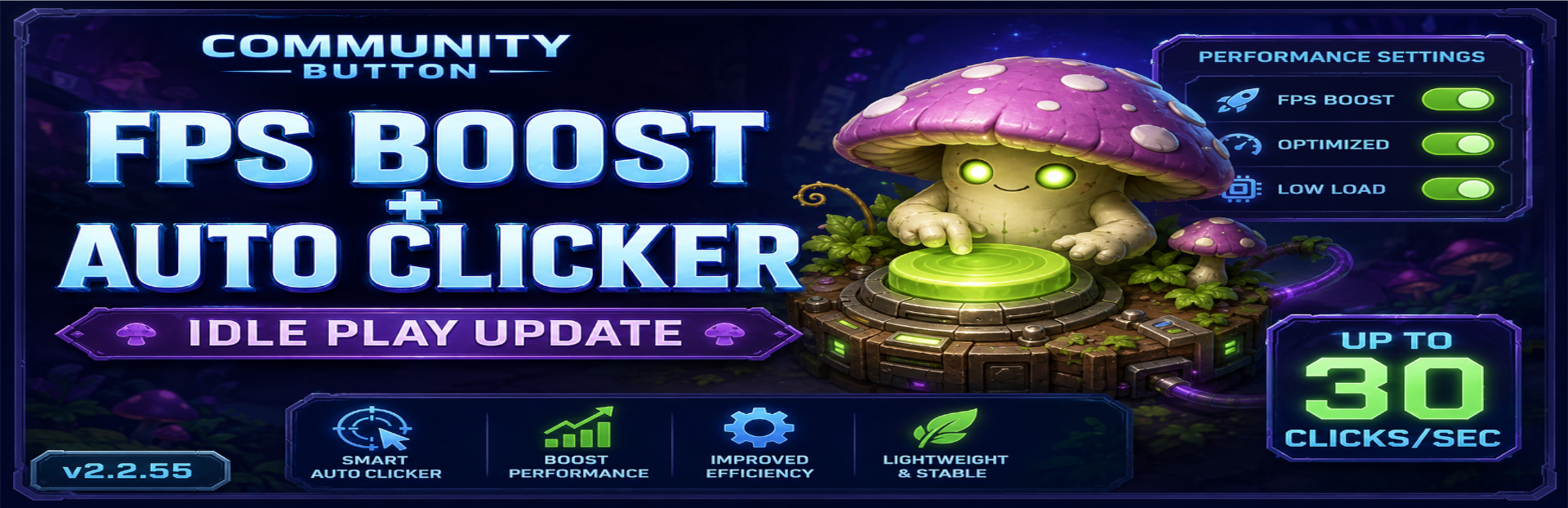
FPS Boost + Auto Clicker — Idle Play Update
This update adds a brand-new performance settings area, UI fixes, faster loading improvements, and a major new idle gameplay feature: the Auto Clicker.
⚙️ New Performance Settings Area
A new performance settings section has been added, allowing players to toggle some of the most performance-heavy visual effects on or off. Optimal FPS is reached when "Live UI" is off. More options are coming to optimize FPS and keep values up to date.
You can now customize performance settings for:
Background animations
Click animations
Egg animations
Shard animations
Text glow
Live calculations
Sparks
Breathing animations
Count animations
This should help players fine-tune the game for smoother FPS, especially during active clicking, long sessions, and high-speed gameplay.
🛠️ UI Fixes
Several UI improvements have been made, including:
Fixes to Community Pet labels
Fixes to progression sliders
General polish across panels and progression displays
🚀 Faster Loading + Better Caching
Loading has been improved with better local caching and faster panel/data loading.
This should make the game feel smoother when opening menus, loading player data, and moving through different panels.
💤 New Idle Way To Play!
On top of the new Idle Incubators, Community Button now has an Auto Clicker!
The Auto Clicker includes over 1,000 upgrade tiers to progress through, starting slow and eventually reaching up to:
30 clicks per second at max tier
This gives players a brand-new way to play, progress, hatch eggs, and earn rewards while reducing the need for constant active clicking.
You are going to be hatching eggs like never before! 🥚🔥
Thank you for continuing to play, test, and support Community Button.
More performance improvements, gameplay upgrades, and pet content are always on the way.
KEEP CLICKING! 🔴
Source
Changelog.gg summarizes and formats this update. How we read updates.