
Full notes
Full Colony Survival update
Read the full published notes in a cleaner layout. The original post stays linked below.
What changed
- Compatibility
- UI and audio
- Gameplay
Colony Survival changes
In the past month, Zun has put a lot of effort into adding proper controller support to Colony Survival. For a longer time, it has been possible to access basic gameplay functionality with the Steam Controller or the Steam Deck, but it wasn’t up to standard. And playing the game with a regular Xbox/Playstation/Switch controller was pretty much impossible.
So we’ve been working to improve that situation. Rebinding jumping from space to “A” on your controller, or moving around from WASD to a thumbstick, is not that complicated. What is complicated, is replacing the mouse in the UI.
With a mouse, you just move the cursor to whatever place you need it to be and click to select it in one step. With a controller, you’ve got one button selected, and then you move that selection to another button right next to it. If there’s 10 buttons between the selected button and the intended button, you’ll need to repeat that 10 times.
Connections between buttons in the UI editor
Our interface wasn’t designed with that in mind. In some places, you have to move through dozens of other buttons to get where you want to be. For example, moving your selection through all of your savegames to get to the “play” button. That’s not very practical.
In some cases, Zun improved this situation by refactoring the layout of the UI into a more controller-friendly design. In other cases, this situation can be improved by adding button shortcuts. Instead of having to press the “Play” button in the UI, it could be enough to select a savegame and press for example “X” on the controller.
We’ll have to make those shortcuts visible in the UI, otherwise people don’t know they exist. That means we need support to display all the buttons on most controllers. And the ability to rebind all these buttons in the controls settings menu. By default, Unity doesn’t properly support that, but we’ve found a very useful asset that has helped us integrate all of that.
Good controller support is now roughly 70% finished and will be publicly released in the next update.
Better Building
One of the unexpected results of the survey was a majority preference for us to focus on better building instead of better combat. So I’ve done a lot of investigating and experimenting to see how we could integrate that into the game.
We’ve looked at “building” from a bunch of angles. Better automated construction workers. Blueprints that allow you to copy and paste designs. New requirements for bed and jobs, to prevent massive caves filled with endless rows of beds and jobblocks, devoid of all light and privacy.
Finding the perfect solution has been difficult though. Take those extra requirements for beds and jobs. If they’re simple, players will find them easy to ‘minmax’, and the new solution will be a repetitive chore as well. If they’re very complex, it becomes a completely different game with much more complicated colonists. Let us know if you’re interested in that!
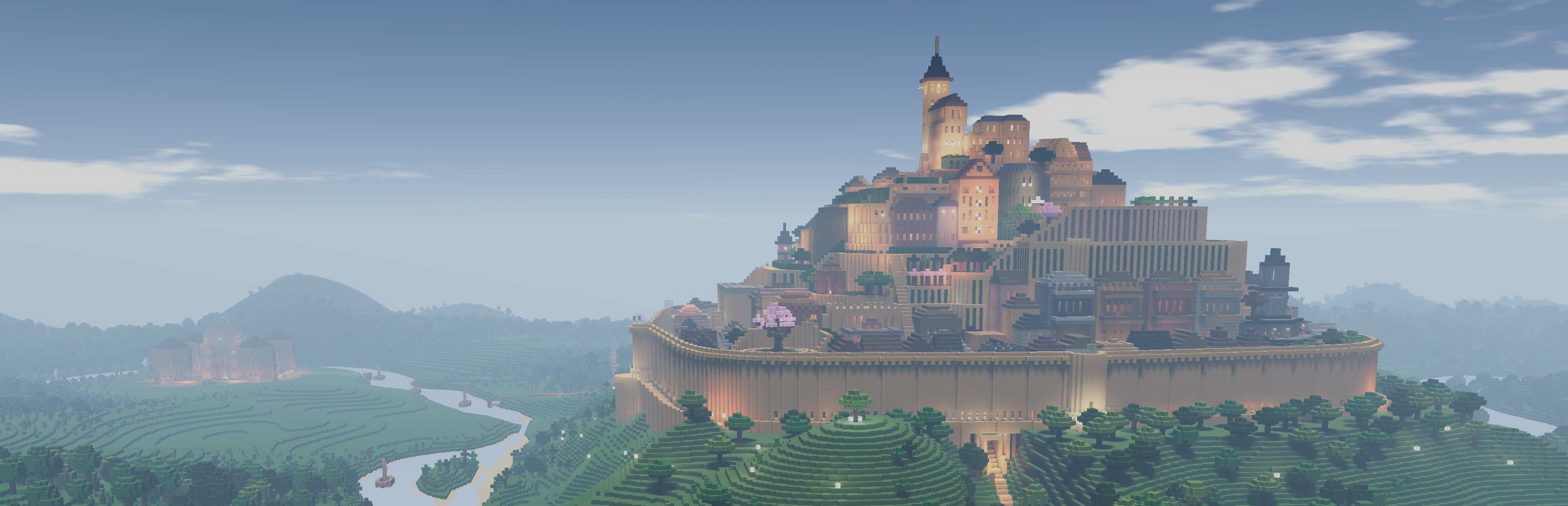
We’re converging at a different solution: allowing players to build more beautiful colonies. How do we make that possible? How do we encourage that? I have to admit, this is not one of my strengths. I find it hard to build truly beautiful things, both in Colony Survival and in other games.
These are complex questions. It involves the very nature of beauty, in a way that transcends current fashion and localised preferences, and asks us to translate
Source
Changelog.gg summarizes and formats this update. How we read updates.