
Full notes
Full City-Racing update
Read the full published notes in a cleaner layout. The original post stays linked below.
What changed
- Gameplay
- UI and audio
City-Racing changes
Key Improvements:
Per-Lap Mileage Tracking: Now tracks currentLapMileage and stores each lap's mileage in lapMileages list
- Track-Based Session ManagementNew TrackMileageRecord class groups all sessions per track
Session Numbering: Each race on a track gets a sequential session number (1st, 2nd, 3rd attempt, etc.)
Enhanced CSV Export: Includes per-lap data with proper headers and metadata
Data Versioning: Both MileageDatabase and RaceHistory now have version fields for future migration
Clear Data Separation: Track name stored in every session, preventing confusion when restarting
Improved Diagnostics: Shows current lap mileage in real-time
The CSV export now looks like:
# Race Data Export
# Racer: MuscleCarClassic
# Track: CityRacing1
# Session Number: 1
# Date: 2025-01-23 14:30:00
# Total Race Time: 180.500 seconds
# Total Race Mileage: 5.234 miles
#
Lap,LapTime(sec),LapMileage(miles),RaceMileage(miles),TotalMileage(miles)
1,60.123,1.745,1.745,127.456
2,59.877,1.732,3.477,129.188
3,60.500,1.757,5.234,130.945
This ensures complete tracking without data confusion when restarting from CityRacing1!
______________________________________________________________
implemented a mechanism to reset the mileage data when starting a new game.
Key Changes:
New ResetAllMileageData() Method:
· Deletes car_mileage.json file
· Deletes race_history.json file
· Deletes race_progress.json file
· Calls CRRaceManager.NewGame() for complete reset
Integration Points:
· Called in ShowGameStartOptions() when no saved game exists (direct new game)
· Called in CreateContinueGameDialog() when "New Game" button is clicked (after saved game dialog)
- Complete ResetEnsures ALL mileage tracking files are deleted so when starting a new game, everything starts fresh at 0 miles
- Debug LoggingAdded comprehensive logging so you can track exactly what's being deleted and when
Now when a player clicks "New Game", all mileage data files are completely deleted, ensuring a fresh start with 0 miles for all cars!
Summary of Changes:
Uncommented LoadingScreenCleaner class - This was causing the compilation error
Added EnsureUIElementsInBounds() helper method - Prevents UI rendering warnings
Added debug logging to LoadingScreenCleaner - Better tracking of cleanup operations
The mileage reset functionality remains fully functional - when a player clicks "New Game", all mileage data files will be properly deleted!
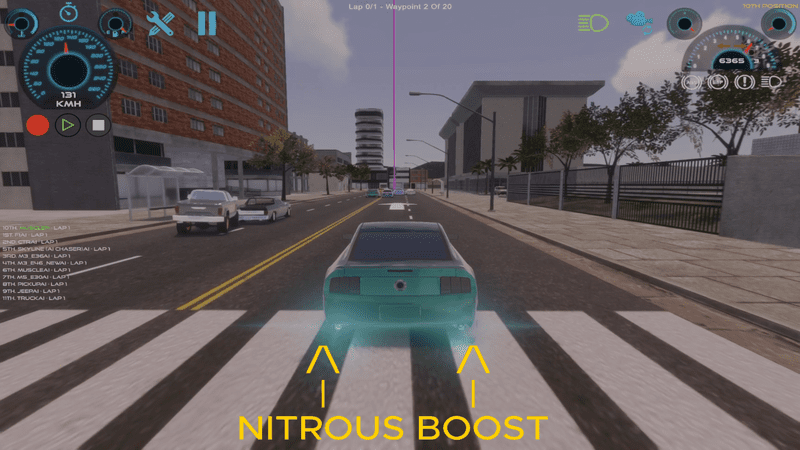
I Turned Up Speed For All Cars. So they are super fast again!
Source
Changelog.gg summarizes and formats this update. How we read updates.