
Full notes
Full ChipWits update
Read the full published notes in a cleaner layout. The original post stays linked below.
Repeated intro
Hey ChipWits fans!
What changed
- Gameplay
- UI and audio
We're excited to announce the release of ChipWits Version 1.1, an update focused on improving your programming experience and squashing some annoying bugs. The big star of this release is the new Hot Keys feature.
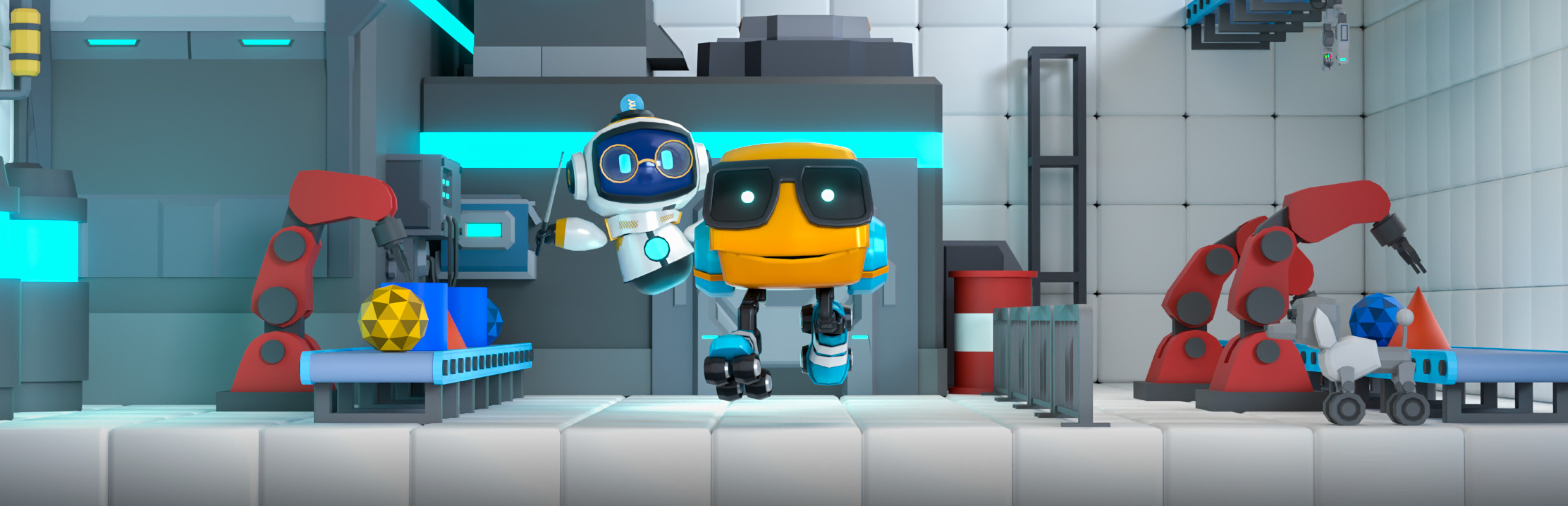
Steam post image Hot Keys in Action!
Hot Keys are Here!
You can now assign your favorite chips to keyboard keys 1 through 8. This lets you instantly place a fully-specified chip with a single keystroke, speeding up your IBOL editing like never before. The cursor will even automatically advance to the next empty slot, keeping you in the flow.
To help you get the hang of it, we've pre-assigned some hot keys for you in the first few tutorial missions. Once you're ready, they're all yours to customize, and your settings will be saved for future missions.
Input & Accessibility Improvements
We've made significant improvements to how you interact with the game. We've added better support for gamepads and some early support for touchscreens. While we're still working on making the touchscreen experience perfect, you should notice an improvement.
Squashing Bugs & Polishing Up
Finally, we've been busy fixing a number of bugs reported by the community. We've filled in some localization gaps from our initial launch, fixed audio issues where Professor Chip's beeps were too loud, and resolved a pesky bug with our radial menu.
Full Release Notes
New Features * #963: Alt + Click to prevent radial menu from popping up on blank slot * #1018: Set initial volume to 50% * #1024: Gamepad: Enable dpad for selecting chips in the workshop * #1025: Gamepad: Left controller to select chip from radial menu * #1027: Customizable Hot Keys 1-8 * Introduce hot keys in tutorial * Auto advance cursor when using hot key Bug Fixes * #897: \[RADIAL MENU]: Selecting 'Skate' you cannot highlight a direction unless you move the mouse first * #1012: \[AUDIO]: Volume: Professor Chip's beeps do not adhere to audio level set by user * #1013: \[AUDIO]: Cut scene audio is incredibly loud when user has audio settings set to low * #1014: Repeat mission says palindrome but it's not * #1026: Localize "FIRST CHIP HERE" text * #1028: Bug: Mission localizations for validation error toasts
We hope you enjoy these updates! As always, please let us know what you think and report any new bugs you find. Happy coding!
Source
Changelog.gg summarizes and formats this update. How we read updates.