
In this update6
Full notes
Full Celestial Golf update
Read the full published notes in a cleaner layout. The original post stays linked below.
What changed
- Events
- Gameplay
- Store
- UI and audio
- Maps
- Compatibility
Celestial Golf changes
The Celestial Golf demo has a major new update today. This update introduces a new optional challenge system, putting your orbital skills to the test to try and minimize the amount of time or power it takes to complete each hole.
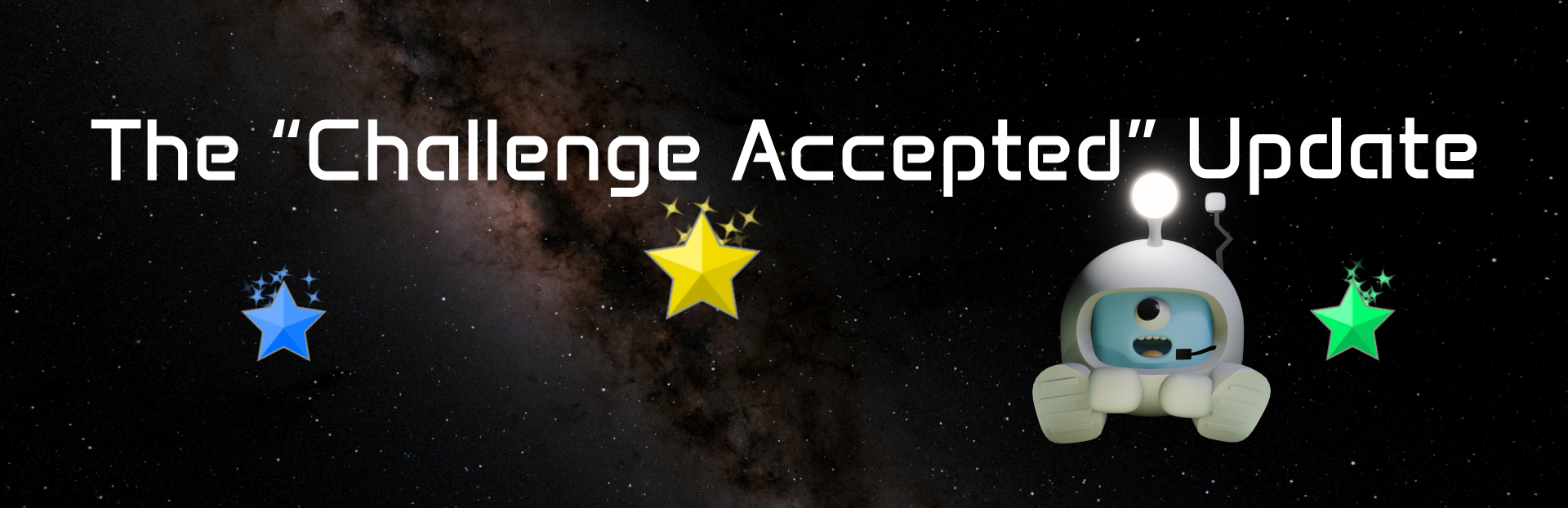
In addition to the usual golf "par" (for the number of strokes you took), each hole now has a "time par" and a "power par". "Time" refers to the in-game time. "Power" is the total amount of power applied to the ball across all strokes, which is roughly analogous to rocket fuel spent. When you complete a hole under par in any of the three categories, you will be awarded one of three coloured stars. Advanced players may wish to try and achieve all three stars on all holes: many of these will require you to complete the hole using different techniques to minimize one resource at the cost of another.
Your progress is now saved between play sessions, and the earned stars are visible on the brand new Hole Select screen which tracks your journey across the solar system. Progress made in the demo will be carried over into the full game at launch.
Profiles and saved state
The game now stores which holes you have unlocked, and your best scores / stars achieved on each hole.
The Tutorials menu now only shows tutorials that you have unlocked by playing through the game.
You can store up to three separate player profiles, which you can switch between in the main menu. You can rename and delete these profiles.
Star challenges
The win screen has been redesigned. It now shows the par for each of the three categories (strokes, time and power), as well as your best score in each, and a star if you have beaten par in that category. Added animations and sound effects to celebrate completing a hole.
Added a new Setting (under UI) called "show advanced pars". This shows the par for the time and power categories on screen at all times, so you can focus on achieving them. This setting is off by default, to avoid overwhelming new players.
Hole select
Hole select has been redesigned as a "map screen" of the solar system. You can now see all the holes laid out visually, and your best scores on each.
You can now only play holes that you have unlocked by playing through the game. Because earlier versions of the game do save progress, there is an "unlock all" button for returning players to continue where they left off. This will eventually be removed.
"Play Game" now goes to the Hole Select screen instead of directly starting the first hole. After each hole, you briefly return to the Hole Select screen, to show where the next hole will take place in relation to the game map.
Controller support update
Controller support is no longer experimental in this version, after a number of key improvements.
Adjust Shot Time (keyboard/controller): the speed of the adjustment is now dependent on zoom level, so if you are zoomed out it will be much faster. This makes it usable for solar-scale orbits (especially on Hole 8, which was previously almost unplayable on controller).
Changed controller control for Clear Target from D-pad Down to Left Stick press.
Added controller binding for fine adjustment (D-pad Down) and added this to the tutorial on Hole 2.
Fixed Y long-press (Reset Camera) also triggering a Change Camera. It is now required to be a short tap to Change Camera.
Reset Camera (Y long-press): responds much quicker.
Most buttons in the user interface now switch to prompts showing dedicated controller buttons which you can just press without having to navigate to the on-screen button.
Fixed navigation using the analog stick spamming through many items in one push, in several places.
Screen-relative aiming: halve the sensitivity.
Controller input is now ignored when the window is not focused.
Marked the game as "full controller support" in Steam.
Misc
The Welcome screen only shows on the first run, and is just a short stats opt-in.
When the ball goes in the hole, it now appears behind the terrain, not in front of it.
Time values shown in various places (e.g. on the trajectory tooltip, future shot plan, and win screen) now includes minutes, if the value is less than one day, making it much easier to count down. (This fixes the display showing "0 h" despite being quite a bit in the future.)
Levels no longer start in the paused state. This was previously put in so you had time to plan your first shot before things start moving, but it looks better to start in motion, and also it was weird that the first two levels started paused even though you couldn't re-pause them.
Added "Paused" label at the top of the screen.
Tutorial: repeated a few concepts that are easy to miss:
Adjusting shot power, on Hole 2.
Using Adjust Shot Time, on the Target mode tutorial in Hole 8.
- Controls pageAdded Reset Camera.
(Demo only) The Wishlist plug screen is now shown whenever you quit to menu.
No longer shows the Godot version number in the top corner. (This can be found in Settings under "Version info".)
Minor tweaks to dialogue.
Miscellaneous performance improvements.
Updated Godot engine version from 4.6.3 to 4.7 (this should have no noticeable effect).
Bug fixes
Fixed corrupted scene state or crashes if you change scenes while another scene is already fading out (e.g. if you double-click Start Game on the Main Menu, or the Next button on the win screen; it would try to load the next scene twice and get into a broken state, or possibly crash the entire game).
Allow Keypad Enter to be used in place of the main Enter key.
Hole 8: The tutorial requires that the orbit is a bit larger than Mercury to proceed (it was previously easy to accidentally skip a major part of the tutorial by escaping Mercury's orbit and satisfying the "in a circular orbit" requirement automatically).
Source
Changelog.gg summarizes and formats this update. How we read updates.