
HomeGamesUpdatesPricingMethodology
Steam News18 September 20187y ago

Capsular Hideout Beta!

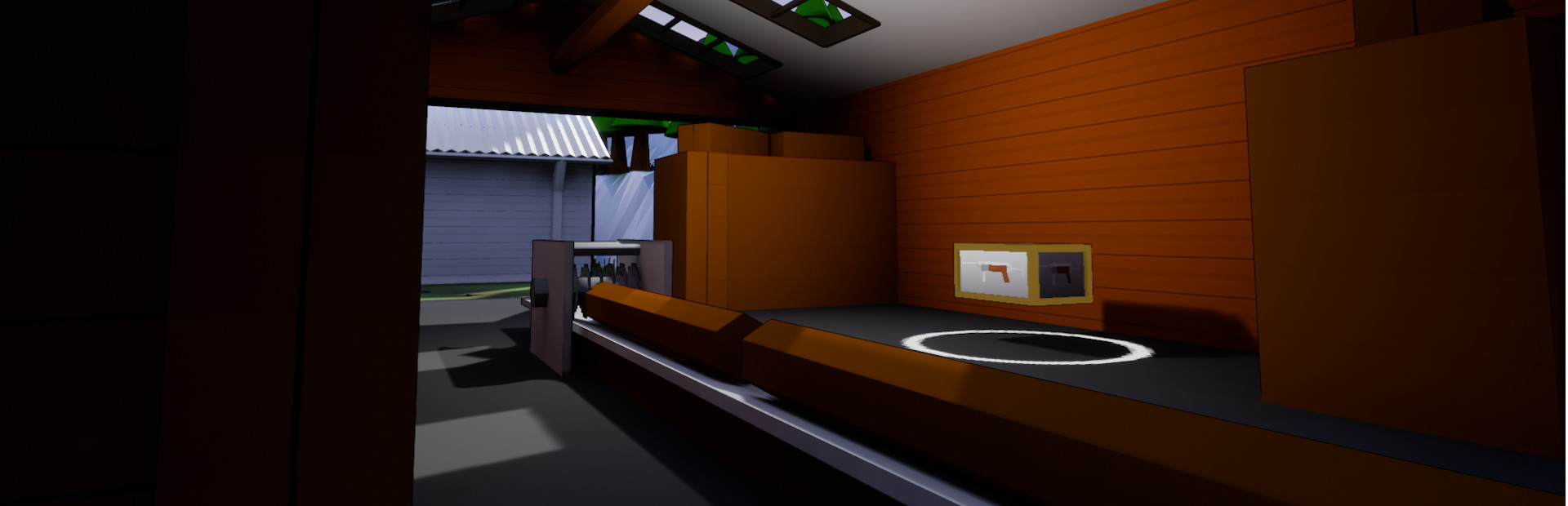
Hello! I just released a new Beta branch where you can test the new hideout. Keep in mind that everything is subject to change and is propably super broken.

Full notes

Full Capsular update

Read the full published notes in a cleaner layout. The original post stays linked below.

Repeated intro

Hello! I just released a new Beta branch where you can test the new hideout. Keep in mind that everything is subject to change and is propably super broken. To get into the beta right click on Capsular -> Properties -> Beta and select Beta from the dropdown menu. Steam should now download the beta. Once downloaded go into your Capsular Steam folder (Steam\steamapps\common\Capsular\Capsular) and delete the following files: UserSettings.json, Viewmodels and Saved. After you deleted those files you can start the game and access the hideout from the mainmenu.

What changed

0 fixes1 addition0 changes0 removals
  • Compatibility
addedHello! I just released a new Beta branch where you can test the new hideout. Keep in mind that everything is subject to change and is propably super broken. To get into the beta right click on Capsular -> Properties -> Beta and select Beta from the dropdown menu. Steam should now download the beta. Once downloaded go into your Capsular Steam folder (Steam\steamapps\common\Capsular\Capsular) and delete the following files: UserSettings.json, Viewmodels and Saved. After you deleted those files you can start the game and access the hideout from the mainmenu.

Capsular changes

addedHello! I just released a new Beta branch where you can test the new hideout. Keep in mind that everything is subject to change and is propably super broken. To get into the beta right click on Capsular -> Properties -> Beta and select Beta from the dropdown menu. Steam should now download the beta. Once downloaded go into your Capsular Steam folder (Steam\steamapps\common\Capsular\Capsular) and delete the following files: UserSettings.json, Viewmodels and Saved. After you deleted those files you can start the game and access the hideout from the mainmenu.

Source

Steam News / 18 September 2018

Open original post

Changelog.gg summarizes and formats this update. How we read updates.