
Full notes
Full Brawlhalla update
Read the full published notes in a cleaner layout. The original post stays linked below.
What changed
- Store
- Gameplay
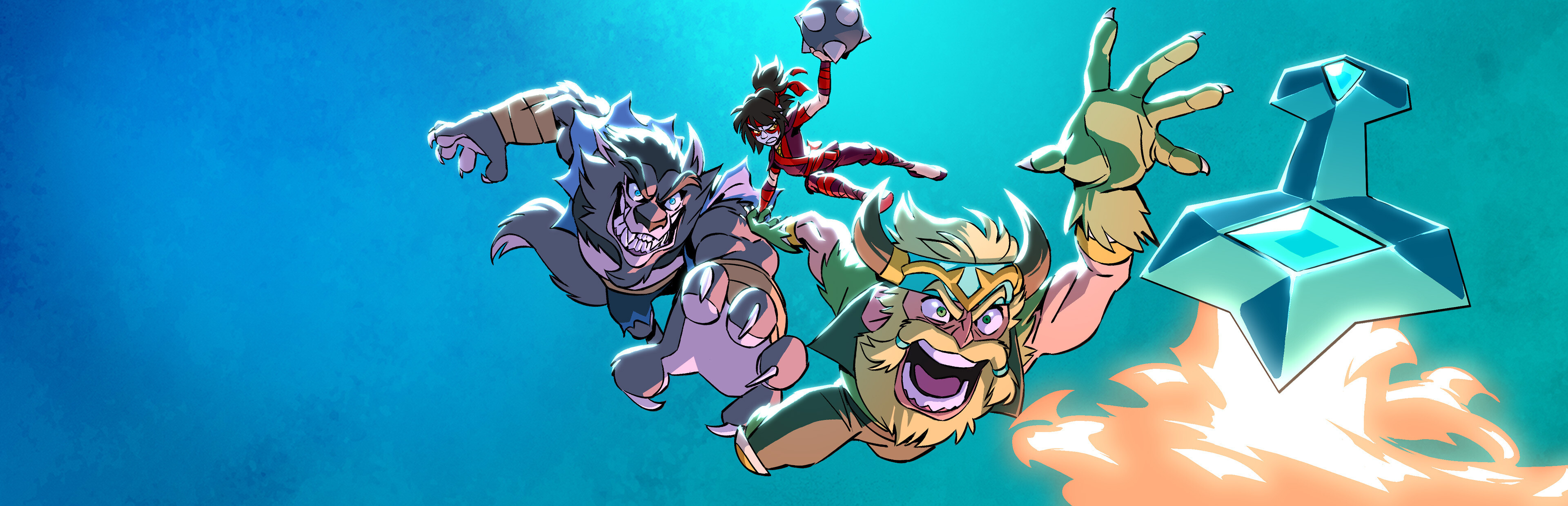
Red Raptor faced off against the Darkheart Kaijus in a climactic battle that left the souls of his Raptor Force teammates imprisoned. After saving the day in a brave act of self-sacrifice, he accepted the Valkyrie’s offer to spend eternal life in Valhalla.
In the Grand Tournament, Raptor is a formidable opponent. He makes skillful use of the Orb Core of his fallen mech – Garuda, and his Battle Boots. Red Raptor’s debut makes him the 59th Legend to permanently join the roster!
Introducing the first phase of account linking in Brawlhalla – Cross Inventory! You can now combine the inventories of different Brawlhalla accounts across platforms so that Items you’ve purchased with Mammoth Coins, Gold, or Glory can be used on one platform. Mammoth Coins & platform exclusives are not shared across platforms.
Patch 7.09 is also stacked with other exciting new additions like new Weapon Skins – including the new Nightmare Weapon Set, new Avatars, Test Features, and several Game Improvements & Bug Fixes.
To catch the latest Brawlhalla news and content, be sure to follow us on Twitter, Twitch, Facebook, YouTube, Instagram, Discord, and TikTok!
Red Raptor – “The Last Sentai” Weapons: Battle Boots, Orb
Stats: 6 Strength, 6 Dexterity, 4 Defense, 6 Speed
“In the climactic final battle, the most powerful Kaiju, super-powered by a mysterious force called Darkheart, destroyed Red Raptor’s team and imprisoned the spirits of the pilots. As the Kaiju closed in, Red Raptor, in a final desperate gambit, detonated the anti-Darkheart core of his own mech, immolating both the monsters and himself.”
Red Raptor enters with 3 new Skins: Emerald Raptor – "Mighty armor only worn by the greatest warriors."
Rocket Raptor – "Ready to take flight!"
Fallen Raptor – "Loki sees immense power in this soul."
Patch 7.09 introduces the first phase of Brawlhalla Account Linking – Cross-Inventory! At launch, Cross-Inventory will be available on Steam, Xbox, Nintendo Switch, Ubisoft Connect, Epic Games Store, iOS, & Android. PlayStation will become available at a later date.
What is Cross-Inventory?
Cross-Inventory allows you to combine the inventories of your different Brawlhalla accounts across different platforms so that Items you’ve purchased with Mammoth Coins, Gold, or Glory can be used on one platform.
Getting started
Step 1
In Brawlhalla’s game settings, select the new option “Account Linking” and sign into or create your Ubisoft account.
Note: A Ubisoft account is required to utilize account linking in Brawlhalla. However, the Ubisoft Connect launcher is not required.
Step 2
Link the account from the platform you are on to your Ubisoft account. This will need to be done from all platforms you wish to connect to your Ubisoft account.
Note: You can only connect one account from each platform to your Ubisoft account.
Step 3
Choose the platform you wish to play on and log in to Brawlhalla. Select the “Account Linking” option from the top right menu. You will now see a list of all the accounts that are linked. From here, you can choose one account from the list to be the active linked account. The account you choose will now share its inventory with the platform account you are currently playing on.
Note: The active linked account can be changed at any time within Brawlhalla, but only one can be active at a
Source
Changelog.gg summarizes and formats this update. How we read updates.