
In this update4
Full notes
Full Balls2 update
Read the full published notes in a cleaner layout. The original post stays linked below.
What changed
- Gameplay
- Maps
- Store
- UI and audio
- Fixes
Balls2 changes
After many struggles, Balls2 Multiplayer is here. Now you can finally play Balls2 with friends!!
This might be the hardest thing I've ever implemented, but I've been busy trying to get a working version up and running.
Features
added new level for difficult
added new game mode multiplayer
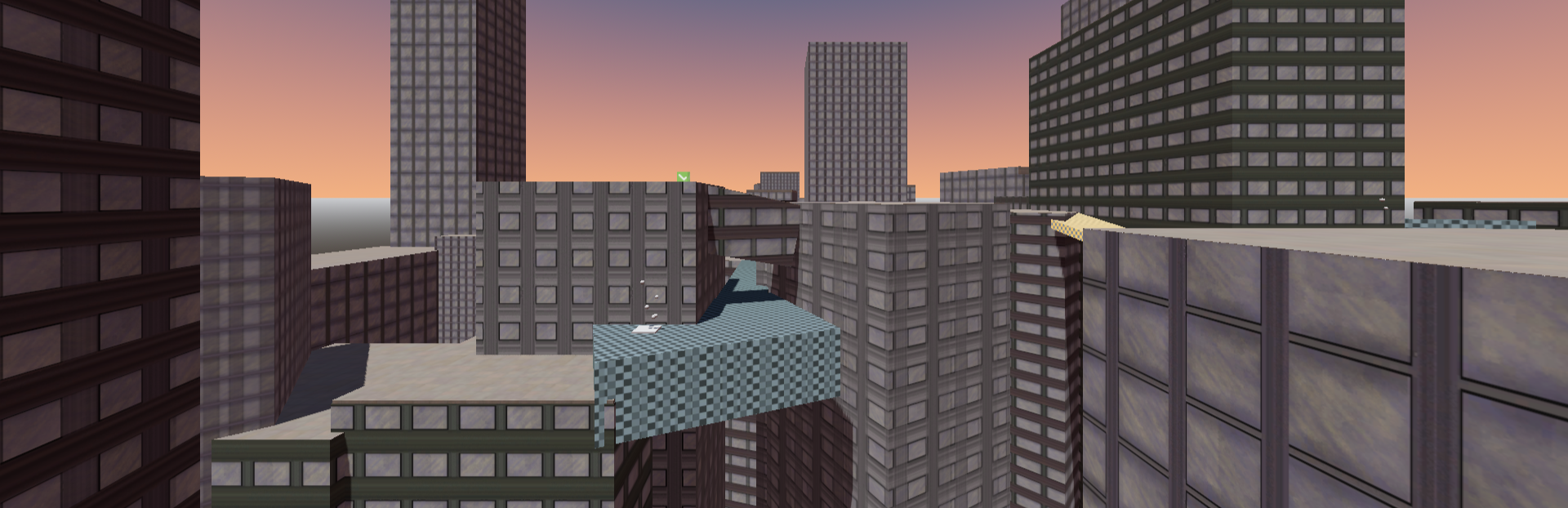
added 5 new maps which can only be played through multiplayer
added control scene for pause menu.
integrated steam into balls2
added 1 new skin
Changes and Fixes
removed bulletin since it's useless
Made jumping anti spam
at difficult-6 fixed the red boxes collision more accurate
at difficult-6 made the secret more fair
at city of skriggly - 1 fixed the tooltip not giving the right hint
at city of skriggly - 1 fixed the walls not showing that it's dangerous to touch
How to set up multiplayer?
I hoped that the system would be intuitive from the get-go, but understandably I might've missed something obvious to make it easy for you.
Open multiplayer. If steam doesn't successfully connect then you might be offline or there is some unforeseen issue.
If you're looking to join any lobby click join. Otherwise if you can't find a lobby or you're looking to host a private lobby with friends click create lobby. If you have a lobby code sent from a friend you can enter it into the lobby code bar and click enter.
If you're setting up your own lobby, Choose whether you want your lobby to be public or private or set to friends only. Note that if you set your lobby to private you will need to share the lobby code.
Once inside the lobby, if there is sufficient amount of players, press ready whenever you're ready and once enough players are ready the game will start.
What next...?
The next update will most likely not be as massive as this one. I might either go back levels and begin polishing the levels, or adding more content such as levels, maps or potentially something different. There will be bugfixes and optimising being pushed in-between the next update, I don't expect the system to work perfectly the first time.
Source
Changelog.gg summarizes and formats this update. How we read updates.