
In this update5
Full notes
Full BallisticNG update
Read the full published notes in a cleaner layout. The original post stays linked below.
Repeated intro
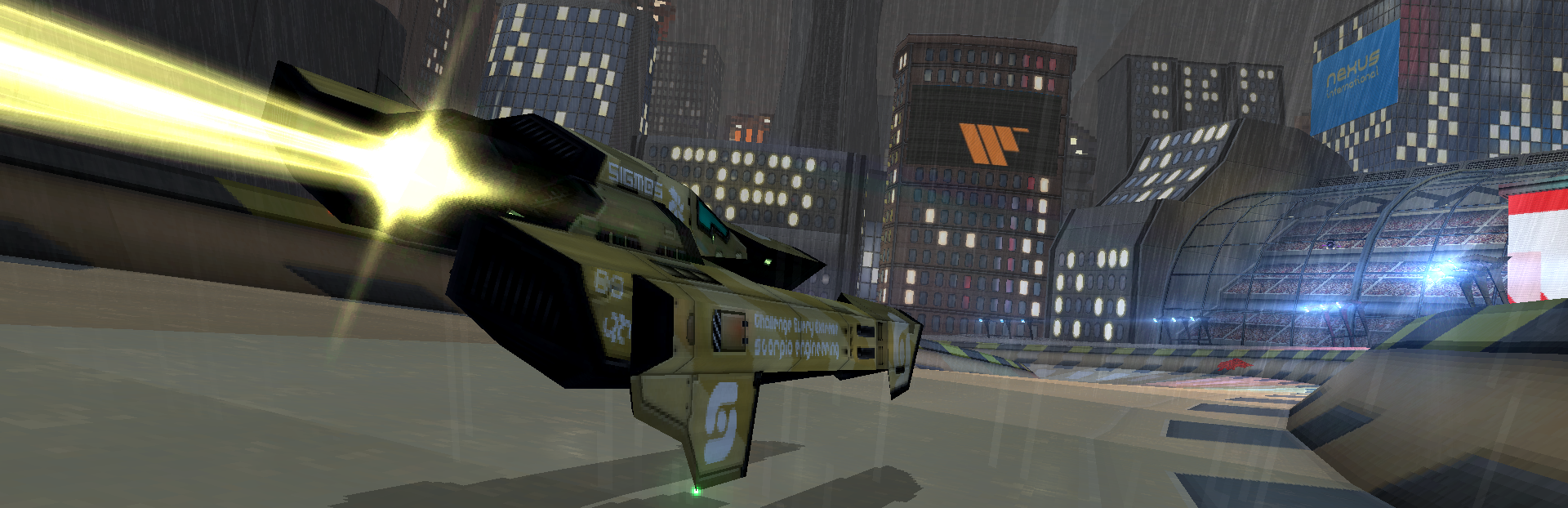
Hey everybody. BallisticNG 1.4.1.3 is now available!
What changed
- Gameplay
- UI and audio
- Fixes
- Performance
- Compatibility
- Maps
BallisticNG changes
This update addresses some minor issues, adds a community requested feature and has some enhancements for modding in the form of feature backports from our next game project.
Changelog
Audio
The hit indicator sound now plays through the interface mixer channel to bypass cockpit filtering
Tracks
Fixed flipped wall tile on Atlantica Reverse
Rendering
Fixed reflections inverting when getting too close to surfaces, and reflection probe mipmaps are now ignored. This applies to all materials using the Standard or legacy shaders. (Backport from next game project).
Modding
Added support for custom startup intros. Create the following file (case insensitive):
Windows / Mac : [c]User/intro.mp4[/c] or [c]User/intro.webm[/c]
Linux : [c]User/intro.webm[/c]
Fixed the file dialog not working in the legacy layout creator
Fixed controller inputs not working in the legacy layout creator
Modding Tools
Updated Unity Tools download here
Added [c]Reflection Intensity[/c], [c]Light From Tangents[/c] and [c]Illum Tint With Vertex Color[/c] options to the Standard shader. (Backport from next game project).
Added Name Data System to Unity Tools. This is a backport of an asset import system from the next game project to allow configuration of Unity scenes from inside of Blender! Documentation is available here.
Added [c]Modding -> Blender Files -> Geometry Nodes Library.blend[/c] file. For use with Blender 5+, this can be copied to an asset location to add new geometry node tools to Blender. They'll show up in the asset browser or directly as a modifier.
- Building Illum GeneratorSetup illuminated windows of various colors for use with the new Standard shader features. Make sure vertex colors are in the Face Corner domain.
Curve Building Generator: Attach to a curves object to generate multi-storied buildings based on the curve.
Skew: Provides non-destructive mesh skewing
- Curve PlacerProvides similar functionality to Blender's updated array modifier in curve mode, but allows objects to be placed always facing world up
Snap To Nearest: Provides non-destructive vertex snapping to the vertices of another object. Snapping terrain to nearby track walls for instance.
Source
Changelog.gg summarizes and formats this update. How we read updates.