
HomeGamesUpdatesPricingMethodology
Steam News29 January 20206y ago

Early Access - Week 35

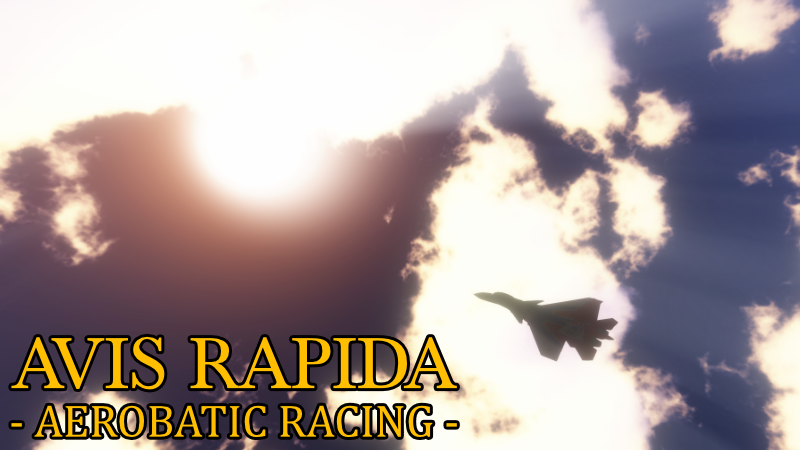
Hello! We are finally back with more updates! For week 35 of Early Access, we have a new feature: Photo Mode: Pause the game at any time during gameplay or replays and open Photo Mode!

Full notes

Full Avis Rapida - Aerobatic Racing update

Read the full published notes in a cleaner layout. The original post stays linked below.

What changed

0 fixes1 addition2 changes0 removals
  • Gameplay
  • UI and audio
addedWe are finally back with more updates! For week 35 of Early Access, we have a new feature:
changedPhoto Mode: Pause the game at any time during gameplay or replays and open Photo Mode! It allows you to freely move the camera, adjust the field of view and save pictures from the game to your computer as .png files.
changedPlease note that Photo Mode utilizes its own controls. Due to the way the game saves your control settings, all the Photo Mode controls will be unassigned if you have played the game before and saved your control settings. Please assign them on your own or simply use the button "Restore Defaults" on the Controls Settings screen.

Avis Rapida - Aerobatic Racing changes

addedWe are finally back with more updates! For week 35 of Early Access, we have a new feature:
changedPhoto Mode: Pause the game at any time during gameplay or replays and open Photo Mode! It allows you to freely move the camera, adjust the field of view and save pictures from the game to your computer as .png files.
changedPlease note that Photo Mode utilizes its own controls. Due to the way the game saves your control settings, all the Photo Mode controls will be unassigned if you have played the game before and saved your control settings. Please assign them on your own or simply use the button "Restore Defaults" on the Controls Settings screen.

Hello!

We are finally back with more updates! For week 35 of Early Access, we have a new feature:

  • Photo Mode: Pause the game at any time during gameplay or replays and open Photo Mode! It allows you to freely move the camera, adjust the field of view and save pictures from the game to your computer as .png files.

Please note that Photo Mode utilizes its own controls. Due to the way the game saves your control settings, all the Photo Mode controls will be unassigned if you have played the game before and saved your control settings. Please assign them on your own or simply use the button "Restore Defaults" on the Controls Settings screen.

Source

Steam News / 29 January 2020

Open original post

Changelog.gg summarizes and formats this update. How we read updates.