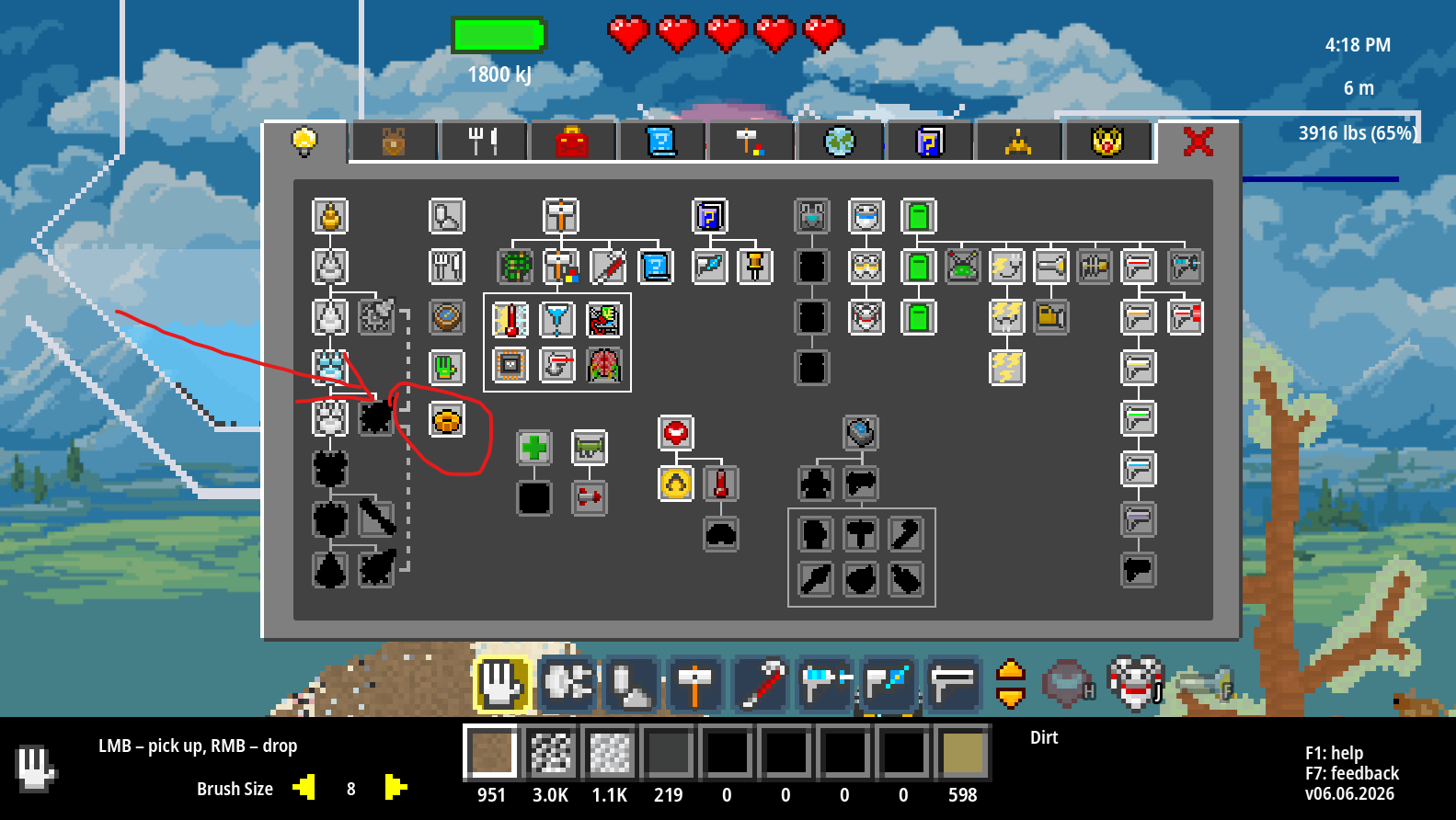
This update adds a Toolbelt Upgrade that lets you change between different rows of the Toolbar! I am working on a similar upgrade for the Materials bar as well; that will be in an upcoming update.
Full notes
Full Atomcraft update
Read the full published notes in a cleaner layout. The original post stays linked below.
What changed
2 fixes3 additions2 changes0 removals
Gameplay
UI and audio
Maps
Balance
addedThis update adds a Toolbelt Upgrade that lets you change between different rows of the Toolbar! I am working on a similar upgrade for the Materials bar as well; that will be in an upcoming update. :)
addedI also added a bunch of quality-of-life things people have suggested:
changedMiddle-mouse-button functionality is improved: if the hovered pixel is a static buildable it will select the material that builds into it; it will also fallback from that to any specific drill target the material has. The middle mouse button also visually sends the swatch to the inventory slot.
added'M' hotkey has been added to jump to the Map tab
changedMap generation has been made much more efficient (caches results more) to avoid regen delay when tabbing to it (also improved tab speed with the Inventory tab)
fixedBUGFIX: repaired a bug that was preventing food from properly restoring health
Atomcraft changes
addedThis update adds a Toolbelt Upgrade that lets you change between different rows of the Toolbar! I am working on a similar upgrade for the Materials bar as well; that will be in an upcoming update. :)
addedI also added a bunch of quality-of-life things people have suggested:
changedMiddle-mouse-button functionality is improved: if the hovered pixel is a static buildable it will select the material that builds into it; it will also fallback from that to any specific drill target the material has. The middle mouse button also visually sends the swatch to the inventory slot.
added'M' hotkey has been added to jump to the Map tab
changedMap generation has been made much more efficient (caches results more) to avoid regen delay when tabbing to it (also improved tab speed with the Inventory tab)
This update adds a Toolbelt Upgrade that lets you change between different rows of the Toolbar! I am working on a similar upgrade for the Materials bar as well; that will be in an upcoming update. :)
I also added a bunch of quality-of-life things people have suggested:
Middle-mouse-button functionality is improved: if the hovered pixel is a static buildable it will select the material that builds into it; it will also fallback from that to any specific drill target the material has. The middle mouse button also visually sends the swatch to the inventory slot.
Brush-sizes for the Hand, Blender, and Laser (width) are now saved/restored in the player savedata for convenience
'M' hotkey has been added to jump to the Map tab
Map generation has been made much more efficient (caches results more) to avoid regen delay when tabbing to it (also improved tab speed with the Inventory tab)
BUGFIX: repaired a bug that was preventing food from properly restoring health
BUGFIX: made hotkeys (including numbers) not trigger when in the Feedback Window text field