
In this update4
Full notes
Full Arcaneering: Beyond Automation update
Read the full published notes in a cleaner layout. The original post stays linked below.
What changed
- Gameplay
- UI and audio
- Performance
- Store
Arcaneering: Beyond Automation changes
Patch Notes v0.8.0
New Features
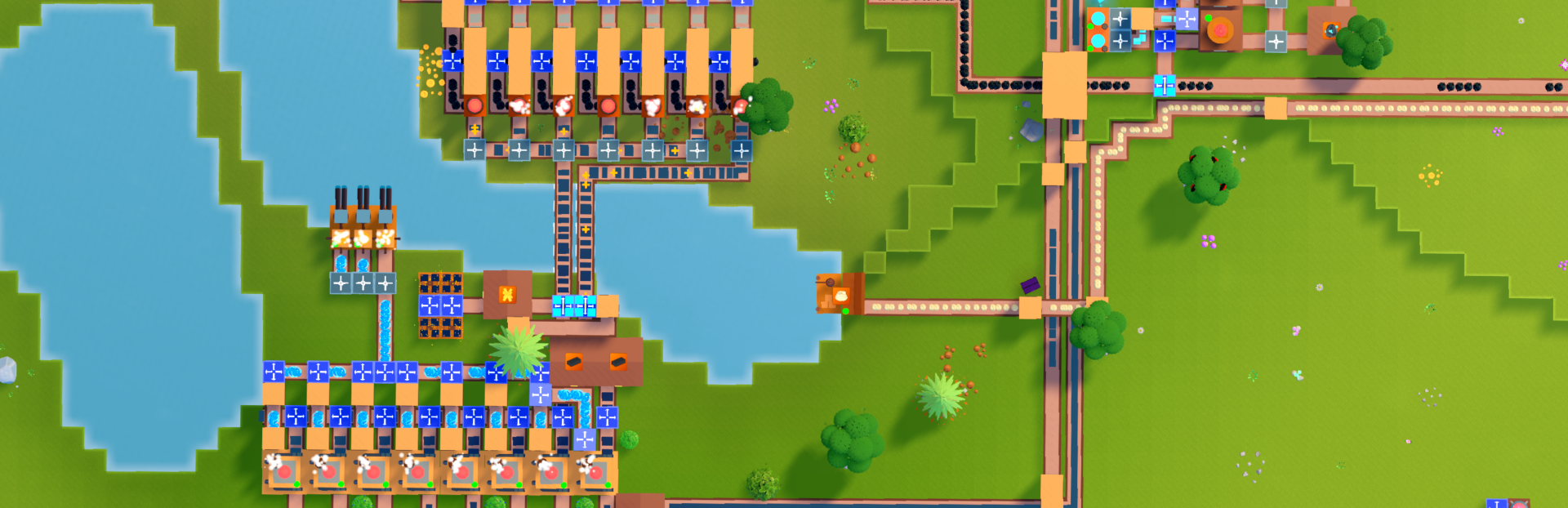
Press G to toggle Production View, showing produced resources on all production buildings permanently
Added "Pin recipes" to the right-click context menu of resource icons
Resource tooltips now also list byproducts for shown recipes
Oil Lakes and Mystic Wellsprings are now visually distinct on the map UI
Pressing Ctrl+S now triggers an auto-save
Production Chain & Resource Tree
Added search bar to the resource tree UI
Resource icons can now jump directly into production chain view via right-click context menu
Production chain view now shows production rate, energy requirements, and more
Production chains can be nested: click input icons to drill down, with a back button to return
UI & Quality of Life
Scratch pad is now draggable to any screen position
Typing while the build menu is open immediately focuses the search bar and filters buildings
Ctrl+F building search now debounces and works smoothly at any factory size
Line edits in recipe selector and resource tree UIs now auto-focus as well
World map zoom extended to 300%
Middle mouse button now drag-pans in zoomed-in world map view
Increased default world size for new games to 500×500
Suggested (stored) resources are now highlighted in the Super Splitter selection UI, matching Warehouse behavior
Added new Loading screen tips for Production View and Mana Forge consumption when increasing processing speed
Bug Fixes
Fix production buildings not always outputting correctly (relevant for rates above 120/min)
Fix offscreen belts sometimes depleting/backing up until scrolled back into view
Fix rare crash when refreshing trader token shop
Fix timer not resetting when refreshing trader token shop
Fix rare crash when deleting buildings connected to splitters
More robust Mana regeneration buff processing
Source
Changelog.gg summarizes and formats this update. How we read updates.