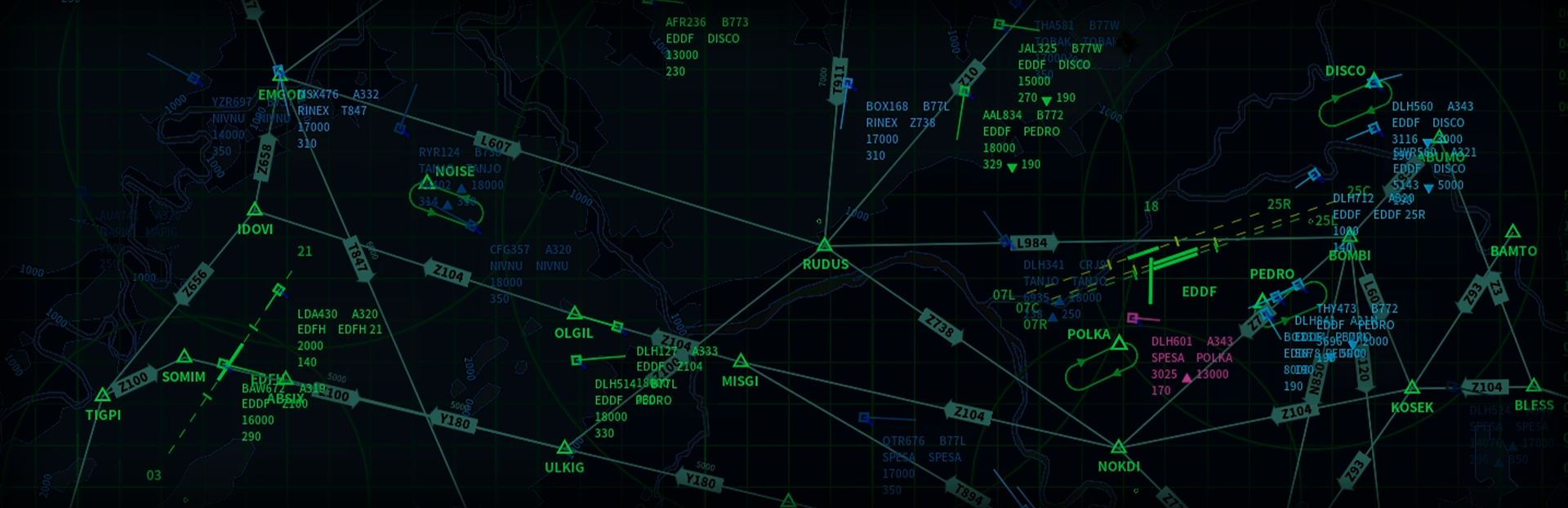
Hello controllers! This patch addresses some issues caused by the UI adjustments in the last update.
Full notes
Full Air Traffic: Greenlight update
Read the full published notes in a cleaner layout. The original post stays linked below.
Repeated intro
Hello controllers!
What changed
0 fixes2 additions3 changes2 removals
UI and audio
Gameplay
Server
changedThis patch addresses some issues caused by the UI adjustments in the last update.
changedOne of the changes in the previous patch was disabling stretch scaling in high resolutions to preserve the original UI element ratios. However, this could result in text appearing too small on certain screens. As a temporary workaround before the implementation of adjustable UI text size in the next update, a new option called Force Stretch Scaling has been added to the Video Options menu. Enabling it will apply stretch scaling in high resolutions, as it did previously.
removedAdditionally, Borderless Mode has been permanently removed due to persistent technical issues that prevented it from working as expected. The Resolution setting has also been removed, as it was only applicable to Borderless Mode.
removedRemoved the Resolution option and Borderless Mode .
addedAdded a Display Monitor option in the Video Options menu.
addedAdded a Force Stretch Scaling option in the Video Options menu.
Air Traffic: Greenlight changes
changedThis patch addresses some issues caused by the UI adjustments in the last update.
changedOne of the changes in the previous patch was disabling stretch scaling in high resolutions to preserve the original UI element ratios. However, this could result in text appearing too small on certain screens. As a temporary workaround before the implementation of adjustable UI text size in the next update, a new option called Force Stretch Scaling has been added to the Video Options menu. Enabling it will apply stretch scaling in high resolutions, as it did previously.
removedAdditionally, Borderless Mode has been permanently removed due to persistent technical issues that prevented it from working as expected. The Resolution setting has also been removed, as it was only applicable to Borderless Mode.
removedRemoved the Resolution option and Borderless Mode .
addedAdded a Display Monitor option in the Video Options menu.
This patch addresses some issues caused by the UI adjustments in the last update.
One of the changes in the previous patch was disabling stretch scaling in high resolutions to preserve the original UI element ratios. However, this could result in text appearing too small on certain screens. As a temporary workaround before the implementation of adjustable UI text size in the next update, a new option called Force Stretch Scaling has been added to the Video Options menu. Enabling it will apply stretch scaling in high resolutions, as it did previously.
Additionally, Borderless Mode has been permanently removed due to persistent technical issues that prevented it from working as expected. The Resolution setting has also been removed, as it was only applicable to Borderless Mode.
Removed the Resolution option and Borderless Mode.
Added a Display Monitor option in the Video Options menu.
Added a Force Stretch Scaling option in the Video Options menu.
Thank you all for your support, feedback, and bug report. If you have questions, suggestions, or bug reports, join the Discord server.