
Full notes
Full Aeon Wars Rogue update
Read the full published notes in a cleaner layout. The original post stays linked below.
Repeated intro
Hey everyone!
What changed
- Server
- Gameplay
- UI and audio
- Balance
Aeon Wars Rogue changes
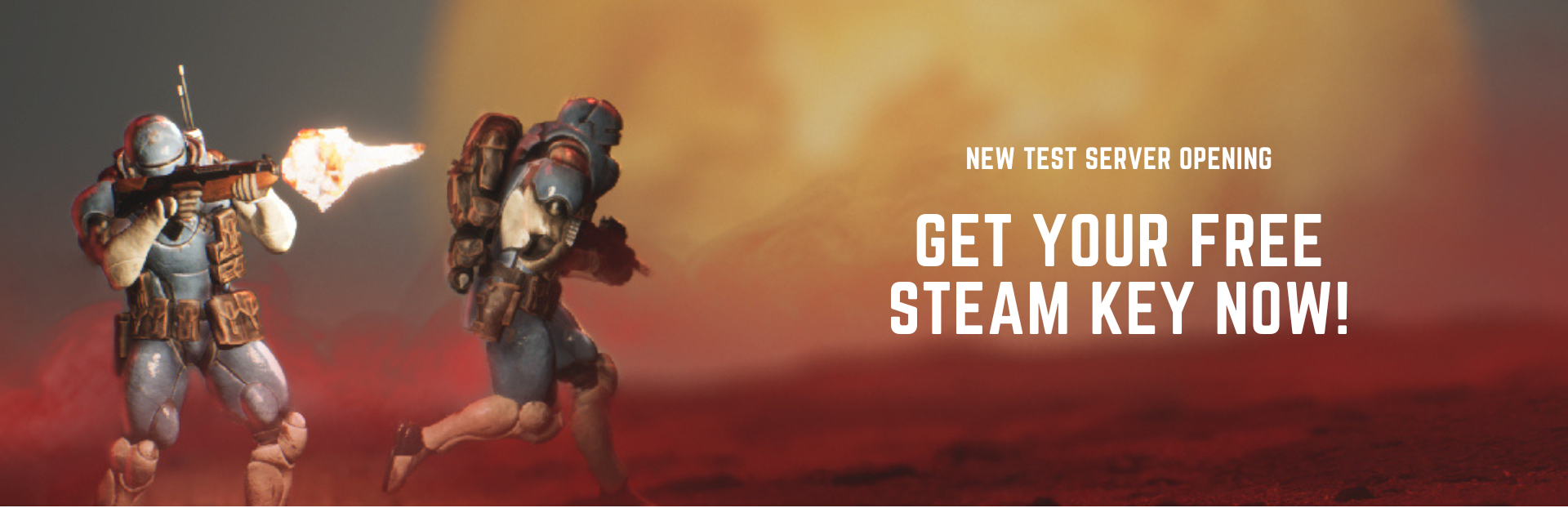
We’re happy to announce that today, we are opening the new Aeon Wars Test Server for all our community members!
With this new playtest build, we want to give you access to the game while still in development. We are aiming to keep this playtest open for a long while. We’ll improve the game with small patches as often as we can and provide regular updates with new features for you to playtest and give feedback. Your input will greatly help us shape the best wargame out there!
What has changed since the last playtest? Here’s what you’ll find in this new and improved Pre-Alpha build:
We're now on Unreal 5.1! (ok, it doesn’t change much right now, but it has opened a world of incredible possibilities for the future of the game and we can’t wait to share with you what we’re working on!)
We implemented a Hotseat Mode (by hitting the “add a local player” button, you can now play against yourself to test units and tactics or do a 1v1 match with 2 local players swapping seats on the same device)
We added a Hit Chance Popup while shooting at enemy models to give you the ability to min/max to your heart's content.
You can now see your entire army at the bottom centre of the screen, and select your next unit from the UI rather than searching for an available unit on the battlefield (UI shows which units are Active/Available/Played/Dead)
Additionally, we added an Active Unit UI at the bottom left of the screen - allowing you to preview the model's abilities and select who you want to shoot with next (while maintaining the option to swap active shooter with TAB)
and many many bug fixes : )
Please note that for the time being, we have deactivated the matchmaker. You can either play by yourself or against a local friend on the same device using the “ Add a local Player ” button for the Hotseat mode OR invite a Steam friend to play using the “ Invite Friend button ”.
Looking for a friend to play but none of your Steam friends are available? Post in the :eyes: looking-for-game channel of our Discord Server and see if someone in the awesome Aeon Wars community is ready to share a match!
How do I join this new Test Server to play Aeon Wars? If you downloaded the Aeon Wars Playtest build last February during our “P.R.E. Pre-Alpha Playtest”, you’re good to go! Just look for the game already in your Steam Library (the playtest is now called “Aeon Wars Test Server”), update it to get all the new patches, and have fun!
If you didn’t participate in the last playtest or can’t find the game in your Steam Library, you’ll need to claim your Free Steam Key via our Discord server!
Join our Discord server here: Join the Soliton Discord Server!
Jump into the :gift: | test-server-keys channel and type the command /claim.
In the pool space, type test_server. Our generous Keybot will provide you with your unique Steam Key.
Claim your Free Aeon Wars Key by clicking on the link provided in the Keybot message, download the Aeon Wars Test Server build in your Steam Library, and play!
Can I stream content from the game? YES! You can STREAM and make VIDEO content as much as you wish! Prepare your streaming overlays and let us know when you upload a video or go live so we can check it out and re-share your work with the Aeon Wars community.
Where can I leave feedback? Let us know what you think! Share your ideas or feedback with us via our Discord Server or by filling up the Google Form linked in the “ Quit Game Menu ”! This will help us build the future of Aeon Wars : )
Where can I get support? Problem while playing the game? You can find support via our Discord Server or alternatively, you can send us a message at support@solitoninteractive.com
Source
Changelog.gg summarizes and formats this update. How we read updates.