
Full notes
Full A-Spec First Assault update
Read the full published notes in a cleaner layout. The original post stays linked below.
What changed
- UI and audio
- Gameplay
- Performance
- Fixes
A-Spec First Assault changes
Patch Notes 0.16.0 Overview
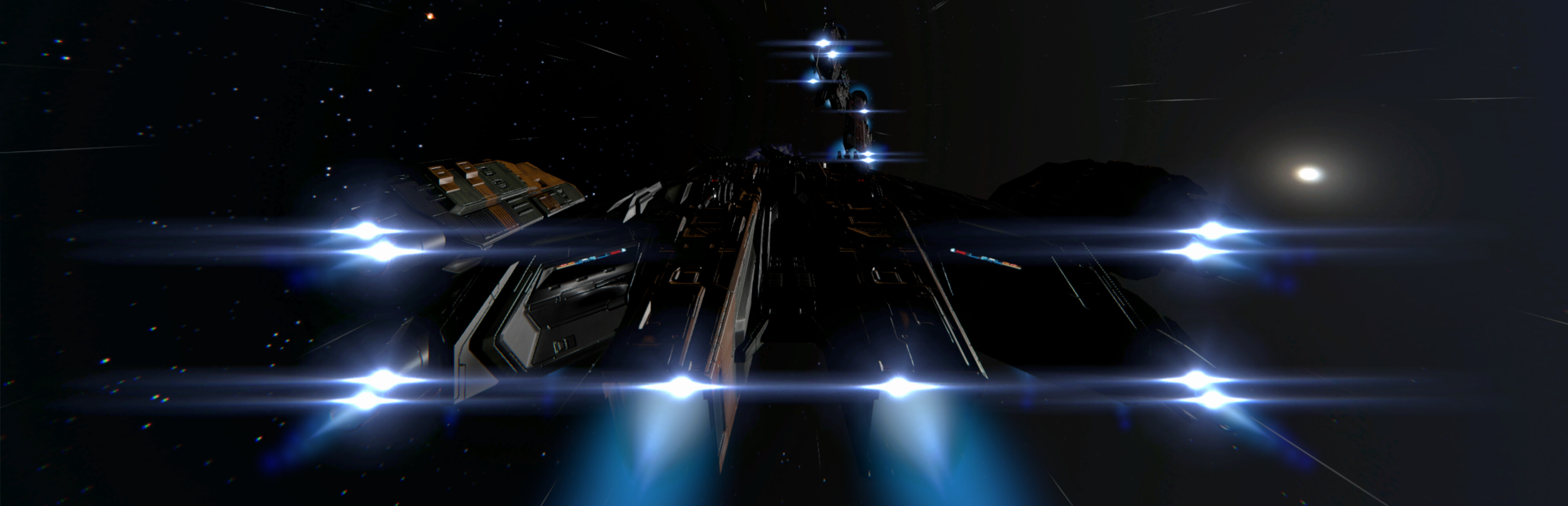
Improved lighting/shadows and made better use of engine graphics options for game graphics quality settings from Medium to Ultra
More targeting actions for Monitored, Wingmen, and who's talking
The Command Panel has visual improvements and additional actions
Known Issues
Autospeed match 'close' setting does not work as expected (but won't soft lock progress when required, and may require a little patience when used in scripting for Chapter 03 Mission 03 if you feel otherwise)
Mesh fitting detailed (ship vs weapon collisions) and simple colliders (ship vs ship collisions) required for opponent faction ships (Fighter, Gunship, Carrier)
Jump-out animations are not scaled correctly for ships bigger than a gunship
Added
Keybindings for targeting monitored structures in Flight controls
Keybindings for targeting wingmen in Flight controls
Keybinding for targeting the current talker in Flight controls
Added new actions to the Command Panel "Targeting > General" category: Next/Prev Monitored, Next/prev Wingmen and Current Talker
Added new category to Command Panel: Flight Controls
Added new actions to the Command Panel Flight Controls category: Reverse Speed toggle, Match Speed toggle, Match Speed Range Modes Slide cycle, Flight Control toggle, Activate Autopilot
Command Panel control fallback when a flight control action referenced by help glyphs not assigned to gamepad button (tutorial stuff)
Command Panel control fallback will breadcrumb to the desired control not mapped to a gamepad button (if it exists as a Command Panel action)
Command Panel context sensitive text panel based on category and/or action button highlighted
Help glyphs are shown next to the Command Panel for its navigation controls
Changed
Adjusted the font sizes on the flight HUD text assets to meet Steam Deck font size recommendations/preferences
New rendering quality settings applied to video quality settings from Medium upwards, improving visual fidelity on higher settings
Adjusted the shadow rendering settings for improved shadow effects when projected shadows are further away from the camera
Changed default gamepad binding for Full Primary in Flight Group 1 category
Changed default gamepad binding for Auto Targeting in Flight Group 1
Gamepad Start button can be now mapped in Flight Group 1-3 categories
Fixed
Closing the Options popup screen will no longer lose button focus on the Option button on the campaign menu, forcing gamepad users to use the mouse
Menu "Options > Video > Graphics Quality > Shadow Type" setting is no longer ignored
The mouse cursor refused to hide until mouse first moved after a scene load (affected gamepad users)
Source
Changelog.gg summarizes and formats this update. How we read updates.