
Full notes
Full Xuan-Yuan Sword: The Gate of Firmament update
Read the full published notes in a cleaner layout. The original post stays linked below.
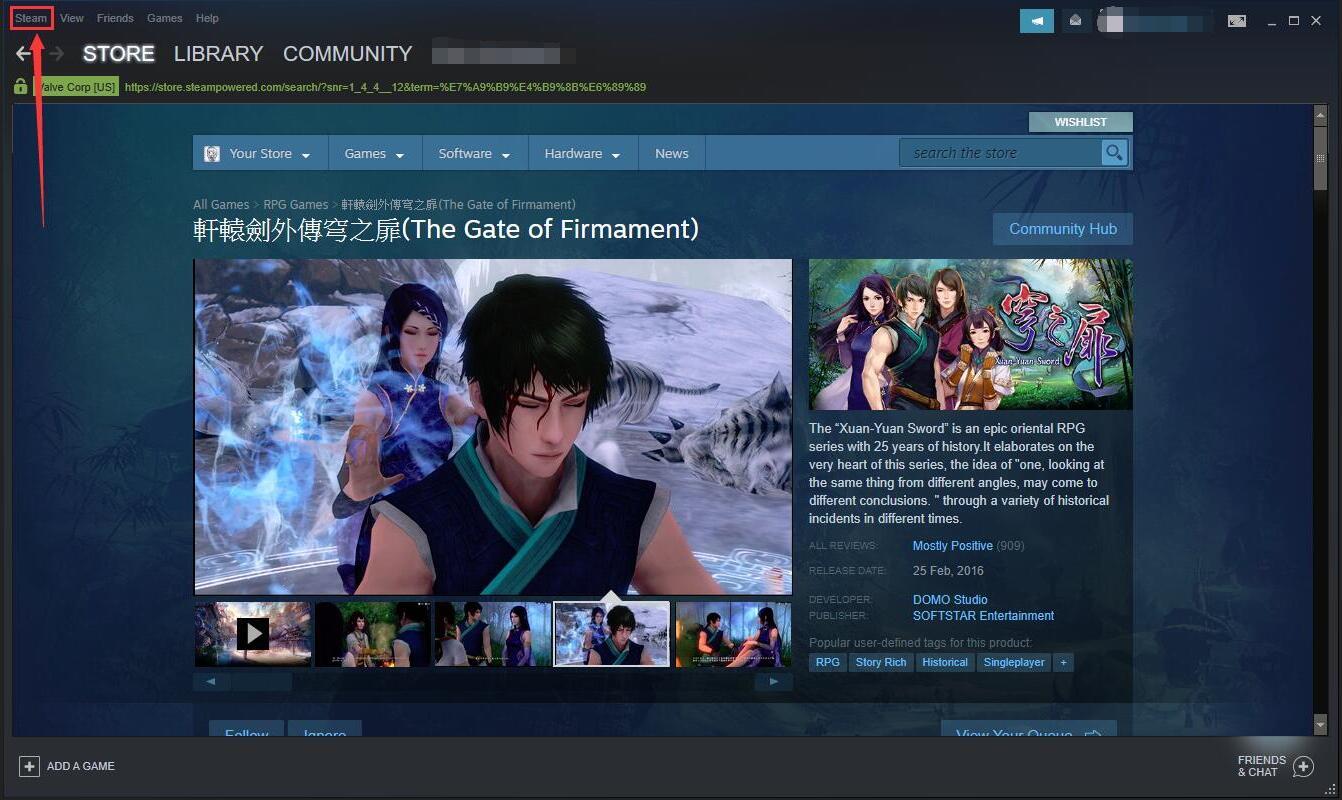
Since Steam has rolled out official support, players are able to use PS4 or Xbox controller to play the gate of firmament without installing any extra software or drivers. 1. To get your controller set up on Steam, launch the Steam client and click the steam icon at the top.
Go to “settings” , “Controller”,choose ”general controller settings”
choose the controller configuration support,then plug your PS4 controller in via a micro USB cable.
After finishing that,please reboot Steam to apply the changes. Wish you have a wonderful time in our game~
Source
Changelog.gg summarizes and formats this update. How we read updates.