
Full notes
Full XpCade update
Read the full published notes in a cleaner layout. The original post stays linked below.
What changed
- Gameplay
- UI and audio
XpCade changes
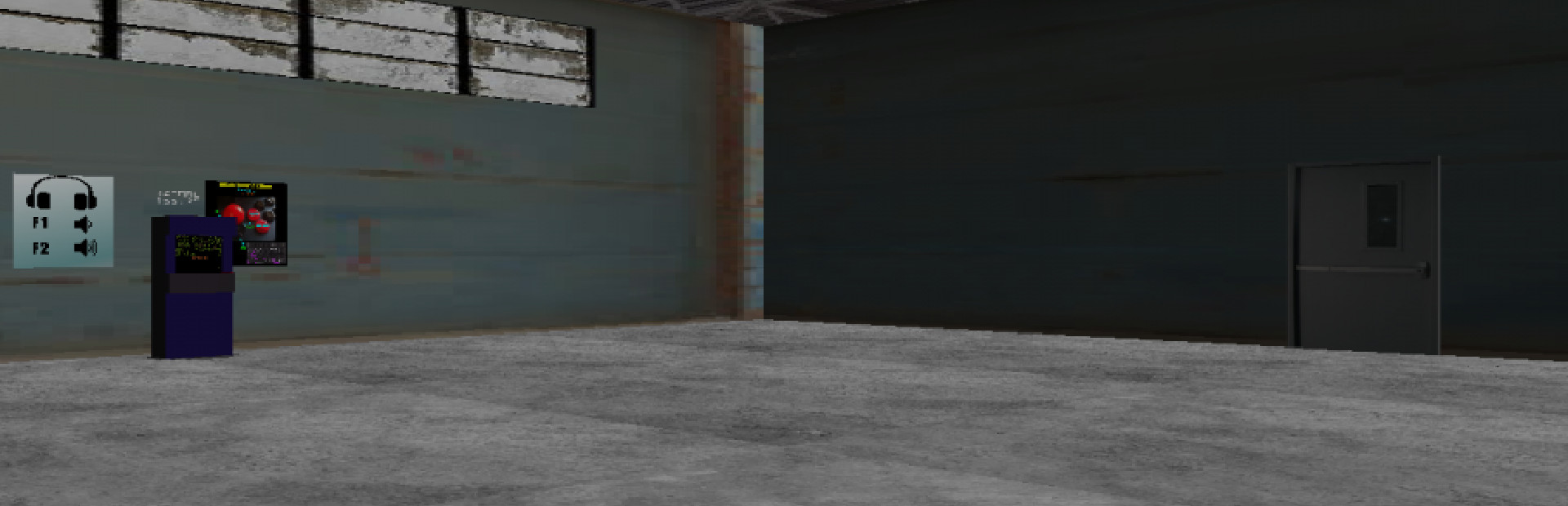
Game has been changed almost completely. Now it's a survival horror. We are still work in progress to improve your experience. Play and program in the arcade room, explore the wasteland, find supplies and survive giant spiders.
Game is still in development, so subscribe and stay tuned. Game may change during the development.
We already have an XpCade project running on Steam, this prototype is going to be the base for the next update to it, when finished.
follow me on twitter
https://twitter.com/ginodp2015
@ginodp2015
learn program the arcade with theAdapter language,
Player control:
Keyboard:
WASD - Arrows : move and rotate
E: interact / hold to strife
Space: Fire
Q: Jump
Joystick:
Stick: move and rotate
Button 0: Interact
Button 1: Fire
Button 2: Jump
Programmable arcade:
Write theAdapter code in any code text editor.
Select and copy all the code in your clipboard.
Paste the code with E in the terminal near the programmable arcade
Check docs on
http://ginodipierro.altervista.org/wpadapter/?p=990
Source
Changelog.gg summarizes and formats this update. How we read updates.