
Full notes
Full Word update
Read the full published notes in a cleaner layout. The original post stays linked below.
What changed
- UI and audio
- Events
- Balance
Word changes
Menus and Buttons
Watch the video in the Community Hub about the menu and buttons!
At a glance, you can see your progress on most menus:
Sliders on buttons show progress.
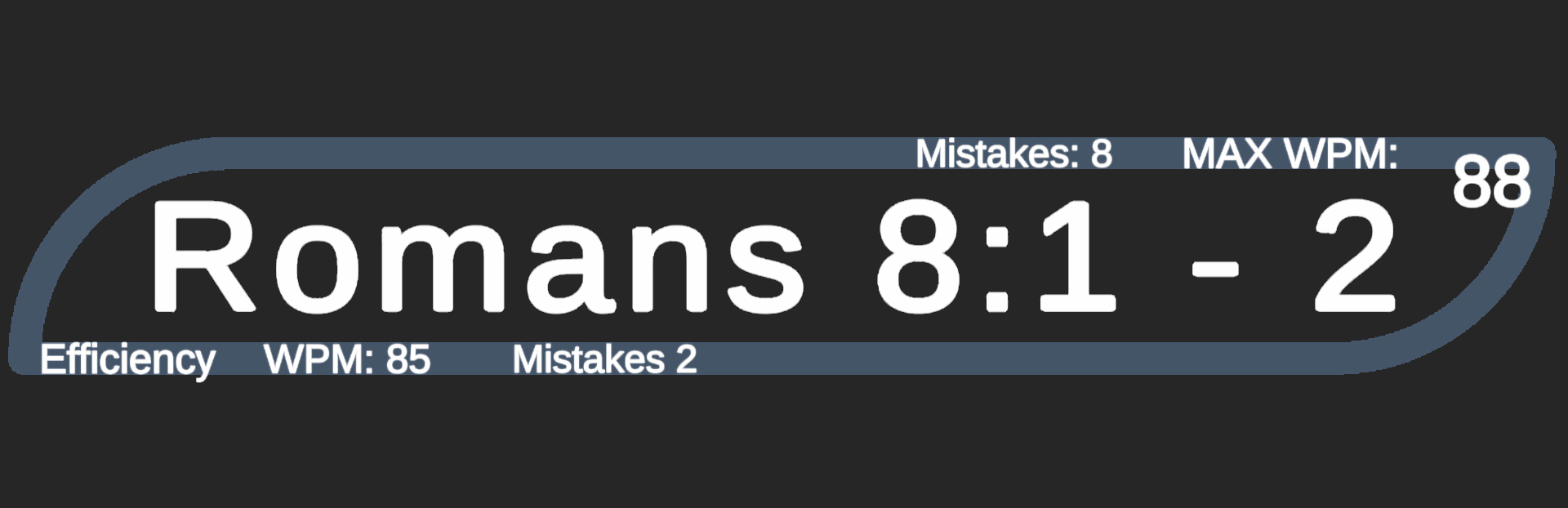
Text on buttons offer info.
Sliders at the bottom of most menus show progress in context.
The progress menu shows the entire Bible at a glance.
Options Menu:
Change the playlist!
Volume slider controls Menu playlist volume, button sounds and Error sound (when playing)
Pause Menu:
Pausing does not damage your WPM (other than the time it takes to press escape).
The volume slider controls only the playtime Playlist (not the menu playlist).
Turn off the Error sound.
Turn off the Low Light Mode to see the mountains!
Main Menu (SECRETS):
Try pressing 'L'
Have you clicked the lantern yet?
Source
Changelog.gg summarizes and formats this update. How we read updates.