
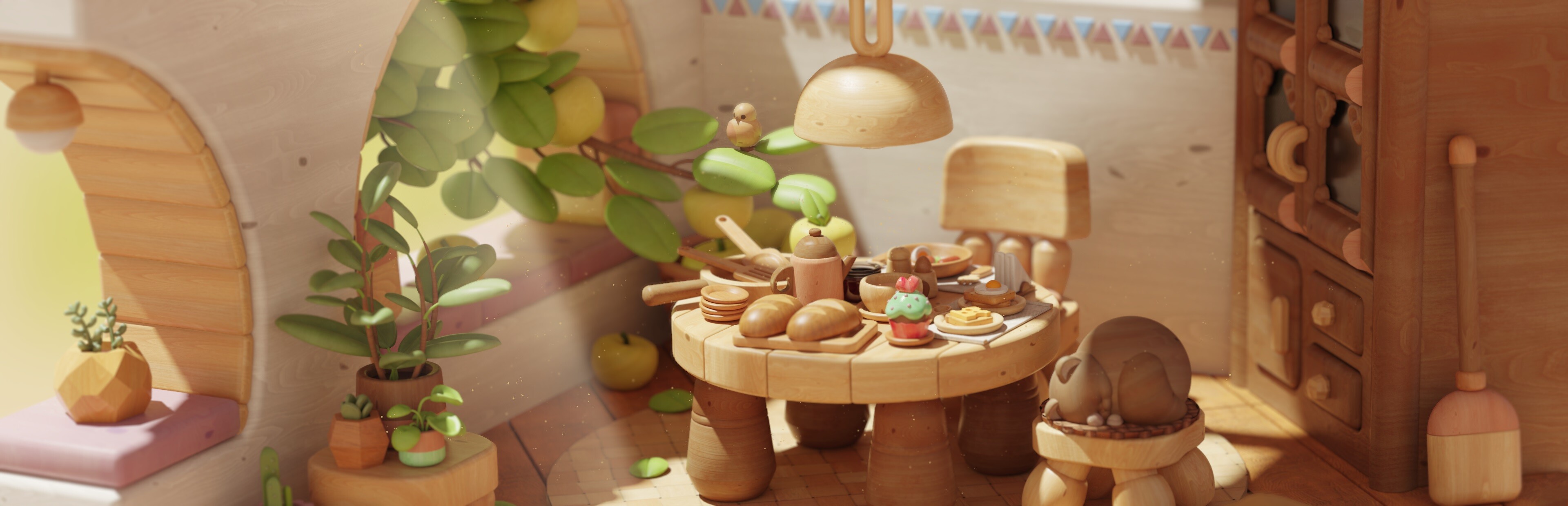
In this update8
Full notes
Full Woodo update
Read the full published notes in a cleaner layout. The original post stays linked below.
What changed
- Gameplay
- UI and audio
- Events
- Balance
Woodo changes
Hey cozy villagers!
Long time no see, right?
Over the past month, we’ve been working on a big demo update based on your survey feedback. Thank you so much for your thoughtful responses and warm words. 🦊🧡🐸 Here’s what’s new in the demo:
Camera panning
Zooming in on objects
Improved controls
Hint system
Expanded settings
New tutorial
Progress bar
Camera panning
One of the most requested features is now in the demo! 🥳
You can pan when zoomed in on objects. It’s disabled in the default camera view (the view when you see the whole diorama and rotate around it), so you won’t accidentally discover our low-poly background secrets and imperfections. 🤭
Zooming in on objects
You can now click almost anywhere to zoom in. There are no more predefined focus points. Finally, full freedom to explore every little detail. Helpful for gameplay… and perfect for photo mode. ✨
Controls
Some of you told us your wrists hurt when playing with a mouse, so we made it more comfortable.
Now you can choose: drag and drop pieces, or click once to attach a piece to your cursor. Yes, it is so intuitive!
Since you no longer need to hold the mouse button, you can now rotate the scene while holding a piece. Gamepad users could already do this—now mouse users can too. 🥳
You can even zoom in (by clicking the object with the right button) while holding a piece!
Panning while holding a piece isn’t possible yet… but hopefully in the full release.
Hint system
Most of you don’t use hints because, I know, you enjoy the challenge. But we believe that simply knowing a hint is available makes the experience more relaxed. No pressure at all.
You can pick any (!) object in the Object Panel and see where it belongs. How cool is that! 😃
The hint works in two steps:
First, it moves you toward the right area
Then, it highlights the exact spot
This gives you a chance to figure things out yourself before the game becomes more direct.
You can also adjust how strong the highlighting is in the settings. Turn it off completely to see only the area, or turn it on to see the exact place immediately.
Expanded settings
Adaptive Assistance When it’s ON, the easiest pieces appear first in the Object Panel. These are usually bigger or have clearer shapes. As you place more pieces, the puzzle naturally becomes easier.
By default, the game watches your pace and decides whether assistance should be active.
You can turn it off at any time. Magnetism
This controls the snap distance. Some of you asked to reduce it or remove it completely, so now you can adjust it yourself.
New tutorial
Many of you said the game feels intuitive, but we still believe a small tutorial in Foxy’s notebook can help you feel more confident and not get lost.
It was such a pleasure to create these little pages. I really love how they turned out. Do you? 😄
Progress Bar
Last but not least, we added a progress bar so you always know how many pieces are still ahead of you. We got inspired by real-life Lego sets. 🤭
If you’ve read this far, you’re definitely a Woodo fan, and we appreciate it so, so much! 💖
And if you’re new here, here
Source
Changelog.gg summarizes and formats this update. How we read updates.