
In this update3
Full notes
Full Welcome to Elk update
Read the full published notes in a cleaner layout. The original post stays linked below.
What changed
- Compatibility
- Gameplay
- UI and audio
- Performance
- Fixes
Welcome to Elk changes
Dear Elk Tourist 💌
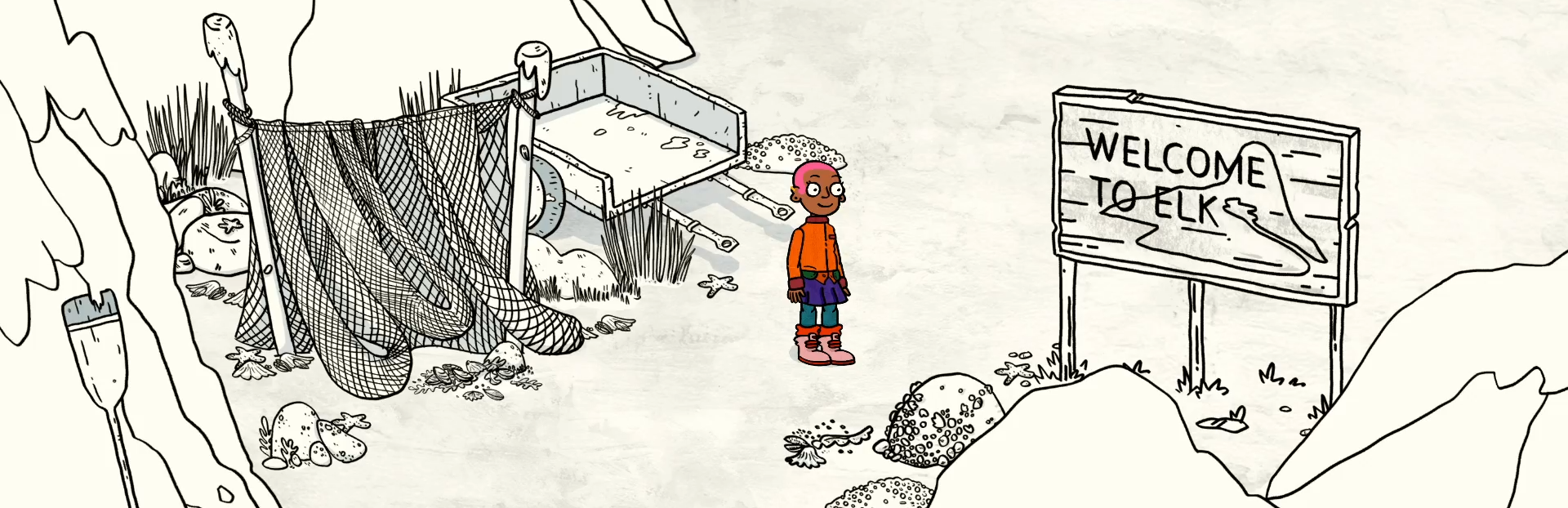
We've just released a patch that brings Welcome to Elk to Linux! Until February 17, Welcome to Elk is 20% off to celebrate. (That's not the only platform it's launching on but we won't talk about that here... 🤫)
Please note: Welcome to Elk is not automatically able to use Proton, so you must enable it manually to play the game. Instructions on how to do that can be found here. Please let us know if you have any questions.
Share a Story with Us
If you haven't already, you can join us for a chat on Discord or keep an eye out for some big news on our Twitter soon 👀
Patch Notes:
Added
Text scaling throughout the whole game. Can be changed from options or the settings menu.
Saving icon that shows while the game is being saved.
Game saves are now synced with Steam Cloud.
Enable Proton support for Linux.
Add support for Apple Silicon
Squishy blue easter egg.
Running and honking easter egg.
Big easter egg that likes to hide near running water.
Changed
Small performance improvements.
Quit-button is now disabled while the game is saving.
Fixed
Problem where controllers wouldn’t work if multiple controllers are connected. Ex. if you have a joystick or steering wheel connected, but want to play with a gamepad.
File progress not updating when deleting save.
Completed saves having a progress off 99% instead of 100% (thanks franplants!)
Bug where players could get stuck on the faces game, when using all stickers on the first balloon.
Bug where golfball wouldn’t fire on some controllers.
Korean fonts being grey in the menu.
Various fixes to translations.
Fix videos not playing through Proton on Linux.
Source
Changelog.gg summarizes and formats this update. How we read updates.