
HomeGamesUpdatesPricingMethodology
Steam News9 November 20178y ago

New Update: Checkpoint System

Update Change List: Added community requested save feature (there are 4 checkpoints which can be unlocked once passed, they are titled by the 4 songs and can be accessed from the menu level) Holding the run key in Deskt

Full notes

Full Water Planet update

Read the full published notes in a cleaner layout. The original post stays linked below.

What changed

0 fixes2 additions2 changes0 removals
  • Gameplay
addedAdded community requested save feature (there are 4 checkpoints which can be unlocked once passed, they are titled by the 4 songs and can be accessed from the menu level)
changedOther minor improvements
changedMore about the saved checkpoints system: We're happy to announce a new checkpoint system that saves your progress between levels. You will now be able to revisit any level of the game as you unlock each checkpoint. We hope this new system makes for a more enjoyable experience while visiting Water Planet. Checkpoints are titled after the four main songs in Water Planet:
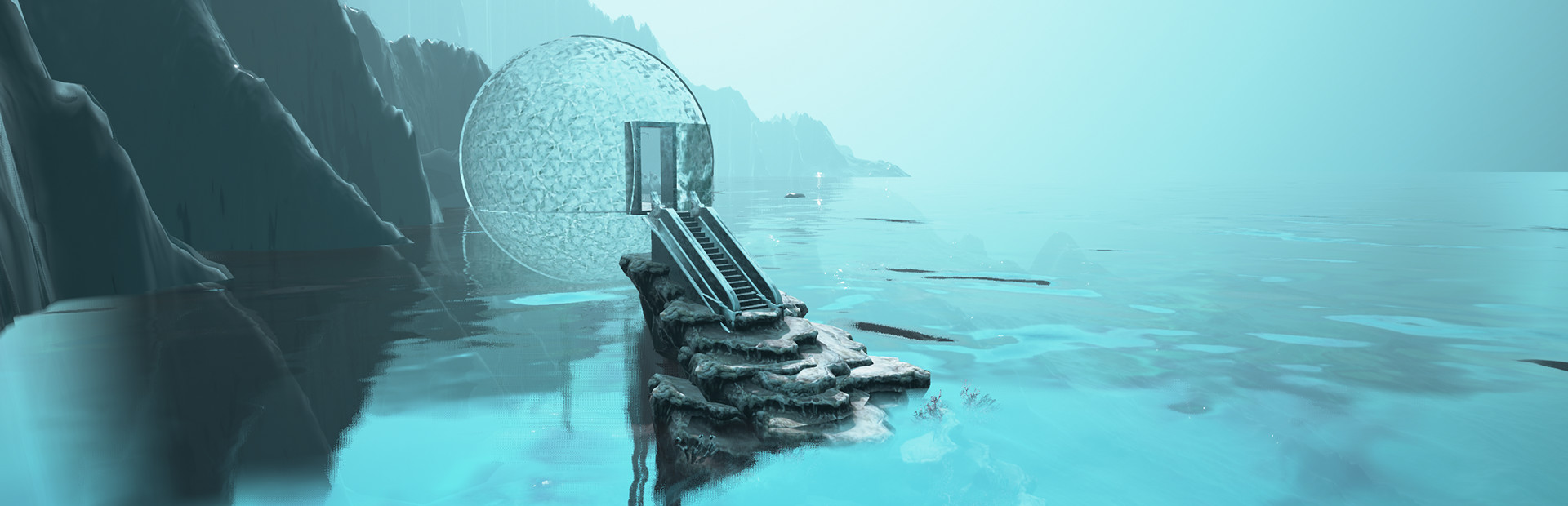
addedScenes from the levels will appear inside the display orbs. When you near a display orb, the level name will appear and you may now enter that level by either pressing "E" or the corresponding "Interact" control on the game-pad or VR Controllers.

Update Change List:

  • Added community requested save feature (there are 4 checkpoints which can be unlocked once passed, they are titled by the 4 songs and can be accessed from the menu level)

  • Holding the run key in Desktop mode now increases swim speed when underwater

  • Other minor improvements

More about the saved checkpoints system: We're happy to announce a new checkpoint system that saves your progress between levels. You will now be able to revisit any level of the game as you unlock each checkpoint. We hope this new system makes for a more enjoyable experience while visiting Water Planet. Checkpoints are titled after the four main songs in Water Planet:

  1. 622514

  2. Dissolve

  3. hologamma

  4. Disappear

Scenes from the levels will appear inside the display orbs. When you near a display orb, the level name will appear and you may now enter that level by either pressing "E" or the corresponding "Interact" control on the game-pad or VR Controllers.

Source

Steam News / 9 November 2017

Open original post

Changelog.gg summarizes and formats this update. How we read updates.