
Full notes
Full Warrior Is Just Going update
Read the full published notes in a cleaner layout. The original post stays linked below.
What changed
- UI and audio
- Balance
- Gameplay
- Fixes
- Store
Warrior Is Just Going changes
v.DEMO.046
When starting without using Quick Equip, a UI prompt will appear, and the game will begin with no items equipped.
If Quick Equip is used, all items will be equipped at the start.
(Quick Equip usage is determined based on this patch version.)
The price of the Small Dreamweaving Statue has been increased from 750 to 1000.
A Defence button has been added in Act 1 and 2. (Currently disabled.)
The bag UI now scales according to its size.
When obtaining stat items while Auto Use is enabled, a sound effect will now play.
Item UI Improvements
Clicking the name of a crafted item in the item info window will now open its detailed view.
Fixed an issue where the detailed item window would close when clicking anywhere.
Clicking a crafted item or its materials in the detailed window will now open their respective info windows.
The current item count is now displayed.
Dreamweaving Statue & Crafting
The number of Thought Shard owned is now displayed above the crafting list.
When conditions are met to use Thought Shard during crafting, this will now be indicated via text.
Equipped items can now be placed into Dreamweaving Statue or Thought Forge slots.
Craftable items are now listed before non-craftable items.
Buttons for the Dreamweaving Statue and crafting recipes have been slightly moved to the right.
UI Changes
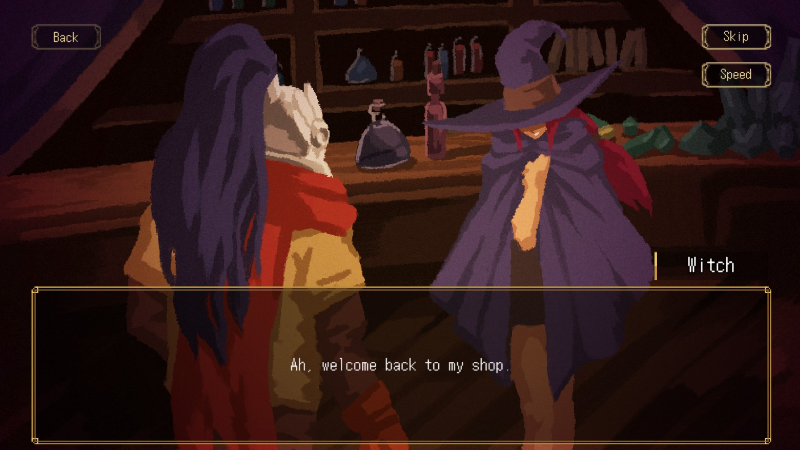
Dialogue is now aligned to the left instead of centered.
Chapter buttons in the Residual Thought UI have been moved to the top.
Fixed an issue where the border of monsters dropping specific items in the archive was too thick.
The Boss Memory scroll bar color has been changed to blue.
Bug Fixes
Fixed an issue where the Dream-Enhancing Stone text in the shop used an outdated version.
Fixed a bug where Steel Arms appeared in Chapter 2 incorrectly.
Fixed bugs related to equipping locked items and talismans.
Fixed a bug where magic items would disappear when pressing the Get button in Auto Equip, even at max capacity.
Fixed issues related to the Thought Forge.
Fixed issues related to the Small Dreamweaving Statue.
Source
Changelog.gg summarizes and formats this update. How we read updates.