
In this update5
Full notes
Full Warplanes: WW1 Fighters update
Read the full published notes in a cleaner layout. The original post stays linked below.
What changed
- Gameplay
- Compatibility
- Fixes
- UI and audio
Warplanes: WW1 Fighters changes
On Friday we’ve released 2.0.1 hotfix for the most common issue with missing grip on VIVE Wands and WMR controllers. We are still getting reports that thumbsticks and some buttons on WMR controllers (ex. Lenovo Explorer) are not working properly – we’ll deal with those issues this week.
Hotfix changelog
VIVE Wands and WMR controllers – partial compatibility added.
Resetting position issues fixed.
Comfort mode on distant FOV adjustments.
Pause during taking off bug – fixed.
Number of devices makes testing of all configurations quite difficult – so any detailed reports are much appreciated. We are a small studio that just entered the VR market. We don’t want to treat you as testers, we don’t want to sell you a game that doesn’t work as you expect either. That’s why we released a demo and we kindly ask for your help.
Controllers compatibility list – help needed
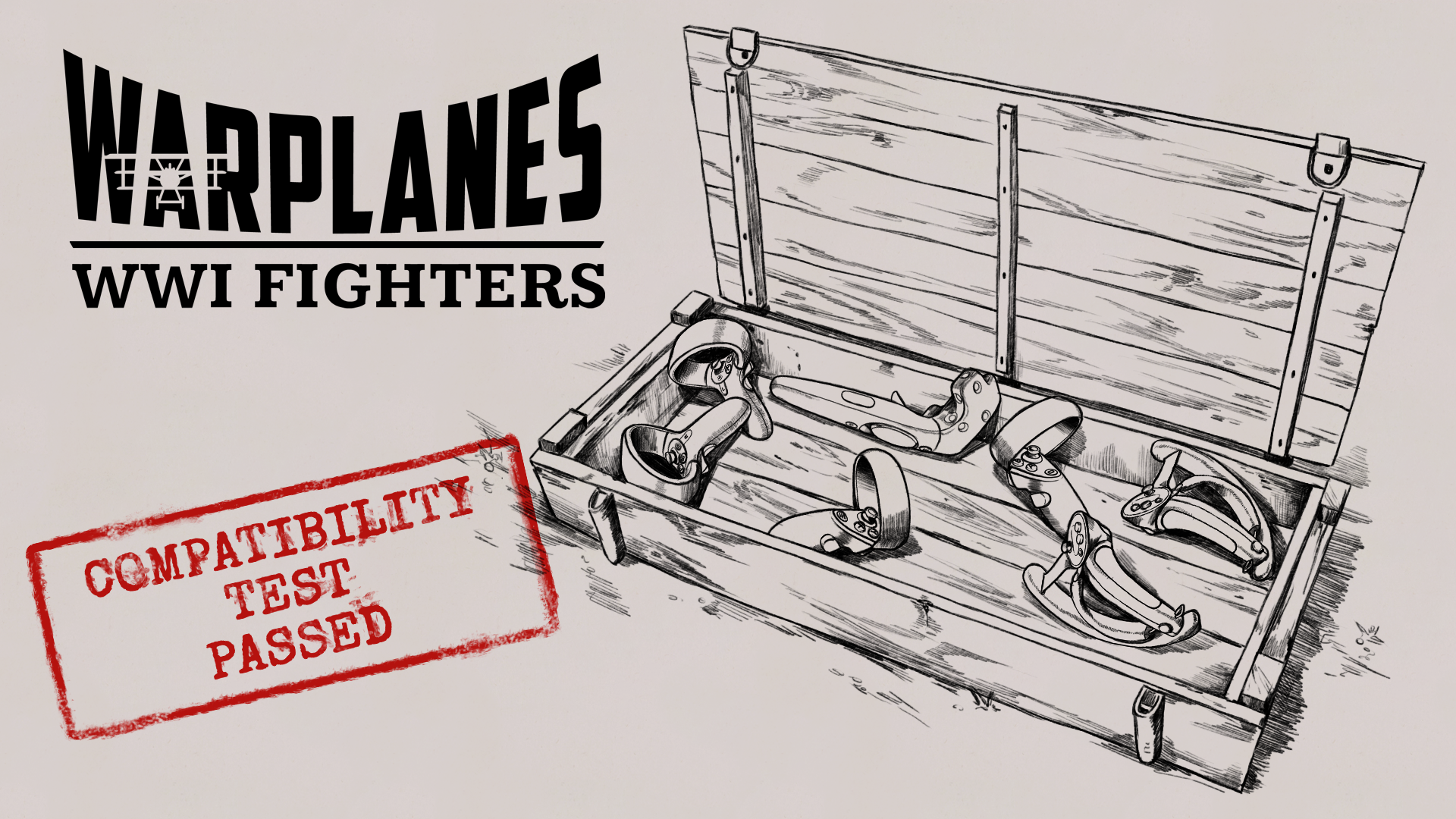
This is our compatibility list. If you own hardware from a not supported list (Not tested controllers), we’d be extremely grateful if you could install the demo and report the issues and your hardware name. To make it easier, we also listed probable issues and expected behaviour for specific controllers.
Tested controllers
No compatibility issues known:
Oculus Touch (Rift, Rift S, Quest, Quest 2)
Valve Index
VIVE Cosmos
HP Reverb G2
Not tested controllers
WMR controllers
Lenovo Explorer
Samsung HMD Odyssey+
Other WMR controllers
Are there problems with the grip and punching machine gun handle (faster reload)?
Is moving the left thumbstick up / down causes increasing / decreasing speed of the plane (alternative controls of virtual throttle from the cockpit).
Is pressing the left thumbstick opens Steam overlay?
Is pressing the menu button opens the pause menu (settings)?
VIVE Wands (gen 1 and 2)
Are there problems with the grip and punching machine gun handle (faster reload)?
Is pressing menu button on the left controller is causing switching plane (2 planes must be unlocked and set to “Fly to mission”, possible in the demo)
Is moving your finger up / down on the touchpad causes increasing / decreasing speed of the plane?
Is pressing the left touchpad (click) copens pause menu (settings)?
Is pressing the left system button opens Steam overlay?
HOTAS support
After resolving those issues we plan to work on HOTAS support starting with Thrustmaster T.16000M, after your initial feedback we’ll do our best to expand the list of supported devices.
What's your expected controls with HOTAS support? Our idea is to combine motion controllers for menu navigation, dropping bombs, using flare gun, and add HOTAS for flaps and rudder. Let us know wthat you think.
Thank you for your feedback and warm welcome on Steam!
Source
Changelog.gg summarizes and formats this update. How we read updates.