
Full notes
Full Virtual Exhibition update
Read the full published notes in a cleaner layout. The original post stays linked below.
What changed
- Gameplay
- UI and audio
- Compatibility
This is my first big update with new features and content for the Virtual Exhibition. With this update I also want to demonstrate what you can expect from this application. My goal is to add new content and functions from time to time. I also don't want to stress myself with announcements, which may not be kept. For this reason, updates are published at irregular intervals and may be very sudden.
In this update I integrated several objects you can interact with. Mainly two books that are exact replicas of the books in the real world. But there are also some objects you might want to take with you. If you approach a book, it will be highlighted as soon as you are in range to interact with it. To interact you can use E or Left Mouse.
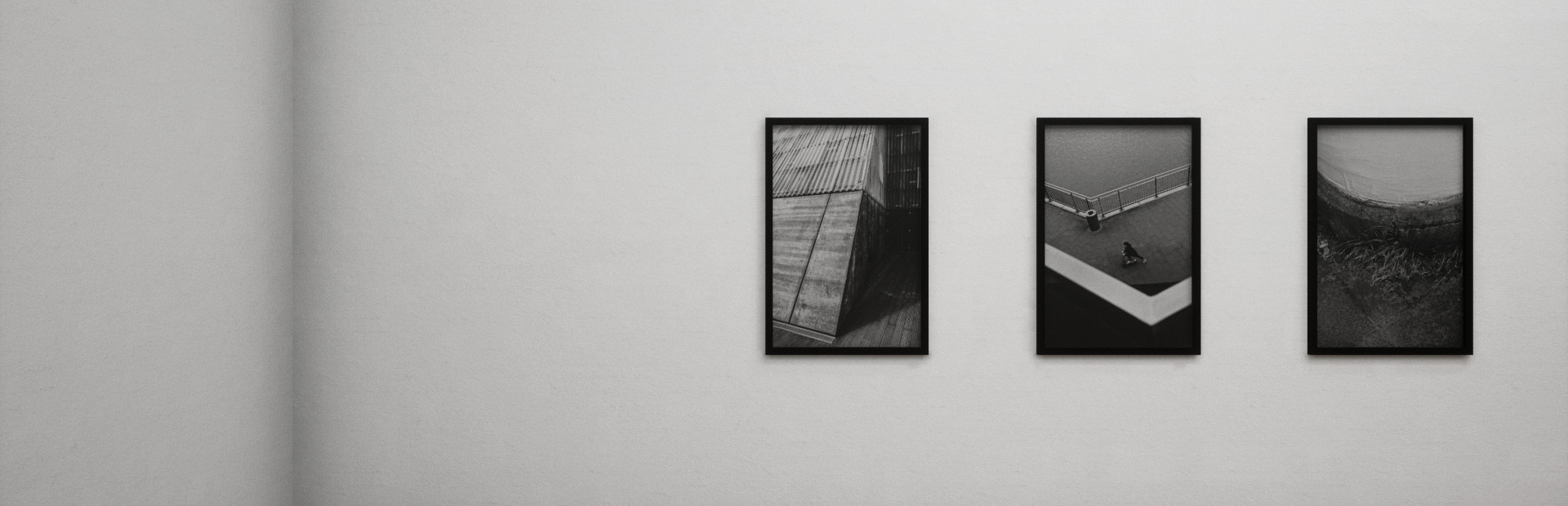
Besides interaction and books, new photographers were added to the exhibition. These are Fabian Reiche and Kersten Glaser (me). Adding my own exhibition gave me the opportunity to let my creativity run free, to go beyond the limits of what is possible in reality.
However, I cannot say often enough how positively surprised I am about the small community that has already formed. You inspire me to keep developing. Thanks to all of you!
I hope you enjoy this update!
-Kersten
New Features
Interaction
Readable books
New Content
Photographer Fabian Reiche
Photographer Kersten Glaser + book
Added the book of Robert Krenciszek to the exhibition
QR-Codes
Fixes
Complete overhaul of the light
Adjusted some sound effects
Adjusted glass effects
Linux Support Cancelled
I cancel the support for Linux (for now) because I don't have the necessary skills. Maybe in the future I'll find someone to do that for me, or I'll get better. I hope you can understand that. I'm very sorry.
Source
Changelog.gg summarizes and formats this update. How we read updates.