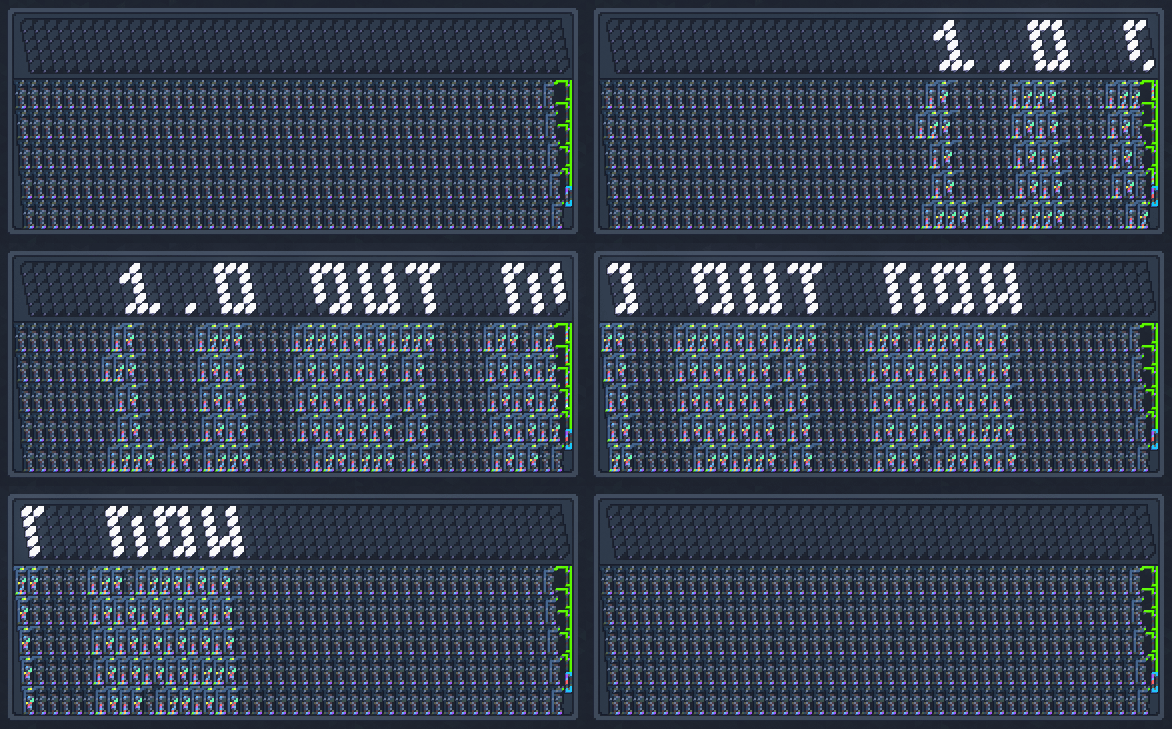
Hi everyone! I'm glad to announce that the 1.0 update is now available, marking the end of Virtual Circuit Board's Early Access journey! Check out the full list of changes below.
In this update4
Full notes
Full Virtual Circuit Board update
Read the full published notes in a cleaner layout. The original post stays linked below.
What changed
1 fix4 additions0 changes0 removals
Gameplay
UI and audio
Fixes
addedI'm glad to announce that the 1.0 update is now available , marking the end of Virtual Circuit Board's Early Access journey!
addedBlueprint LibraryAdded a Blueprint Library that allows players to create their own collection of circuits, complete with titles, descriptions, and tags. The library displays preview images of the blueprints, includes search functionality, and supports tag-based filtering for easy navigation. - Adjusted the blueprint format to support text data blocks for the blueprint’s name, description, and tags. More details can be found at the Blueprint Specification page in the User Guide.
addedSample ProjectsAdded a compact version of the 32-bit Computer.
addedUI/UXAdded shortcut for changing the current ink variant with “Ctrl + Shift + Wheel Up/Down”. - Added support for opening a project when a file path is passed as an argument to the game’s executable file. - Adjusted the Recent Projects list to display autosaved projects separately and include recently opened projects, not just recently saved ones.
fixedFixesFixed an issue where part of the VMem Editor panel invisibly extended beyond the sidebar’s limits, blocking input to the board. - Fixed Notes panel incorrectly highlighting words before parentheses. - Fixed selection tiling not including the decoration layers. - Fixed an issue where the Quit Confirmation Dialog would unexpectedly appear after saving a project with a new name (using “Save As”) if the player had previously canceled the quit operation.
Virtual Circuit Board changes
addedI'm glad to announce that the 1.0 update is now available , marking the end of Virtual Circuit Board's Early Access journey!
addedAdded a Blueprint Library that allows players to create their own collection of circuits, complete with titles, descriptions, and tags. The library displays preview images of the blueprints, includes search functionality, and supports tag-based filtering for easy navigation. - Adjusted the blueprint format to support text data blocks for the blueprint’s name, description, and tags. More details can be found at the Blueprint Specification page in the User Guide.
addedAdded a compact version of the 32-bit Computer.
addedAdded shortcut for changing the current ink variant with “Ctrl + Shift + Wheel Up/Down”. - Added support for opening a project when a file path is passed as an argument to the game’s executable file. - Adjusted the Recent Projects list to display autosaved projects separately and include recently opened projects, not just recently saved ones.
fixedFixed an issue where part of the VMem Editor panel invisibly extended beyond the sidebar’s limits, blocking input to the board. - Fixed Notes panel incorrectly highlighting words before parentheses. - Fixed selection tiling not including the decoration layers. - Fixed an issue where the Quit Confirmation Dialog would unexpectedly appear after saving a project with a new name (using “Save As”) if the player had previously canceled the quit operation.
Hi everyone!
I'm glad to announce that the 1.0 update is now available, marking the end of Virtual Circuit Board's Early Access journey!
Check out the full list of changes below.
Blueprint Library
Added a Blueprint Library that allows players to create their own collection of circuits, complete with titles, descriptions, and tags. The library displays preview images of the blueprints, includes search functionality, and supports tag-based filtering for easy navigation. - Adjusted the blueprint format to support text data blocks for the blueprint’s name, description, and tags. More details can be found at the Blueprint Specification page in the User Guide.
Sample Projects
Added a compact version of the 32-bit Computer.
UI/UX
Added shortcut for changing the current ink variant with “Ctrl + Shift + Wheel Up/Down”. - Added support for opening a project when a file path is passed as an argument to the game’s executable file. - Adjusted the Recent Projects list to display autosaved projects separately and include recently opened projects, not just recently saved ones.
Fixes
Fixed an issue where part of the VMem Editor panel invisibly extended beyond the sidebar’s limits, blocking input to the board. - Fixed Notes panel incorrectly highlighting words before parentheses. - Fixed selection tiling not including the decoration layers. - Fixed an issue where the Quit Confirmation Dialog would unexpectedly appear after saving a project with a new name (using “Save As”) if the player had previously canceled the quit operation.