
HomeGamesUpdatesPricingMethodology
Steam News16 July 20261mo ago

Verto Update notes for Version 1.2.1

Fixed analog stick movement feeling too fast/slippery compared to keyboard and D-pad Analog stick up now triggers quick drop, matching D-pad and keyboard Pause screen now has Restart and Main Menu buttons Pause screen n

Full notes

Full Verto update

Read the full published notes in a cleaner layout. The original post stays linked below.

What changed

4 fixes3 additions2 changes0 removals
  • Gameplay
  • UI and audio
  • Performance
fixedFixed analog stick movement feeling too fast/slippery compared to keyboard and D-pad
addedPause screen now has Restart and Main Menu buttons
changedPause screen now shows the button/controller guide
fixedFixed a bug where rapidly pressing Escape could flicker the pause screen and let gameplay continue behind it
fixedFixed how the game ends when a piece has nowhere to spawn, it now shows briefly before ending instead of cutting out instantly
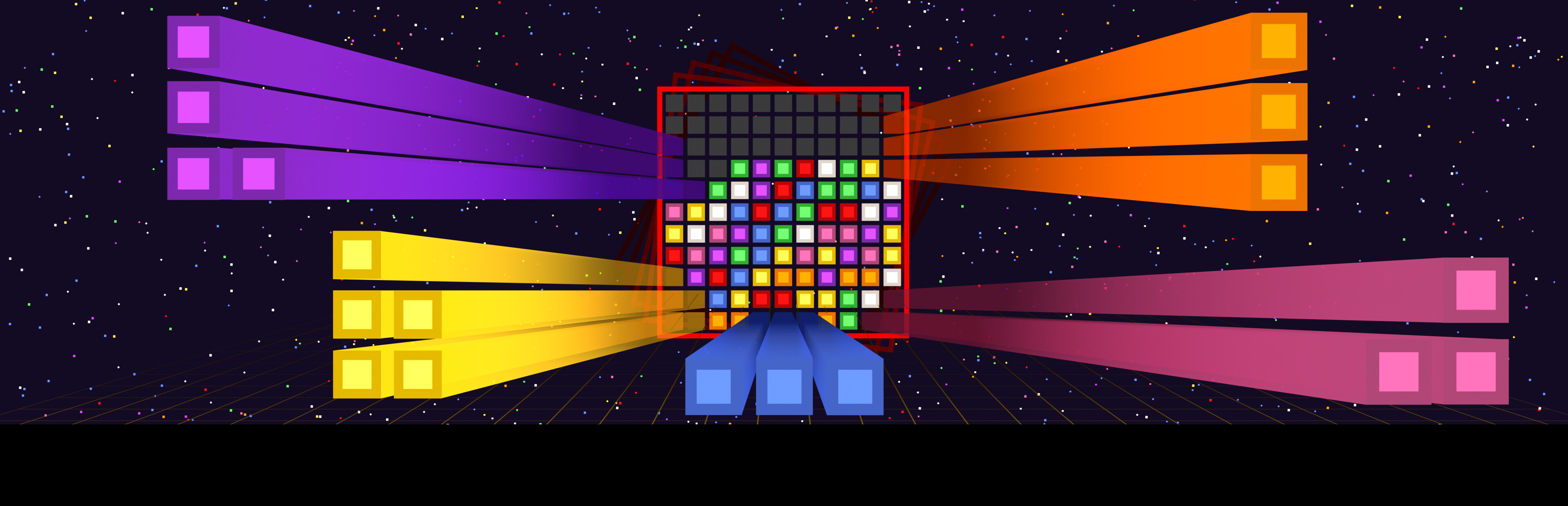
addedAdded rotation icons that light up to show which way the board is about to rotate

Verto changes

fixedFixed analog stick movement feeling too fast/slippery compared to keyboard and D-pad
addedPause screen now has Restart and Main Menu buttons
changedPause screen now shows the button/controller guide
fixedFixed a bug where rapidly pressing Escape could flicker the pause screen and let gameplay continue behind it
fixedFixed how the game ends when a piece has nowhere to spawn, it now shows briefly before ending instead of cutting out instantly
  • Fixed analog stick movement feeling too fast/slippery compared to keyboard and D-pad

  • Analog stick up now triggers quick drop, matching D-pad and keyboard

  • Pause screen now has Restart and Main Menu buttons

  • Pause screen now shows the button/controller guide

  • Fixed a bug where rapidly pressing Escape could flicker the pause screen and let gameplay continue behind it

  • Fixed how the game ends when a piece has nowhere to spawn, it now shows briefly before ending instead of cutting out instantly

  • Added rotation icons that light up to show which way the board is about to rotate

  • Updated the button and controller guide art on the main menu

  • Updated the main menu tutorial video to reflect the new rotation icons and controls guide

  • Fixed UI elements shifting or getting cut off on ultrawide monitors (21:9, 32:9), including the score display drifting off center

Source

Steam News / 16 July 2026

Open original post

Changelog.gg summarizes and formats this update. How we read updates.