
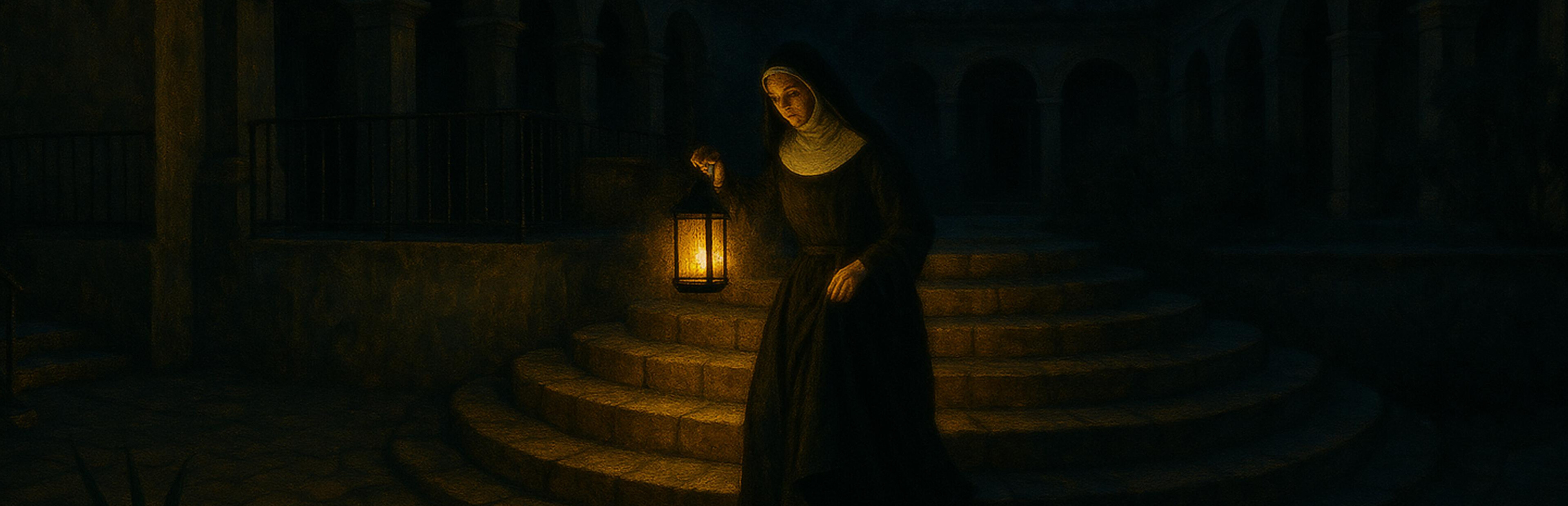
In this update3
Full notes
Full Valsa das Macaúbas update
Read the full published notes in a cleaner layout. The original post stays linked below.
What changed
- UI and audio
- Gameplay
Valsa das Macaúbas changes
📷 Photo Mode
Opens from the pause menu — the game freezes and the camera comes loose so you can frame the shot.
Depth of field with autofocus — point at Lucrécia and she stays sharp; you control how much the rest blurs.
Five filters — none, black and white, sepia, cold and warm.
Composition grid, zoom and the option to hide the character and shoot the scenery alone.
Photos go to your Pictures folder, with no interface in the image.
✨ Interface
The interface has sound — it used to be completely silent. Navigating, confirming, opening the inventory, combining items: it all answers back now.
More readable text on every screen, with outline and shadow so it reads over any scene.
The crosshair reacts — it grows and lights up when there's something to interact with.
Reworked dialogue — new background, portraits and a highlight on whoever is speaking.
Sliders and options styled like the game, instead of the engine's default grey.
Examining items now spins with inertia, over a cleaner image.
🐛 Fixes
The inventory submenu could drop your item by accident — moving down the list, the highlight vanished and Confirm fired "Drop". The worst of the batch.
The "Try Again" button on the death screen did nothing — not with keyboard, not with mouse, not with a controller.
Subtitles froze mid-sentence when picking up an item.
The loading bar never filled, and the destination name showed up as a code.
The Brightness slider showed 0, 1 or 2 instead of a percentage.
Thanks for playing — sweet nightmares. 🕯️
Source
Changelog.gg summarizes and formats this update. How we read updates.