
In this update15
Full notes
Full Ukrainian Fight Drone Simulator (UFDS) - FPV drone simulator update
Read the full published notes in a cleaner layout. The original post stays linked below.
What changed
- UI and audio
- Gameplay
- Performance
Ukrainian Fight Drone Simulator (UFDS) - FPV drone simulator changes
In this update, we focused on redesigning the control system, improving interaction with the simulator, updating the interface and enhancing overall stability and performance.
1. Completely Redesigned Control System
The input and command-mapping system has been significantly updated to provide more stable operation with radio controllers, gamepads, keyboards and mice.
2. Improved Simulator Interaction
Quick Mission Restart
A quick restart option has been added to the mission completion screen. Players can restart a mission using a previously assigned button on their radio controller or gamepad.
Pressing the button starts a three-second countdown, after which the mission restarts.
Switching Post-Mapping Profiles
Configured post-mapping profiles can now be quickly switched while using the simulator:
by pressing L on the keyboard;
by pressing an assigned button on the radio controller.
New Control Method
A new control scheme using the keyboard and mouse cursor has been added.
3. Drone Turbulence
The option to enable turbulence has been added for all available drones except:
CineWhoop;
1M-BA.
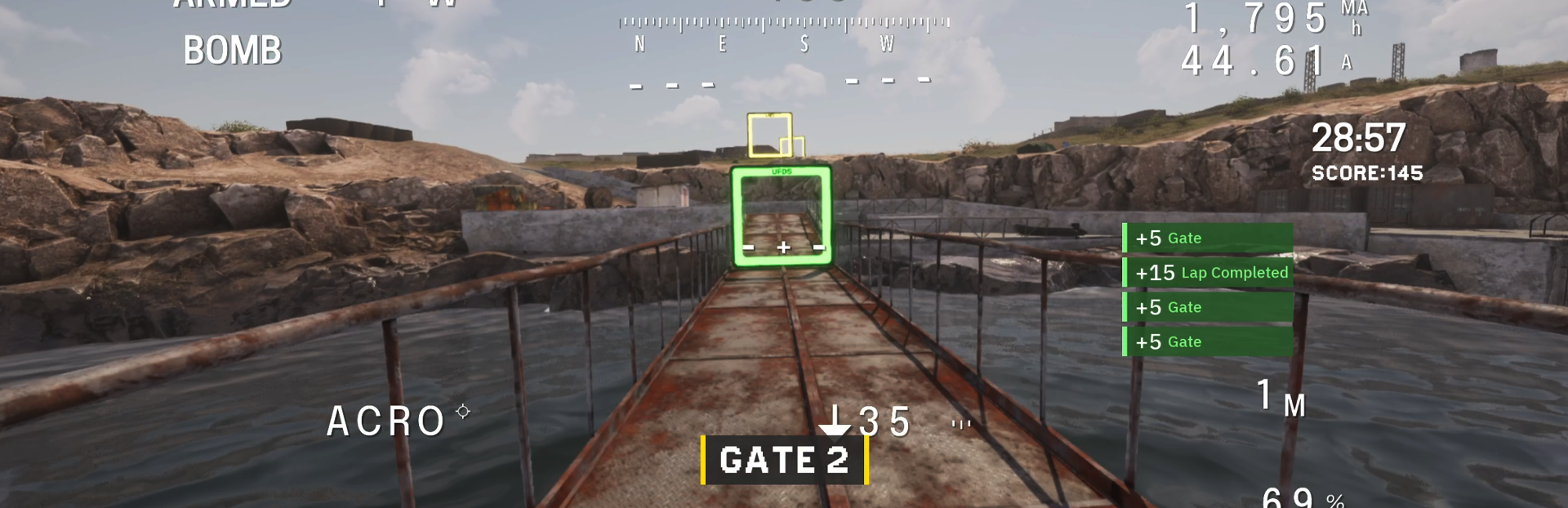
4. New Fight&Flight Racing Mission
A new racing mission, # 197, has been added for the Fight&Flight competition.
5. Spectator Mode in Racing Missions
Spectator mode has been added to the in-game lobby for racing missions.
To enter spectator mode during an online session, load the level, open the menu, and select SPECTATOR.
Please note that spectator mode is unavailable when you are the last active player remaining in the lobby.
6. Improved Tutorials and Initial Setup
The clarity and informativeness of the following elements have been improved:
tutorial missions;
initial simulator setup;
control method selection;
control device calibration.
7. Interface Updates
The following screens have been partially redesigned:
calibration screen;
multiplayer screen;
screen for joining an existing multiplayer session.
8. Updated Simulator Settings
Controls
An input monitor has been added. It displays active signals and commands from the connected control device in real time.
This makes it easier to check channels, buttons and axes during setup and calibration.
Audio
Audio settings have been divided into separate options:
sound effects volume;
voice volume.
Graphics
The option to select a DirectX version has been removed.
The simulator now runs exclusively on DirectX 12.
9. Device Connection Notifications
Pop-up notifications have been added to inform players when control devices are connected or disconnected during a mission.
10. Performance and Stability
The simulator’s overall performance and the stability of its core systems have been improved.
We have also fixed numerous critical and minor issues identified in the previous version.
Source
Changelog.gg summarizes and formats this update. How we read updates.