
Full notes
Full Typing Farmer update
Read the full published notes in a cleaner layout. The original post stays linked below.
Repeated intro
Hello farmers!
What changed
- Gameplay
- Balance
Typing Farmer changes
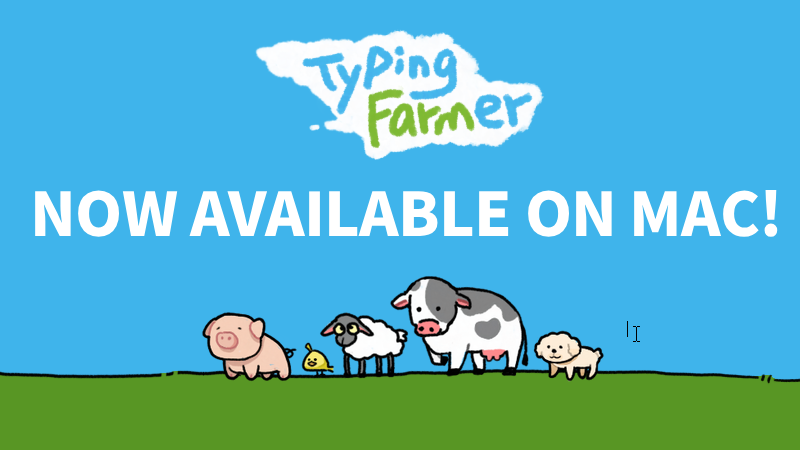
Typing Farmer now officially supports Mac. If you already own Typing Farmer on Steam, you can now install and play this desktop idle game on your Mac device.
In the Mac version, you can still keep your little farm on your desktop while typing, working, studying, or creating. Grow crops, take care of animals, complete orders, and decorate your own desktop farm as part of your everyday computer time. Features such as multiplayer and cloud saves have also been adapted for Mac, so you can continue farming with friends and sync your progress across devices.
To celebrate the launch of Mac support, we will also be running a 10% discount at the same time. If you haven’t joined the farm yet, this is a good chance to bring Typing Farmer to your desktop.
Thank you for all your support and feedback! We hope the Mac version lets more players enjoy a cozy little farm that grows alongside their daily routine.
Source
Changelog.gg summarizes and formats this update. How we read updates.